214683 192 Revision A
Calibrating the Header (Gleaner S9 Series)
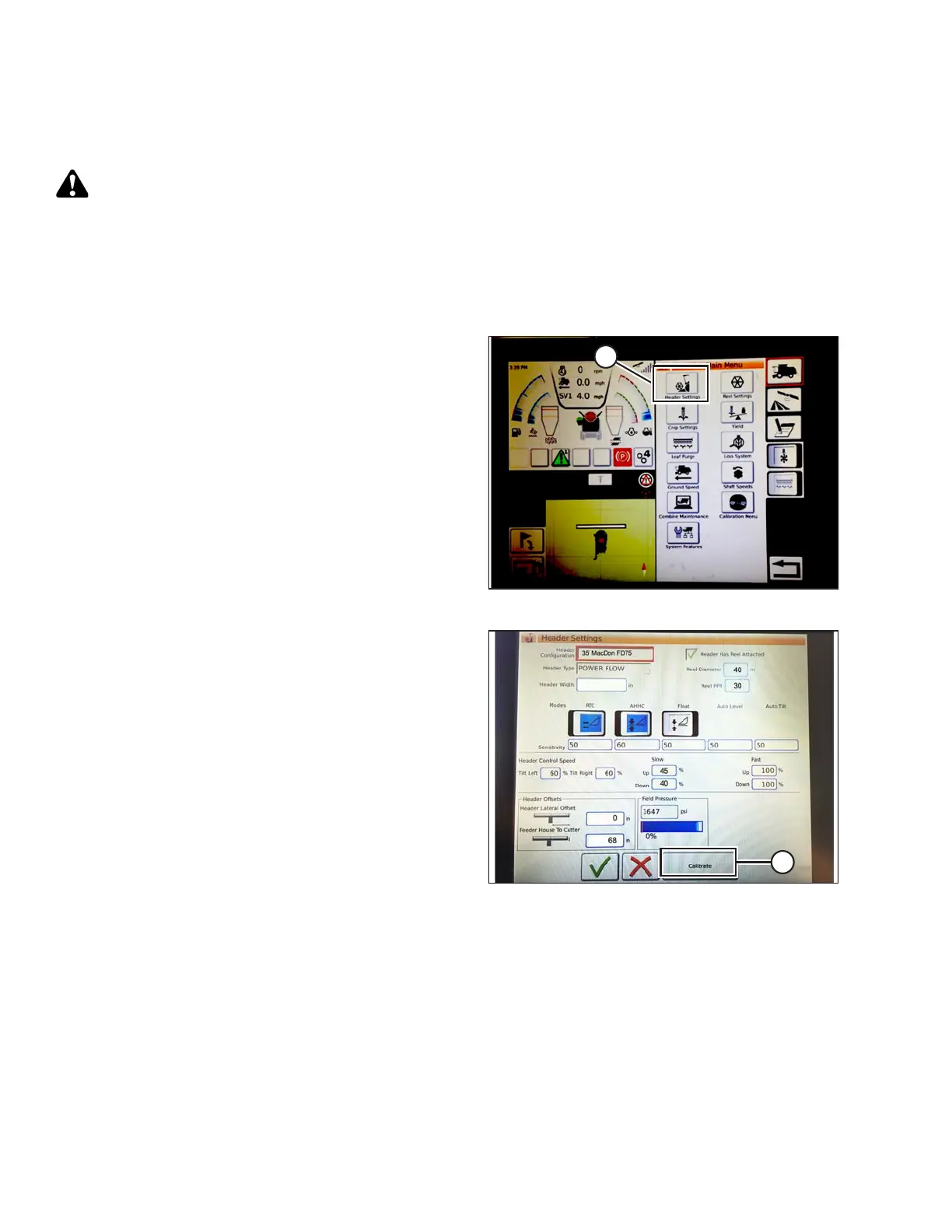
The auto header control functions are configured on the HEADER SETTINGS screen.
CAUTION
Clear the area of other persons, pets etc. Keep children away from machinery. Walk around the machine to
be sure no one is under, on, or close to it.
NOTE:
Changes may have been made to the combine controls or display since this document was published. Refer to the
combine operator’s manual for updates.
Figure 3.297: Combine Main Menu
1. On the COMBINE MAIN MENU, touch HEADER
SETTINGS (A).
Figure 3.298: Calibration
2. Touch CALIBRATE (A) at the bottom right of the screen.
The HEADER CALIBRATION screen displays.
OPERATION









 To Next Page