PROFXV3+ MULTI-CHANNEL ANALOG MIXERS WITH ENHANCED FX, USB RECORDING MODES, AND BLUETOOTH®
9
The other green curves represent in-between positions of the compressor knob, with higher thresholds before compression
begins.
Outboard compressors ofen have controls such as compression ratio, threshold, sof knee/hard knee, attack time,
and release time. These last two aect how quickly the compressor kicks in when the input exceeds the threshold,
and how quickly it is released afer it drops below the threshold. In this compressor, these parameters are specially
chosen to give you the best overall performance.
Adjust the threshold carefully, so your dynamic range is still lovely, without distortion or overload during the performance.
Run through a few practice screams and high-notes, and adjust the compression as required.
While the compressor on the ProFX10v3+ and ProFX12v3+ both have a variable threshold, the ProFX6v3+
has an easy on/o switch.
Channel Equalization (EQ)
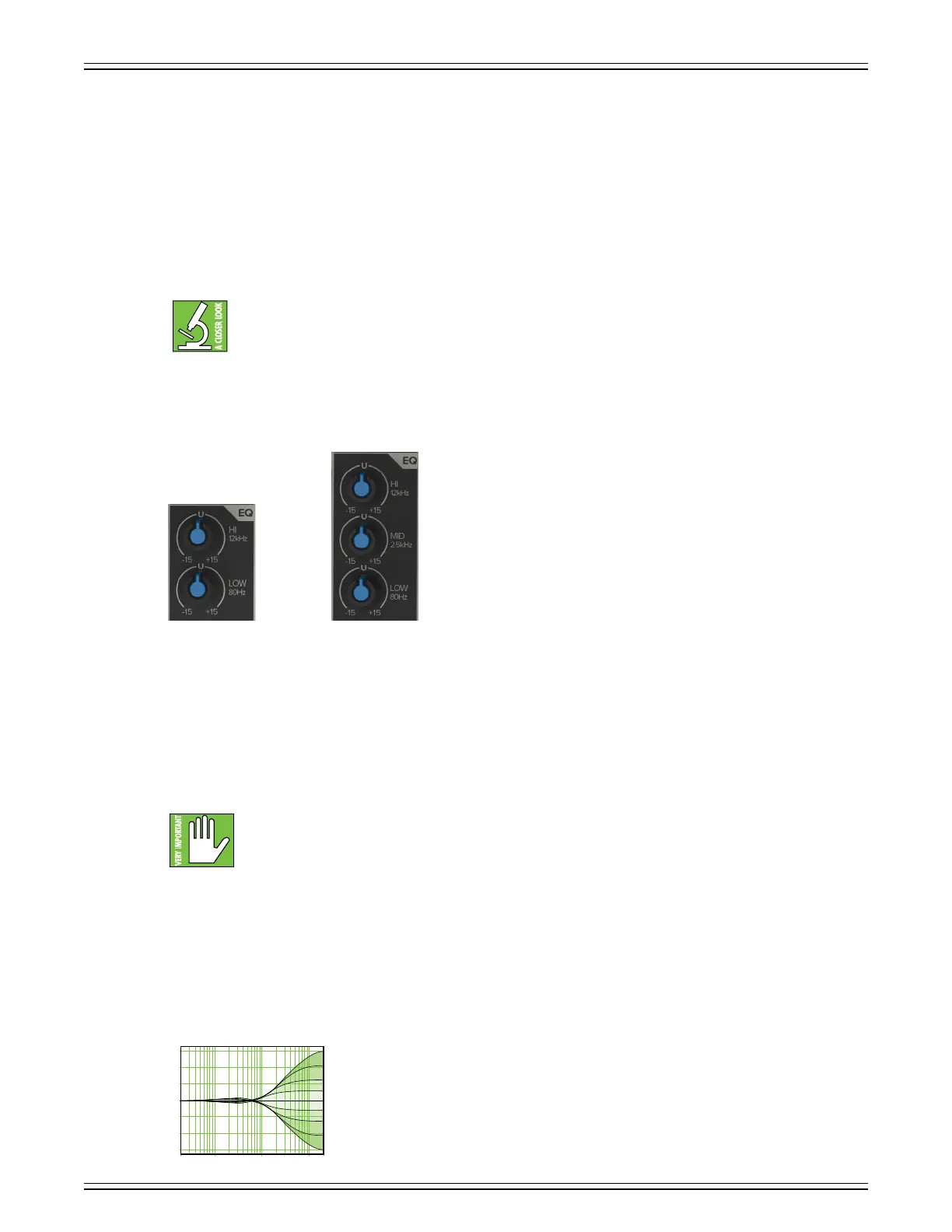
ProFX10v3+ and ProFX12v3+ mixers have 3-band EQ with shelving hi, peaking mid, and shelving low, while the ProFX6v3+
has shelving hi and low EQ knobs. The 3-band equalization has low shelving at 80 Hz, mid peaking at 2.5 kHz, and high
shelving at 2 kHz.
Shelving means that the circuitry boosts or cuts all frequencies past the specified frequency. For example, the low EQ boosts
bass frequencies below 80 Hz and continuing down to the lowest note you never heard. Peaking means that certain frequencies
form a “hill” around the center frequency.
With too much EQ, you can really upset things. We’ve designed a lot of boost and cut into each equalizer circuit
because we know that everyone will occasionally need that. But if you max the EQ on every channel, you’ll get mix
mush. Equalize subtly and use the lef sides of the knobs (cut), as well as the right (boost). If you find yourself
repeatedly using a lot of boost or cut, consider altering the sound source, such as placing a mic dierently, trying
a dierent kind of mic, a dierent vocalist, changing the strings, or gargling.
The EQ circuits are based upon the designs of Cal Perkins, an industry-leader in audio engineering for over four decades
and a long-time collaborator. This “neo-classic” design provides the sweet musicality of the British EQ sound, while still
maintaining 5 dB of boost and cut with optimum Q and minimum phase shif (in other words, it gives you plenty of control
and is pleasing to the ear!).
Hi EQ Knobs
The hi EQ provides up to 5 dB of boost or cut above 2 kHz, and it is also flat (no boost or cut)
at the detent. Use it to add sizzle to cymbals, an overall sense of transparency, or an edge
to keyboards, vocals, guitar and bacon frying. Turn it down a little to reduce sibilance
or to mask tape hiss.
ProFX10v3+ & ProFX12v3+ProFX6v3+
+5
0
+10
–15
20 Hz 100 Hz 1 kHz 10 k 20 k
–5
10



 To Next Page