PROFXV3+ MULTI-CHANNEL ANALOG MIXERS WITH ENHANCED FX, USB RECORDING MODES, AND BLUETOOTH®
44
Flanger Parameters and Values
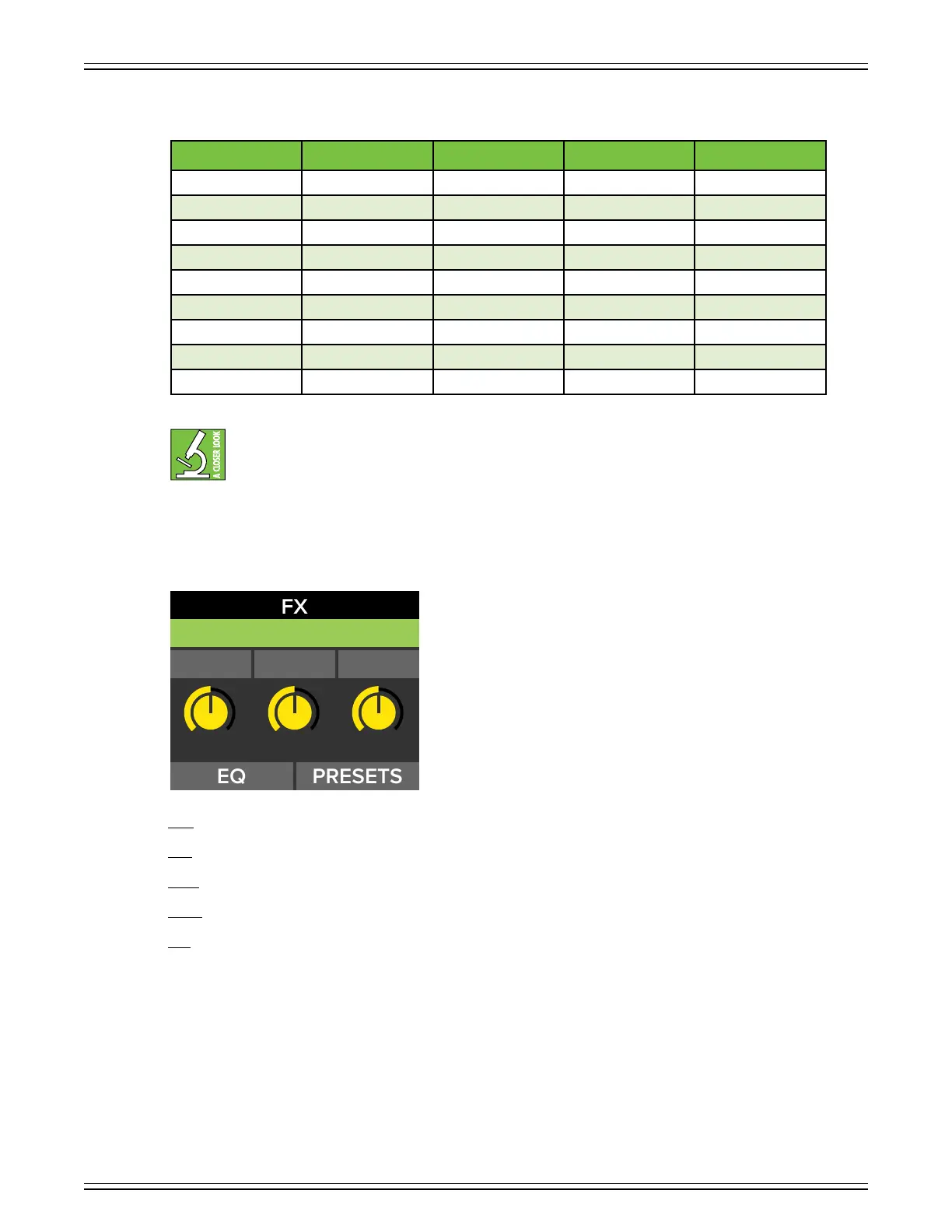
The rate (Hz) and depth (ms) determine how many cycles per second the chosen eect oscillates.
However, the rate and depth of Chorus , Chorus 2 and Flanger is expressed as 0.x Hz / ms which
translates the value that the processor utilizes. An easy way to understand the value is to take
the number below the virtual knob and “move” the decimal one point to the lef (or multiply by 0.).
For example, if rate is displayed as 37, then it’s really 3.7 Hz.
Lastly, onto the final three multi-purpose eects (Delay + Reverb, Delay + Chorus, and Reverb + Chorus).
Time – This knob sets the current delay time in milliseconds, from 20 ms to 000 ms.
Rate – This knob sets the speed of the modulation. The range will vary depending on the eect chosen.
Depth – This knob sets the depth of the delay modulation. The range will vary depending on the eect chosen.
Decay – This knob represents the decay time of the reverb, ranging from 0 to 60.
Size – This knob represents the amount of desired reverb (or “the size of the room”), ranging from 0 (no reverb)
to 5 (max reverb).
Parameter Low Value High Value Default Increments
Rate 0 00 0 ±
Depth 0 50 62 ±
Blend 0 00 00 ±
EQ – – – –
Frequency 400 Hz 6.0 kHz 7.6 kHz Variable
Width (Q) 0.5 3.0 2.0 ±0.
Gain –8 dB +8 dB - dB ± dB
LPF 6.0 kHz 8.0 kHz 8.0 kHz ±0.-0.2 kHz
HPF 80 Hz 600 Hz 90 Hz ±-0 Hz
RATE DEPTHTIME
DELAY + CHORUS
500 50 39



 To Next Page