PROFXV3+ MULTI-CHANNEL ANALOG MIXERS WITH ENHANCED FX, USB RECORDING MODES, AND BLUETOOTH®
23
Pan Knobs [ProFX10v3+ and ProFX12v3+]: This control allows you to adjust how much of the channel signal is sent to the lef
versus the right outputs.
The pan control employs a design called “Constant Loudness.” If you have a channel panned hard lef (or right) and then pan
to the center, the signal is attenuated about 3 dB to maintain the same apparent loudness. Otherwise, it would make the sound
appear much louder when panned center.
Mute Switches [ProFX10v3+ and ProFX12v3+]
Mute switches do just what they sound like they do. They turn o the signal by “routing” it into oblivion. Engaging a channel’s
mute switch (almost) provides the same results as turning the fader all the way down (a pre-aux send is not aected by the
channel fader, but it is by the mute switch).
The channel insert will continue to provide a signal when a channel is muted. Mute switches illuminate red when engaged.
The ProFX10v3+ has seven mute switchs, while the ProFX12v3+ has eight. There are no mute switches
on the ProFX6v3+.
Channel Level Knobs and Faders
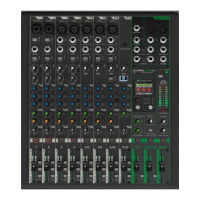
ProFX12v3+
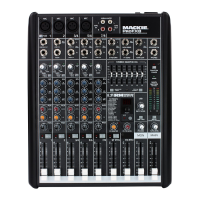
ProFX6v3+
ProFX10v3+
This is the last control in a channel’s signal path, and it adjusts the level of each channel onto the main mix.
The “U” mark indicates unity gain, meaning no increase or decrease of signal level. All the way up provides an additional
0 dB, should you need to boost a section of a song. If you find that the overall level is too quiet or too loud with the level
near unity, check that the gain control is set correctly.
The “Channel Faders” on the ProFX6v3+ and ProFX10v3+ are actually "Channel Knobs". But they behave similarly.
Assign Switches [ProFX12v3+]
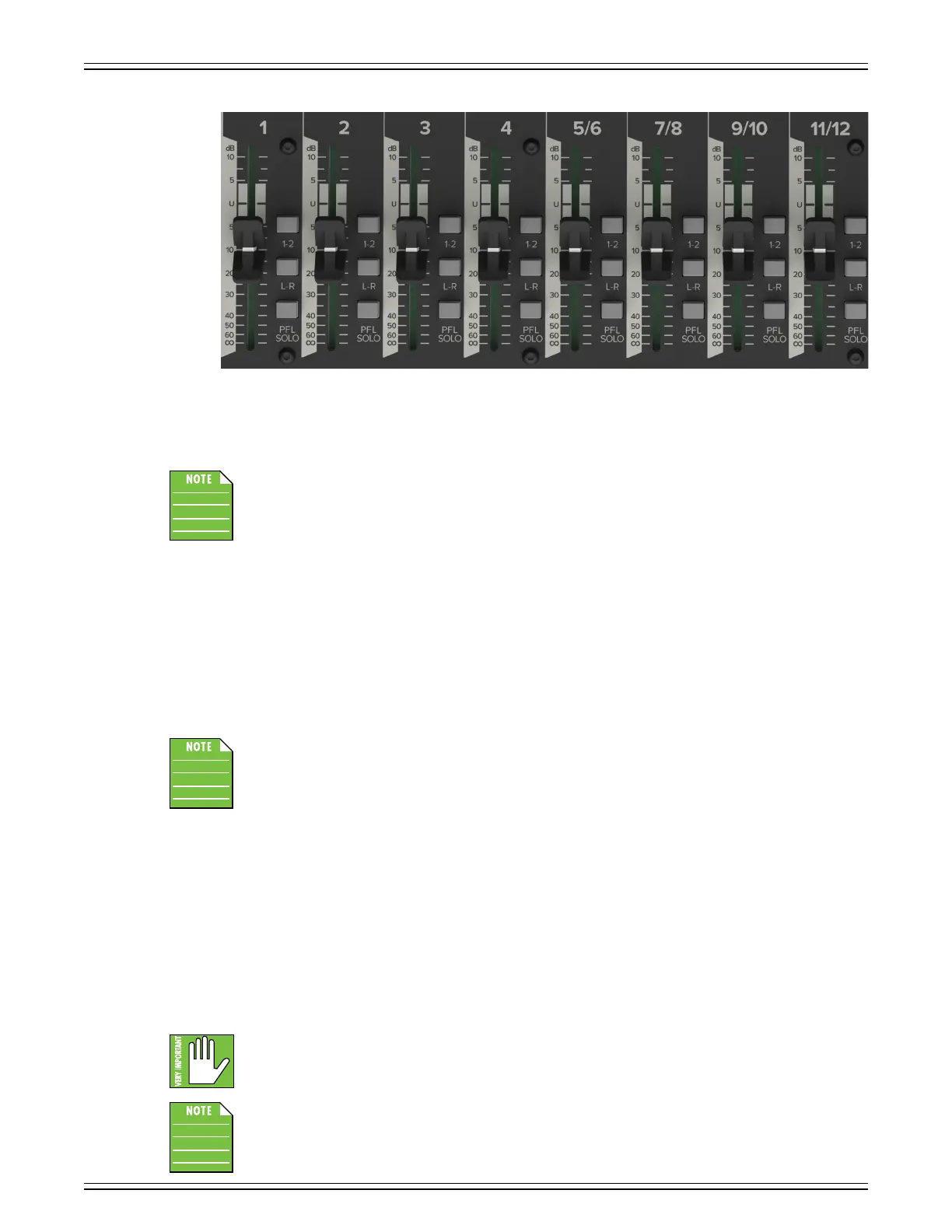
Alongside each channel fader are channel assignment switches. They are used for routing the channel’s signal to subgroup 1-2
and/or the main L-R outputs.
If you are doing a mixdown to a 2-track, for example, simply engage the main mix switch on each channel that you want to hear,
and they will be sent to the main mix bus.
As seen in the picture above, the ProFX12v3+ has assign switches to the right of the channel faders
on chs. 1-11/12. There are no assign switches on the ProFX6v3+ and ProFX10v3+.
PFL Solo Switches [ProFX12v3+]
When a channel’s solo switch is engaged, any existing selection is replaced by the solo signal, appearing at the control room
outputs, phones and at the lef meter. The audible solo levels are then controlled by the CR and phones knobs. The solo levels
appearing on the meters are not controlled by the CR and phones knob – you would not want that, anyway. What you do want
to see is the actual channel level on the meters regardless of how loud the control room and phones output levels might be.
PFL means Pre-Fader Listen (post-EQ). With the PFL Solo switch engaged, solo will not be aected by a channel’s
mute switch position.
Remember, PFL taps the channel signal before the fader. If you have a channel’s fader set way below
“U” (unity gain), solo will not know that and will send a unity gain signal to the CR outs, phones output
and meter display, which may raise some eyebrows.
As seen in the picture above, the ProFX12v3+ has PFL solo switches to the right of the channel faders
on chs. 1-11/12. There are no PFL solo switches on the ProFX6v3+ and ProFX10v3+.



 To Next Page