PROFXV3+ MULTI-CHANNEL ANALOG MIXERS WITH ENHANCED FX, USB RECORDING MODES, AND BLUETOOTH®
4
FX EQ Reset
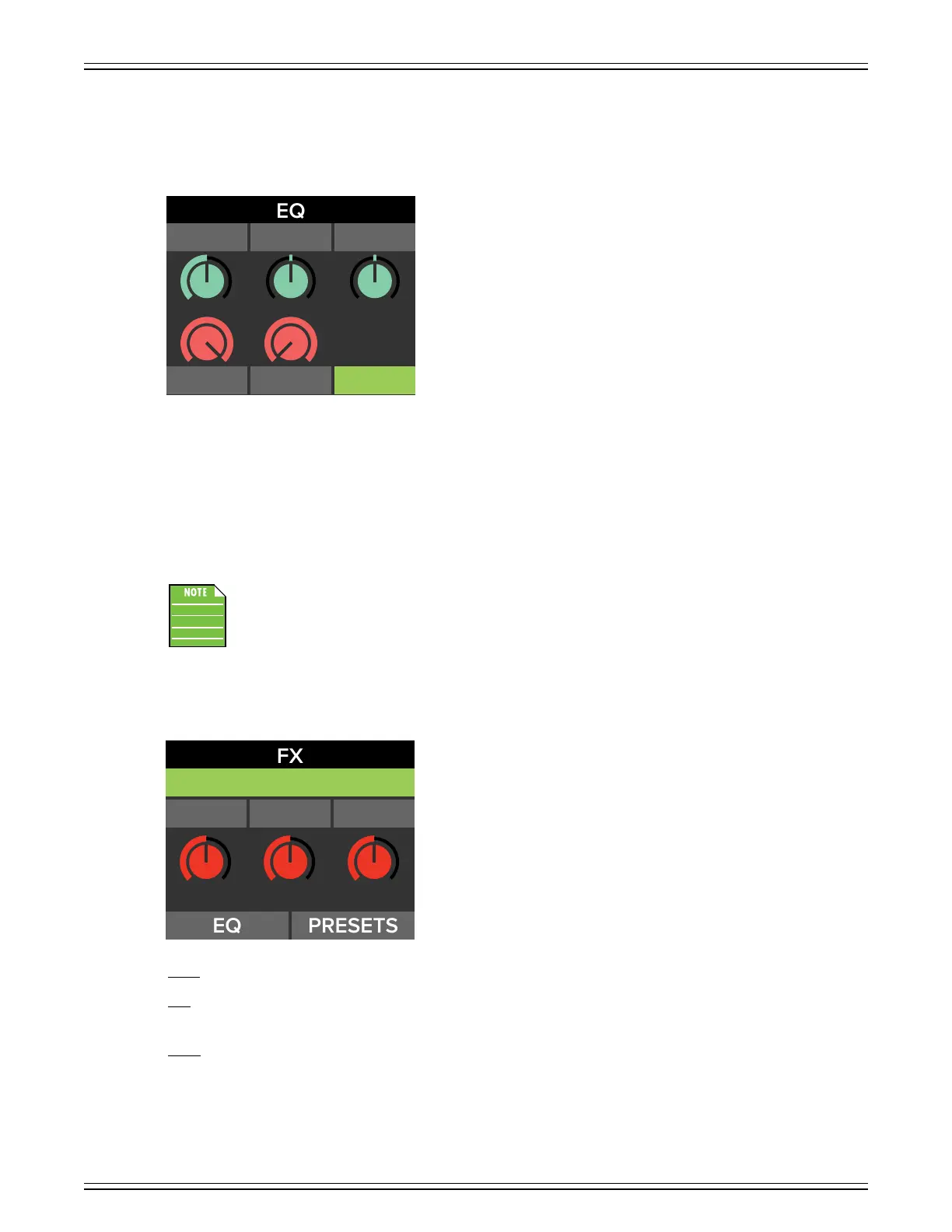
A few pages ago, we were looking at the FX EQ section. In addition to the changeable parameters – frequency, width, gain,
LPF and HPF – a sixth option (located in the lower-right corner) may also be accessed and selected: Reset
Once ‘Reset’ is highlighted, push the control knob in to reset all EQ settings. It is a convenient way to start with a fresh slate.
Resetting any FX EQ results in the following parameter values:
• Frequency – .0 kHz
• Width – 2.0
• Gain – ±0 dB
• LPF – 8.0 kHz
• HPF – 80 Hz
Resetting the FX EQ and doing a factory reset (see page 34) are not the same thing and will result
in dierent settings.
Now that you’re familiar with how to select an eect and tweak the parameters’ values to your liking, we’re going to look at the
remaining eects, their settings and their low, high and default values, starting with the three reverbs (Hall, Room and Plate).
Decay – This knob represents the decay time of the reverb. The range will vary depending on the reverb chosen.
Size – This knob represents the amount of desired reverb (or “the size of the room”).
While the range will vary depending on the reverb chosen, 0 means no reverb and fully clockwise is max reverb.
Hi Cut – This applies a low-pass filter to the delayed signal and rolls o the higher frequencies on the output.
It ranges from 0 to 00.
WIDTH
GAINFREQ
ROOM REVERB
26 13 50
SIZE HICUTDECAY



 To Next Page