PROFXV3+ MULTI-CHANNEL ANALOG MIXERS WITH ENHANCED FX, USB RECORDING MODES, AND BLUETOOTH®
30
FX to Mon Knob [ProFX12v3+]
These knobs route the eects output to the monitors. Use the mon controls to provide eects to monitors.
Slowly add eects to the monitors by turning the mon knobs clockwise. Use the aux master knobs
(described on the previous page) to monitor the amount sent. The ProFX2v3+ has a single FX to mon knob.
FX Mute Switch
When engaged, the internal eects processor is muted, and its output will not appear on the main mix or monitor mix. If this
switch is not engaged, then the internal eects are set free and may be added as required to the main mix and/or monitor mix.
If this switch is not engaged, then the internal eects may be muted or un-muted with a footswitch [all ProFXv3+ mixers
except the ProFX6v3+].
To Phones / Control Room Switch
By default, the control room and phones jacks output the 2-track LR mix (or soloed channels, if any are engaged).
Push this switch in if you want to interrupt this signal and hear the blended signals instead.
Because there are no control room outputs on the ProFX6v3+, there is only a “To Phones” switch.
Control Room Knob [ProFX10v3+ and ProFX12v3+]
This knob is used to adjust the volume at the control room outputs, from (o) to maximum gain (max).
Make sure that this knob is fully o [counter-clockwise] before selecting or adding a new source.
Because there are no control room outputs on the ProFX6v3+, there is no control room knob, either.
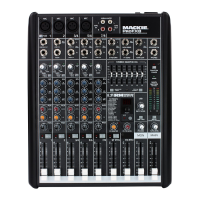
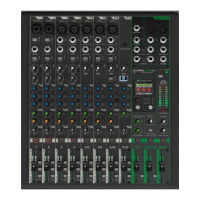
ProFX12v3+ProFX10v3+ProFX6v3+



 To Next Page