PROFXV3+ MULTI-CHANNEL ANALOG MIXERS WITH ENHANCED FX, USB RECORDING MODES, AND BLUETOOTH®
22
Pan Knobs [ProFX10v3+ and ProFX12v3+]: This control allows you to adjust how much of the channel signal is sent to the lef
versus the right outputs.
The pan control employs a design called “Constant Loudness.” If you have a channel panned hard lef (or right) and then pan
to the center, the signal is attenuated about 3 dB to maintain the same apparent loudness. Otherwise, it would make the sound
appear much louder when panned center.
Mute Switches [ProFX10v3+ and ProFX12v3+]
Mute switches do just what they sound like they do. They turn o the signal by “routing” it into oblivion. Engaging a channel’s
mute switch (almost) provides the same results as turning the fader all the way down (a pre-aux send is not aected by the
channel fader, but it is by the mute switch).
The channel insert will continue to provide a signal when a channel is muted. Mute switches illuminate red when engaged.
The ProFX10v3+ has seven mute switchs, while the ProFX12v3+ has eight. There are no mute switches
on the ProFX6v3+.
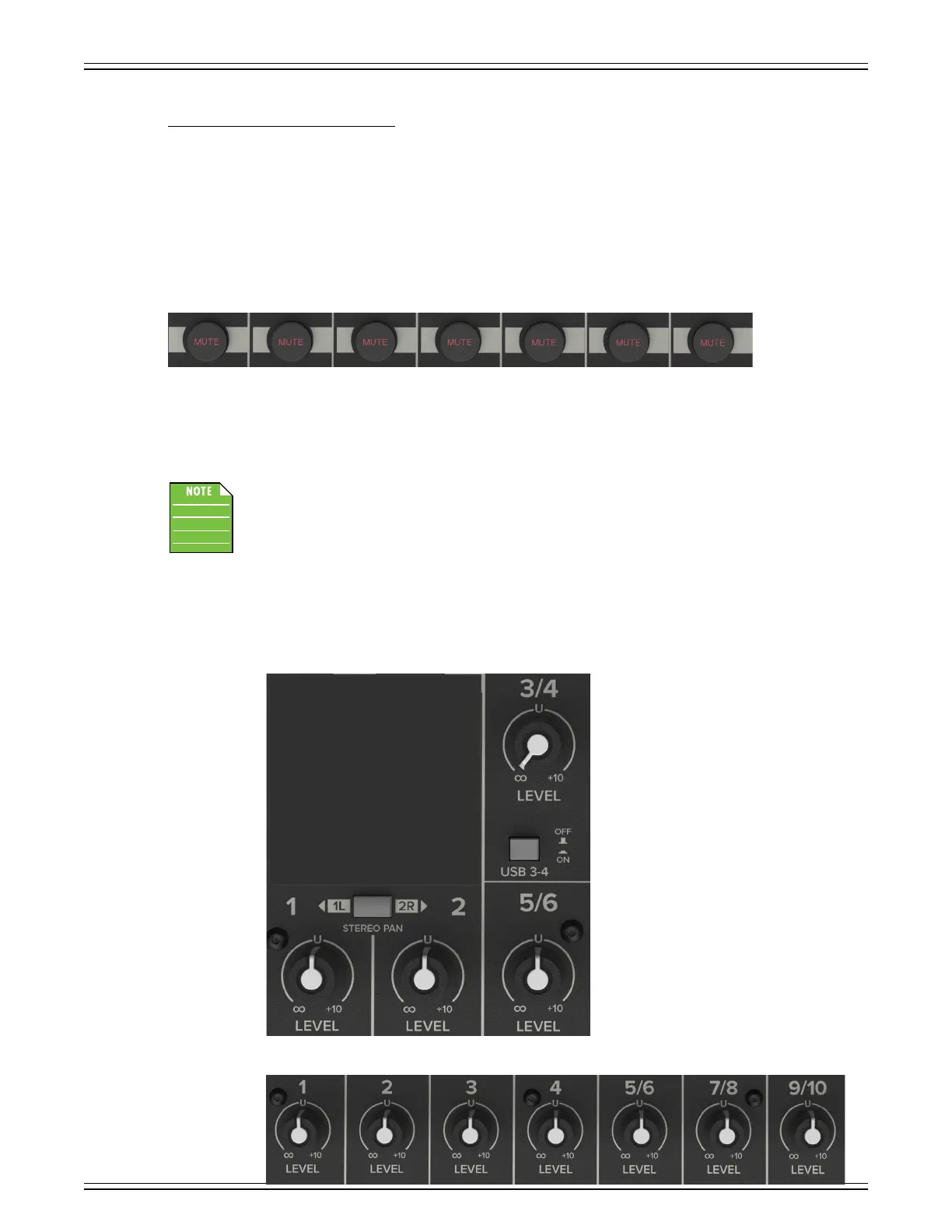
Channel Level Knobs and Faders
ProFX12v3+
ProFX6v3+
ProFX10v3+



 To Next Page