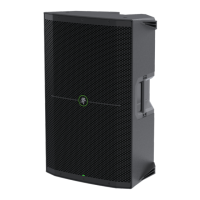
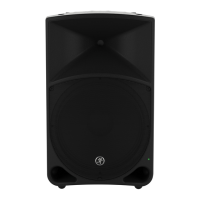
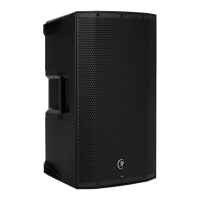
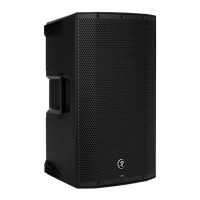
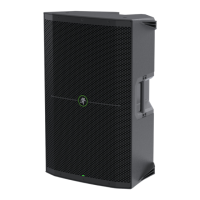
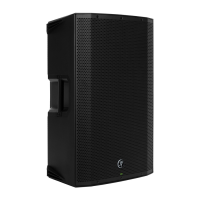
THUMP210XT 10" 1400W ENHANCED COMPACT POWERED LOUDSPEAKER
3
HVAC
Like their counterpart loudspeakers – the appropriately named Thump22XT
and Thump25XT – the Thump210XT is also blessed with an excellent “HVAC”
system. Read below for more information!
A. Fan On / Off
One of our favorite things about the Thump Series is the Summer cool-o / Winter warm-up feature. Is it hotter than the blazes
out where you are? We’ve got you covered!
Simply press this switch to turn the fan on and o. The speaker begins acting like a fan, blowing out cool air!
The LED will illuminate green when engaged (fan on).
B. Fan Speed
Want more? Of course you do! Here you’re able to select the speed setting of the fan from (the lowest setting)
to 5 (the highest setting).
Quickly press this button to what setting you would like, up to five times. The LED will flash green the number
of the current setting.
C. Mist Level
A rotating fan with multiple speeds is a nice feature, but when a mister is thrown in...? Oh, all bets are o!
When the mist level switch is engaged, a light spray of water is dispersed to keep the band and crowd nice and refreshed
throughout the performance. The LED will illuminate green when engaged (mist on).
D. Heat On / Off
The fan feature is nice... but what if it’s 40˚ below with 20 feet of snow outside and a wind chill factor of the frozen tundra?
Yeah, we’ve got you covered there, too!
The built-in heater is great, especially when in the monitor position. Gotta love warm tootsies! Just like with the fan,
simply press this switch to turn the heat on and o. The LED will illuminate green when engaged (heat on).
FAN
SPEED
MIST
LEVEL
FAN
ON / OFF
HEAT
ON / OFF
HEAT
LEVEL
ROTATE
A
D
B
E
C
F



 To Next Page