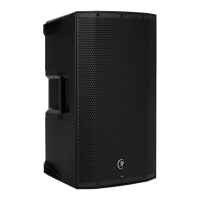
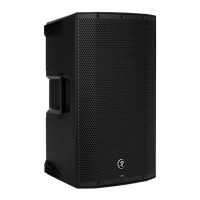
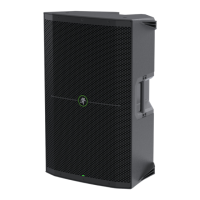
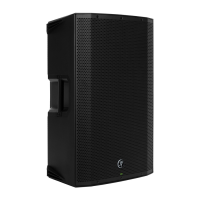
THUMP210XT 10" 1400W ENHANCED COMPACT POWERED LOUDSPEAKER
27
Hookup Diagrams > Daisy-Chaining Multiple Thump Loudspeakers
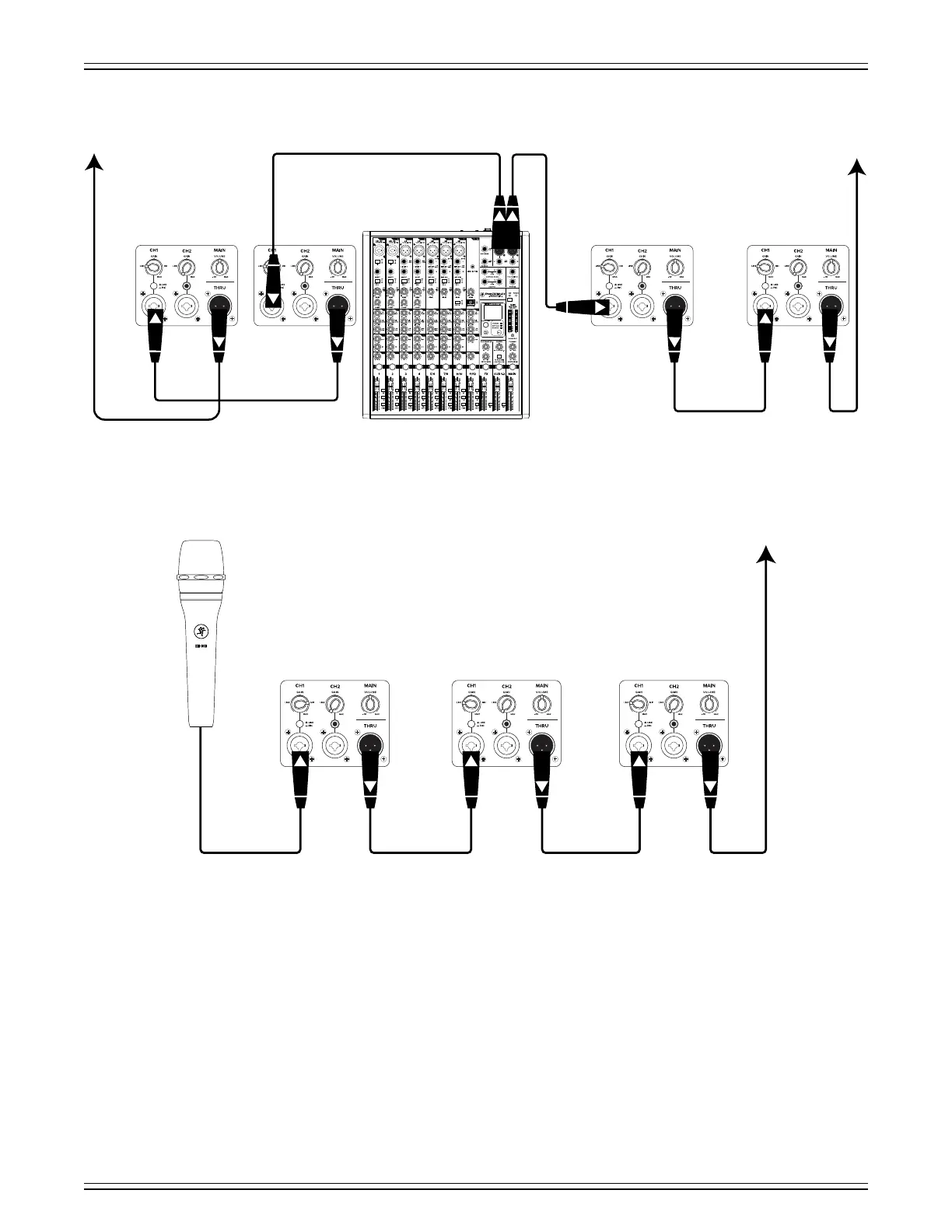
ThumpXT loudspeakers may be daisy-chained via the “THRU” jack which outputs all inputs. Simply plug the signal source
(i.e., mixer output or microphone) into the input jack(s), and patch that loudspeaker’s thru jack to the next loudspeaker’s
input jack, and so on, daisy-chaining multiple ThumpXT loudspeakers. See above for visual representations of daisy-chaining.
NOTE: Make sure to set the gain knob(s) correctly. In the top diagram, all input channels are set to “LINE” and in the bottom
diagram, input channel of the first ThumpXT is set to “MIC”, but the remaining ones should be set to “LINE”. Keep in mind
that these “MIC” and “LINE” markings are for reference only and may need to be raised or lowered.
MIN MINMIN MINMIN MIN
To next Thump
loudspeaker
input
MIN MINMIN MINMIN MINMIN MIN
MUTE MUTE MUTE MUTE MUTE MUTE MUTE MUTE MUTE MUTE MUTE
ProFX12v3+ Mixer
To next
Thump
loudspeaker
input
To next
Thump
loudspeaker
input
Main
Outs



 To Next Page