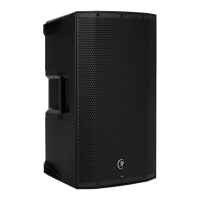
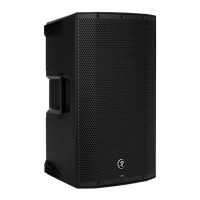
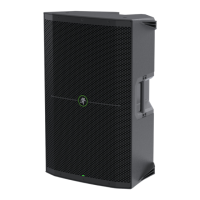
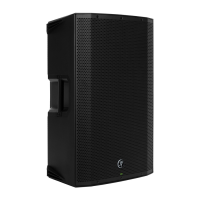
THUMP210XT 10" 1400W ENHANCED COMPACT POWERED LOUDSPEAKER
23
Hookup Diagrams
Hookup Diagrams > Singer-Songwriter Setup
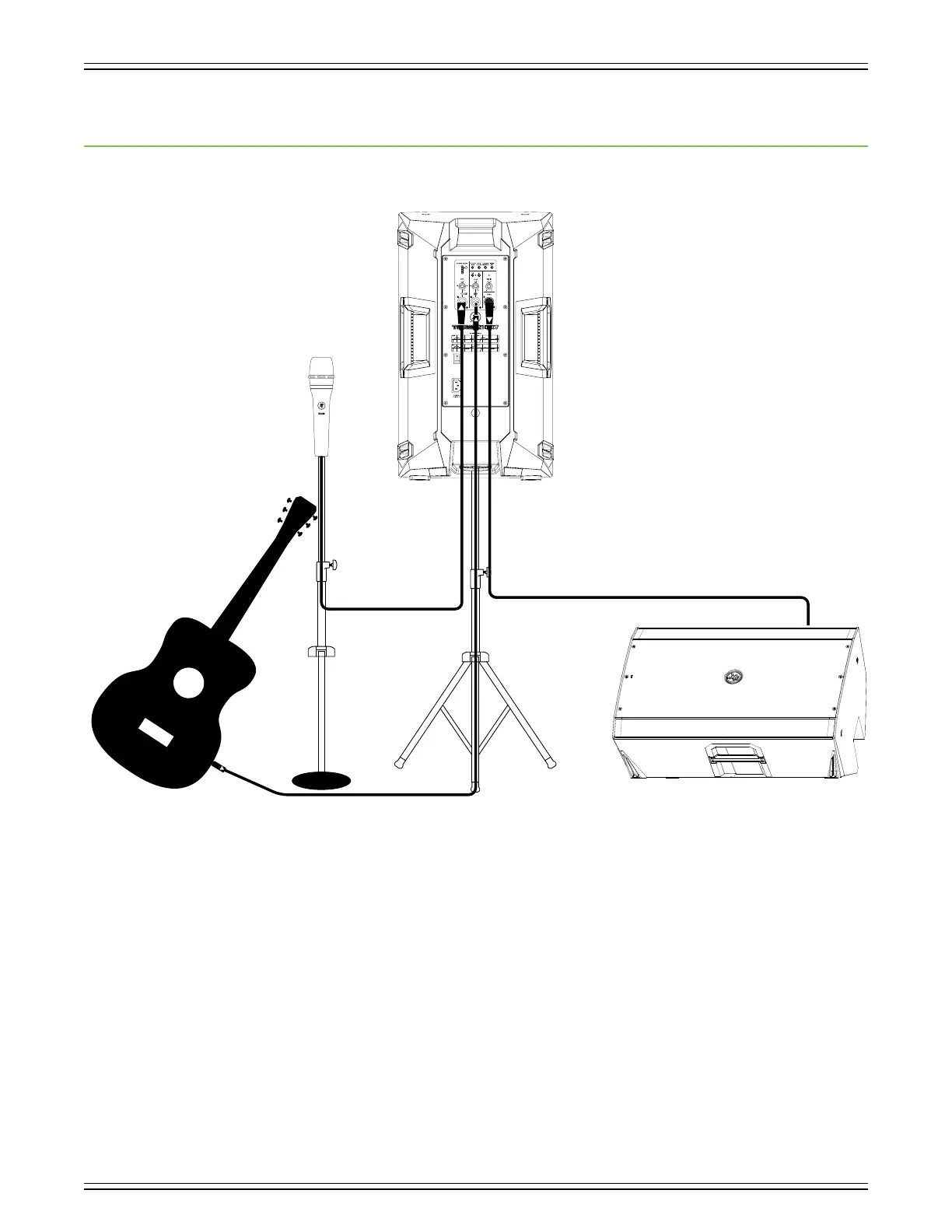
ThumpXT loudspeakers are the perfect tool for singer-songwriters touring the local coee shops.
Bring your favorite axe and mic, ThumpXT loudspeakers and cables and power cords.
In this example, a Mackie EM-89D microphone is connected to the channel input of a ThumpXT loudspeaker,
used as the main PA. The Channel gain knob should be set to Mic. The Mic/Line switch should be ENGAGED [Mic],
as well. Lastly, set the voicing mode to live.
Now grab your axe and plug it directly into the channel 2 input. Or if you use eects, connect the guitar to the eects
input and another cable from the eects output to the channel 2 input. Note that the gain knob is set to Line.
An additional ThumpXT loudspeaker will be used for monitoring purposes. Simply connect a cable from the ThumpXT PA’s THRU
jack to the ThumpXT monitor’s channel input. This gain knob should also be set to Line and the voicing mode set to monitor.
Keep in mind that these “MIC” and “LINE” markings are for reference only and may need to be raised or lowered.
MUSIC
MON
LIVE
CLUB
MIN MIN
SIG/OL



 To Next Page