112 Working with Color, Strokes, and Fills
This chapter contains the following sections:
About the Color Mixer . . . . . . . . . . . . . . . . . . . . . . . . . . . . . . . . . . . . . . . . . . . . . . . . . . . . .112
About creating gradients. . . . . . . . . . . . . . . . . . . . . . . . . . . . . . . . . . . . . . . . . . . . . . . . . . .114
Using the Stroke Color and Fill Color controls in the Tools panel . . . . . . . . . . . . . . .114
Using the Stroke Color and Fill Color controls in the Property inspector . . . . . . . .115
Working with solid colors and gradient fills in the Color Mixer . . . . . . . . . . . . . . . . . . 117
Modifying strokes with the Ink Bottle tool. . . . . . . . . . . . . . . . . . . . . . . . . . . . . . . . . . . 120
Applying solid, gradient, and bitmap fills with the Paint Bucket tool. . . . . . . . . . . . 120
Transforming gradient and bitmap fills . . . . . . . . . . . . . . . . . . . . . . . . . . . . . . . . . . . . . .121
Copying strokes and fills with the Eyedropper tool. . . . . . . . . . . . . . . . . . . . . . . . . . . 124
Locking a gradient or bitmap to fill the Stage . . . . . . . . . . . . . . . . . . . . . . . . . . . . . . . 124
Modifying color palettes . . . . . . . . . . . . . . . . . . . . . . . . . . . . . . . . . . . . . . . . . . . . . . . . . . 125
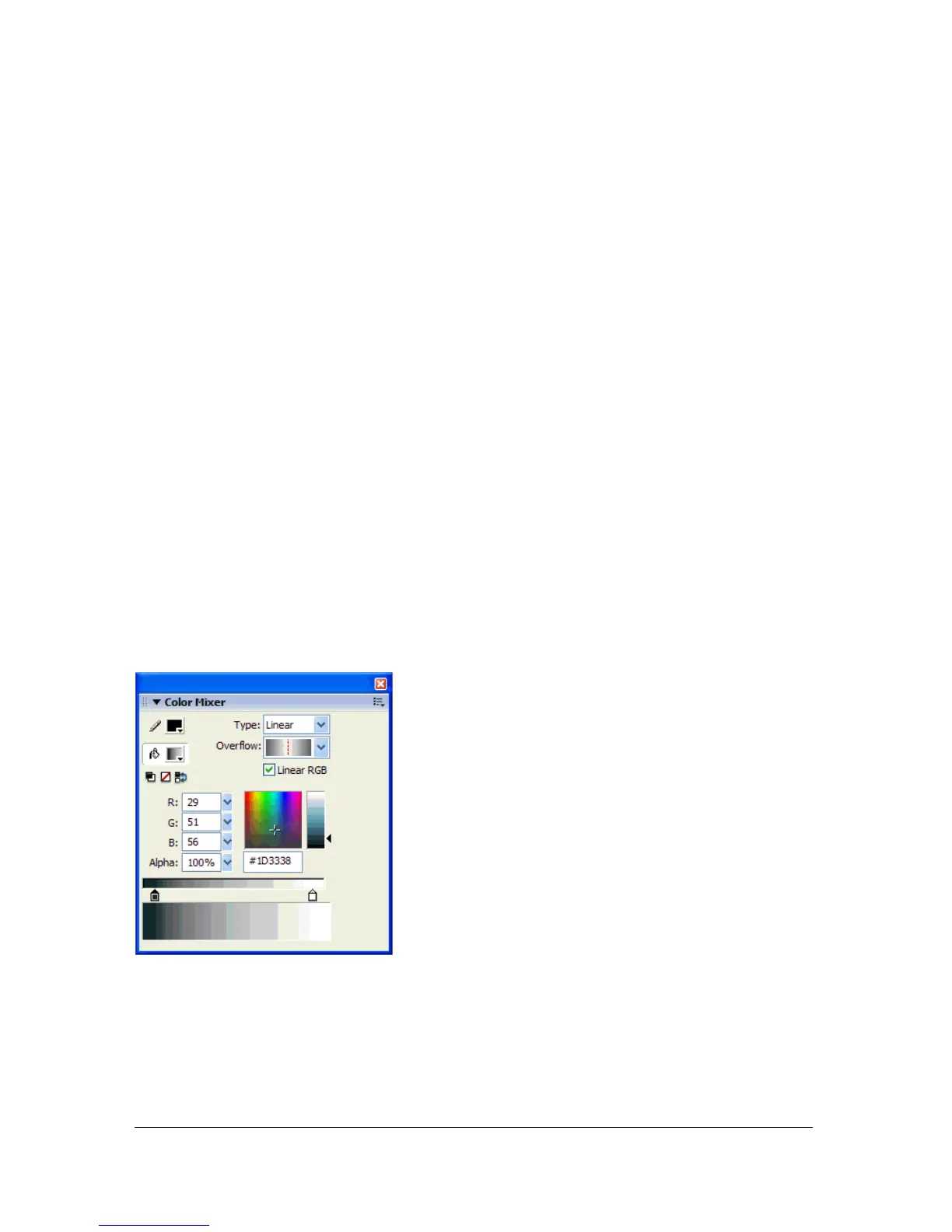
About the Color Mixer
The Color Mixer provides options for changing the color of strokes and fills, as well as
creating multicolor gradients. You can use gradients to produce a wide range of effects, such as
giving an illusion of depth to a two-dimensional object. For example, you can use a gradient
to transform a simple, two-dimensional circle into a sphere, with the illusion of light
illuminating the surface at one angle and casting a shadow to the opposite side of the sphere.
The Color Mixer with the gradient controls displayed.



 To Next Page