Applying a blend mode (Flash Professional only) 241
Applying a blend mode (Flash
Professional only)
You use the Property inspector for movie clips to apply blends to selected movie clips.
To apply a blend mode to a movie clip:
1. Select the movie clip instance (on the Stage) that you want to apply a blend mode to.
2. Adjust the color and transparency of the movie clip instance using the Color pop-up menu
in the Property inspector. For more information, see “Changing the color and transparency
of an instance” on page 91.
3. Select a blend mode from the Blend pop-up menu in the Property inspector for movie
clips.
The blend mode is applied to the selected movie clip instance.
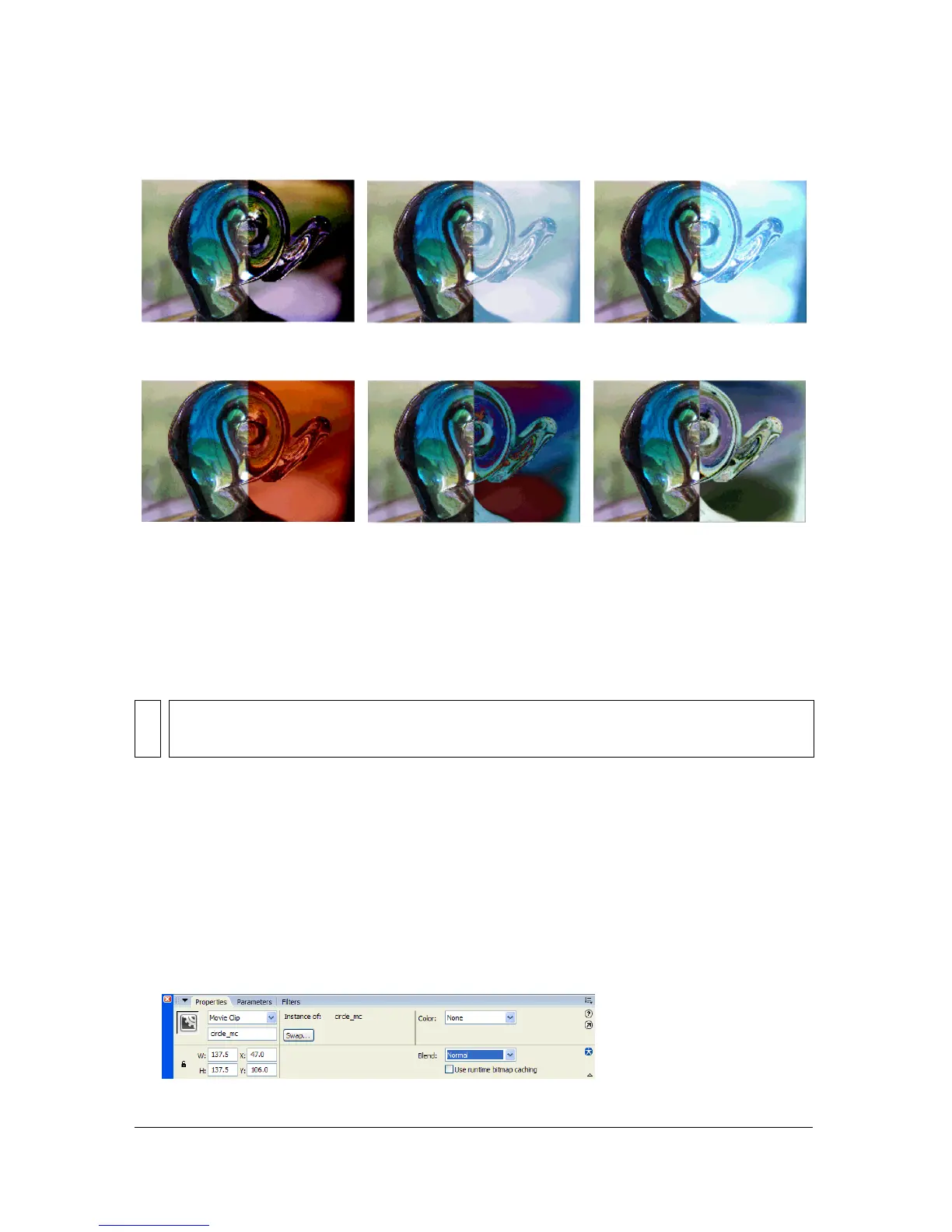
Overlay Hard Light Add
Subtract Difference Invert
NOTE
Multiple graphic symbols are merged as a single shape when you publish the SWF. For
this reason, you cannot apply different blend modes to different graphic symbols.



 To Next Page