240 Using Filters and Blends (Flash Professional only)
Invert inverts the base color.
Alpha applies an alpha mask.
Erase removes all base color pixels, including those in the background image.
To see examples of the blending modes, see “Blend mode examples” on page 240.
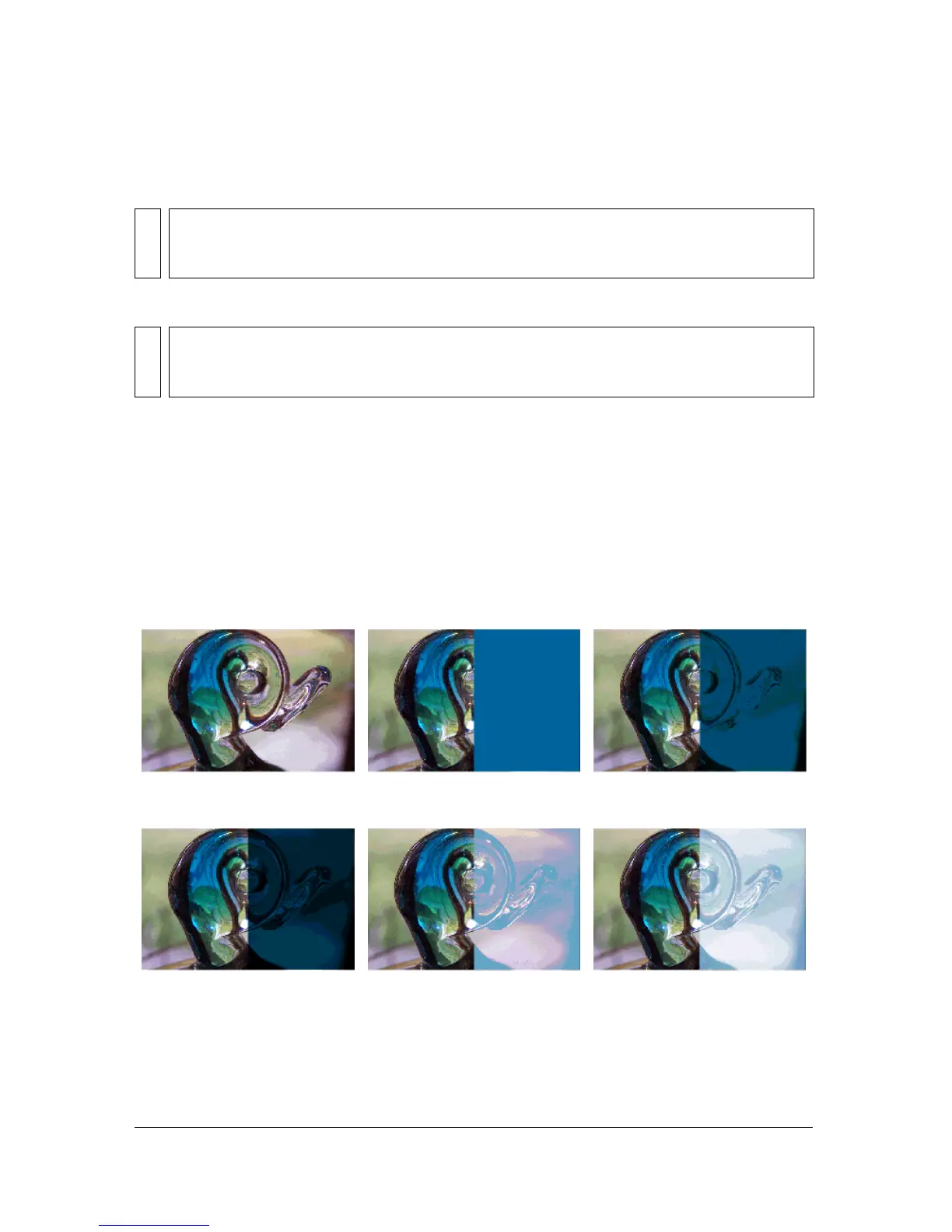
Blend mode examples
The following examples illustrate how different blend modes affect the appearance of an
image. Be aware that the resulting effect of a blend mode may be considerably different,
depending on the color of the underlying image and the type of blend mode you apply.
NOTE
Alpha blend mode requires that a Layer blend mode be applied to the parent movie clip.
You cannot change the background clip to Alpha and apply it because the object would
appear invisible.
NOTE
Erase blend mode requires that a Layer blend mode be applied to the parent movie clip.
You cannot change the background clip to Erase and apply it because the object would
appear invisible.
Original image Layer Darken
Multiply Lighten Screen



 To Next Page