250 Creating Motion
About creating keyframes
A keyframe is a frame where you define changes in the animation. When you create frame-by-
frame animation, every frame is a keyframe. In tweened animation, you define keyframes at
significant points in the animation and let Flash create the contents of frames in between.
Flash displays the interpolated frames of a tweened animation as light blue or light green with
an arrow drawn between keyframes. Because Flash documents save the shapes in each
keyframe, you should create keyframes only at those points in the artwork where something
changes.
Keyframes are indicated in the Timeline: a keyframe with content on it is represented by a
solid circle, and an empty keyframe is represented by an empty circle before the frame.
Subsequent frames that you add to the same layer have the same content as the keyframe.
To create a keyframe, do one of the following:
■ Select a frame in the Timeline and select Insert > Timeline > Keyframe.
■ Right-click (Windows) or Control-click (Macintosh) a frame in the Timeline and select
Insert Keyframe.
About representations of animation in
the Timeline
Flash distinguishes tweened animation from frame-by-frame animation in the Timeline as
follows:
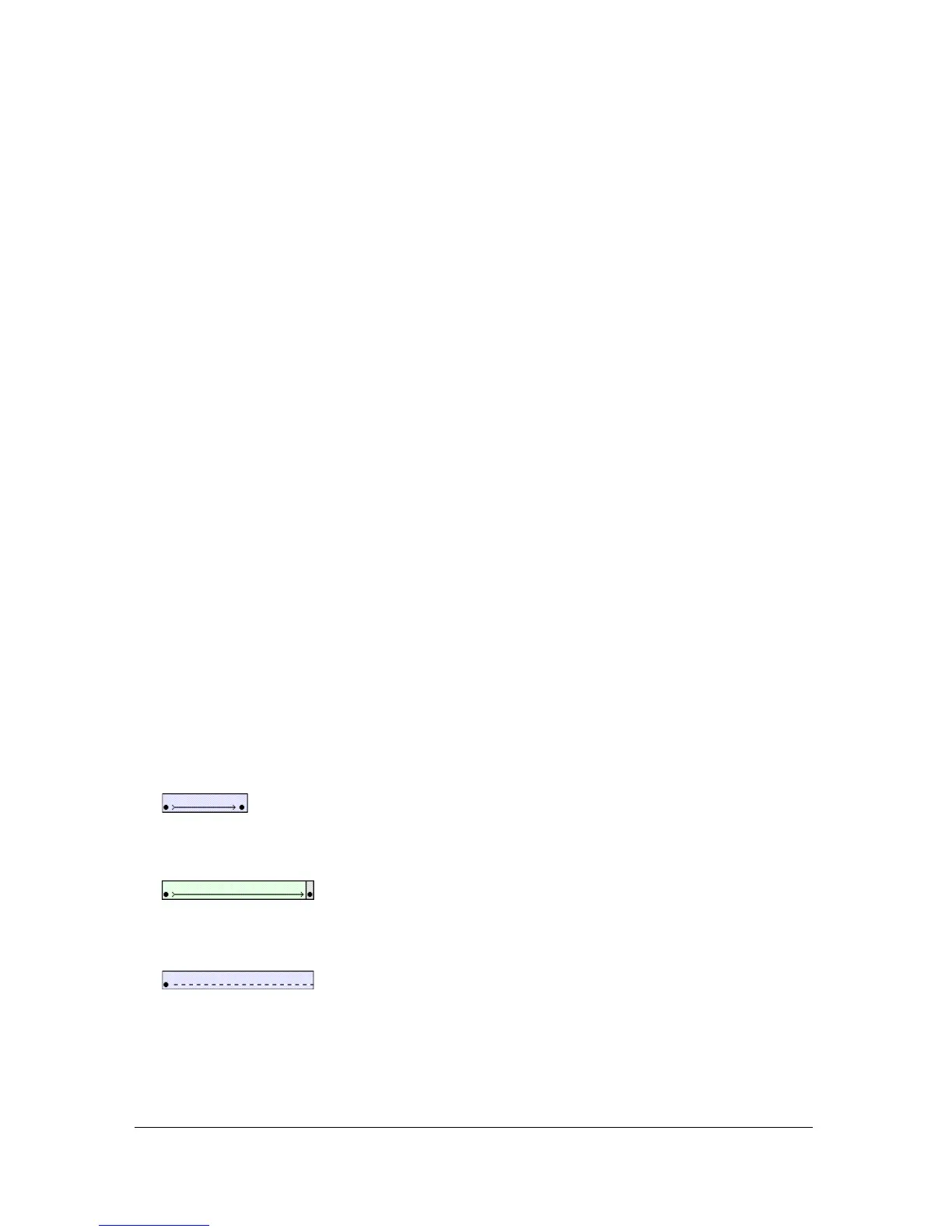
■ Motion tweens are indicated by a black dot at the beginning keyframe; intermediate
tweened frames have a black arrow with a light blue background.
■ Shape tweens are indicated by a black dot at the beginning keyframe; intermediate frames
have a black arrow with a light green background.
■ A dashed line indicates that the tween is broken or incomplete, such as when the final
keyframe is missing.



 To Next Page