About Flash drawing models 131
Bitmap graphics
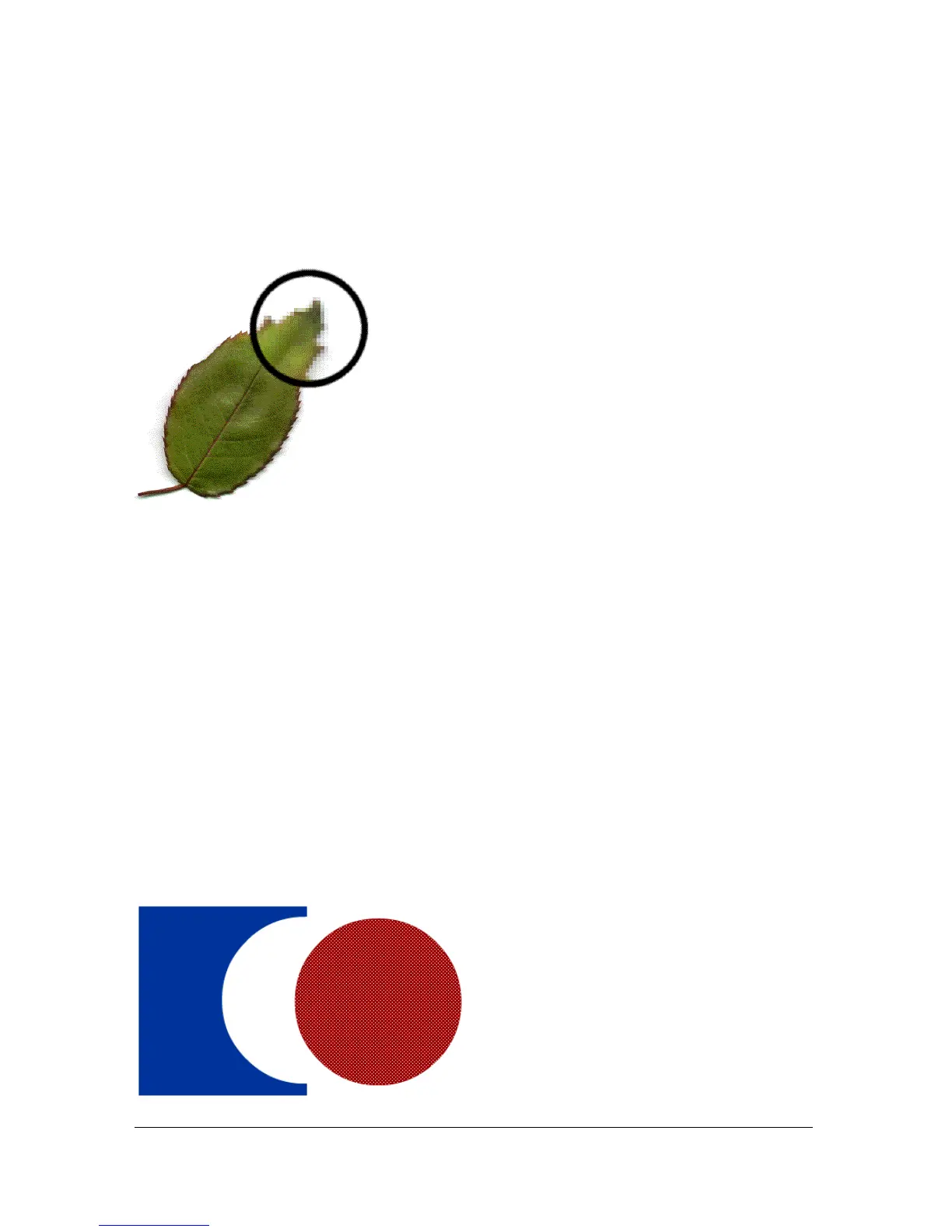
Bitmap graphics describe images using colored dots, called pixels, arranged in a grid. For
example, the image of a leaf is described by the specific location and color value of each pixel
in the grid, creating an image in much the same manner as a mosaic.
When you edit a bitmap graphic, you modify pixels rather than lines and curves. Bitmap
graphics are resolution-dependent, because the data describing the image is fixed to a grid of a
particular size. Editing a bitmap graphic can change the quality of its appearance. In
particular, resizing a bitmap graphic can make the edges of the image ragged as pixels are
redistributed within the grid. Displaying a bitmap graphic on an output device that has a
lower resolution than the image itself also degrades its quality.
About Flash drawing models
Flash provides two drawing models that give you a great deal of flexibility when drawing
shapes:
Merge Drawing model automatically merges shapes that you draw when you overlap them. If
you select a shape that has been merged with another, and move it, the shape below it is
permanently altered. For example, if you draw a square and overlay a circle on top of it, and
then select the circle and move it, the portion of the square that overlaid the circle is removed.



 To Next Page