About the Configuration Folders 651
<rows>
<row align="center">
<label value="Scale x: " control="xScale"/>
<textbox id="xScale"/>
</row>
<row align="center">
<label value="Scale y:" control="yScale"/>
<textbox id="yScale" />
</row>
</rows>
</grid>
</dialog>
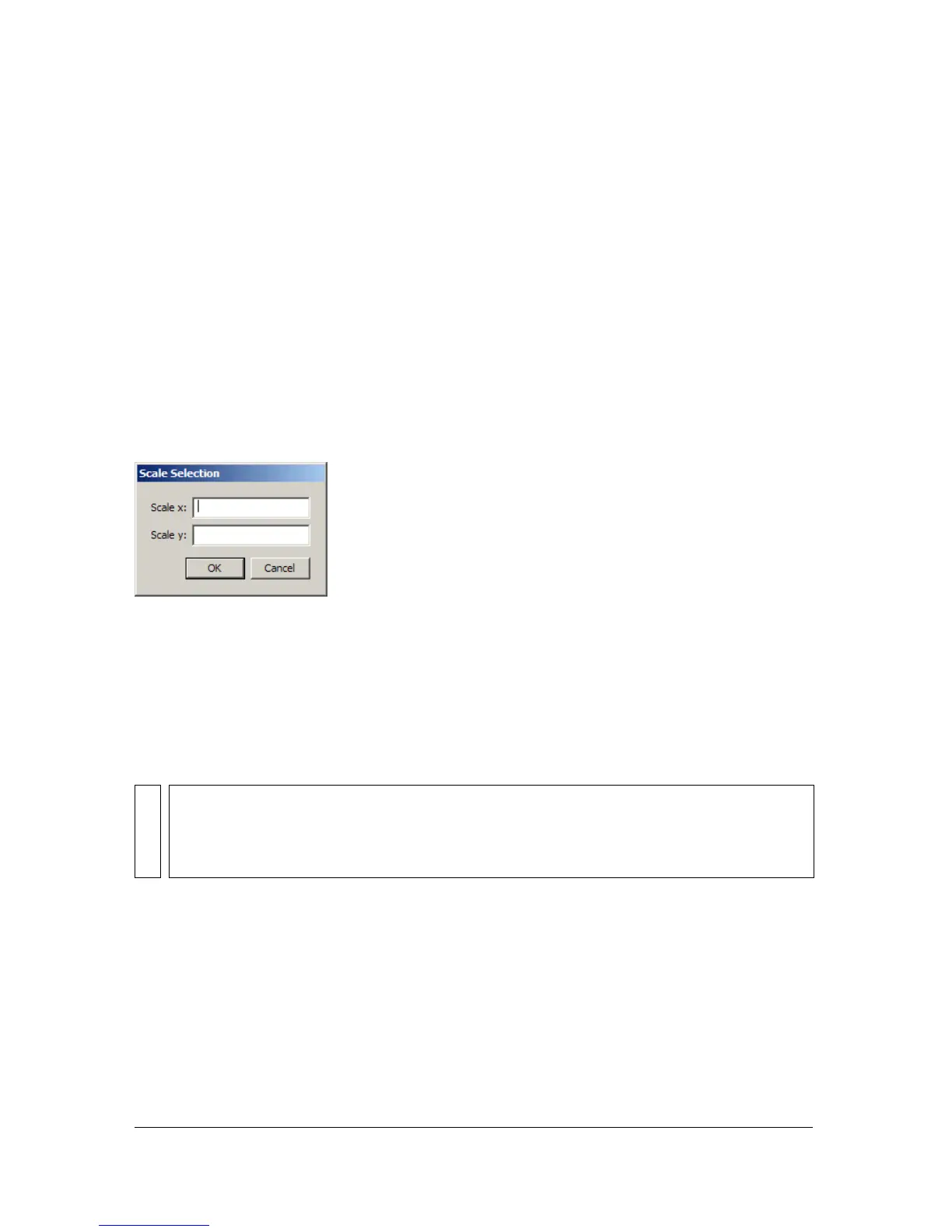
The scale command now appears on the Commands menu. Draw a shape on the Stage and
select it with the pointer tool. If you select the
scale command from the Commands menu,
the dialog box defined by scale.xml appears, as shown in the following figure:
About the Configuration Folders
The Configuration folders contain elements of the Flash 8 application that you can
customize. If you customize or extend Flash 8, you modify these files or add your source files
to one or more of these folders. By familiarizing yourself with these folders, you can learn
about the interface for extensibility provided in Flash 8.
The Configuration folders exists in three separate locations depending on your operating
system. The first location, Application configuration, is relative to the application. The
second, User configuration, is stored in a location that is writable for the person who is
currently the active user of the computer. Depending on your operating system this will be in
one of the following folder locations:
WARNING
The files in the Configuration folders make up much of the Flash 8 interface. Do not
modify, delete, or add to these files unless you know how to customize and extend Flash
8.



 To Next Page