140 Drawing
4. Click again where you want the first segment of the straight line to end. Shift-click to
constrain lines to multiples of 45°.
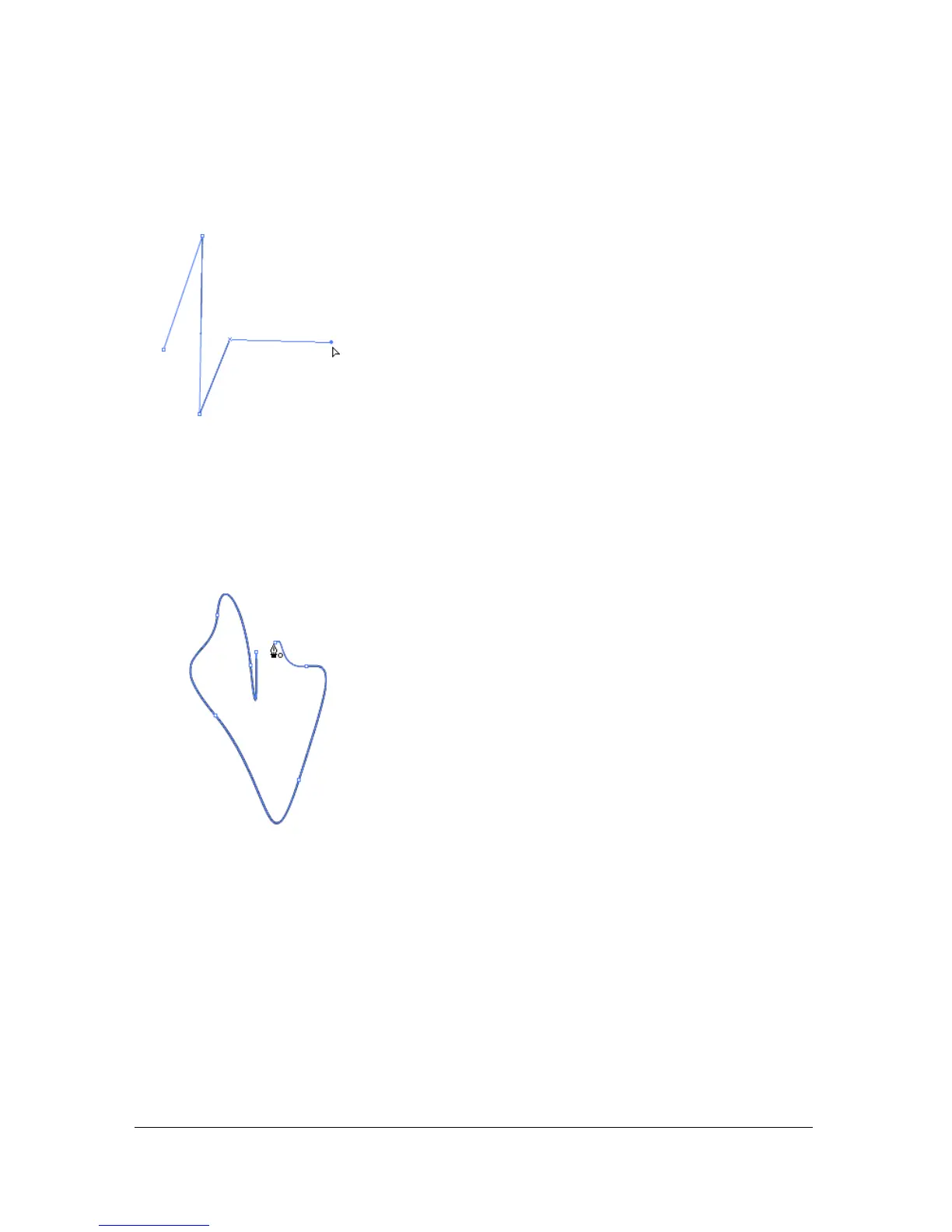
5. Continue clicking to create additional straight segments.
6. To complete the path as an open or closed shape, do one of the following:
■ To complete an open path, double-click the last point, click the Pen tool in the Tools
panel, or Control-click (Windows) or Command-click (Macintosh) anywhere away
from the path.
■ To close a path, position the Pen tool over the first anchor point. A small circle appears
next to the pen tip when it is positioned correctly. Click or drag to close the path.
■ To complete the shape as is, select Edit > Deselect All or select a different tool in the
Tools panel.
Drawing curved paths with the Pen tool
You create curves by dragging the Pen tool in the direction you want the curve to go to create
the first anchor point, and then dragging the Pen tool in the opposite direction to create the
second anchor point.



 To Next Page