Painting with the Brush tool 145
The Pressure modifier varies the width of brush strokes when you vary the pressure on the
stylus. The Tilt modifier varies the angle of brush strokes when you vary the angle of the
stylus on the tablet. The Tilt modifier measures the angle between the top (eraser) end of the
stylus and the top (north) edge of the tablet. For example, if you hold the pen vertically
against the tablet, the Tilt is 90°. The Pressure and Tilt modifiers are both fully supported for
the eraser function of the stylus.
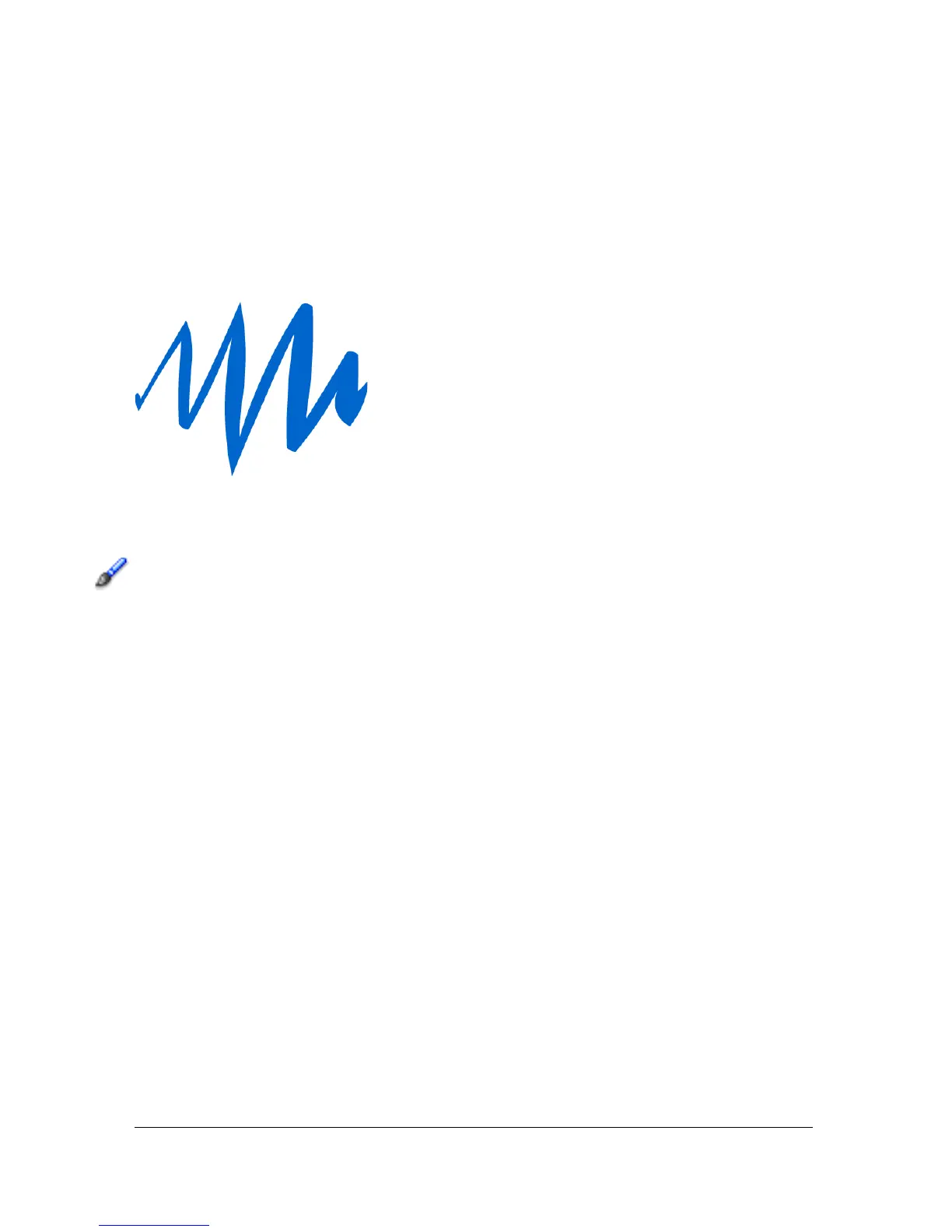
A variable-width brush stroke drawn with a stylus
To paint with the Brush tool:
1. Select the Brush tool.
2. Select Window > Properties and select a fill color in the Property inspector. See “Using the
Stroke Color and Fill Color controls in the Property inspector” on page 115.
3. Click the Brush Mode modifier and select a painting mode:
Paint Normal paints over lines and fills on the same layer.
Paint Fills paints fills and empty areas, leaving lines unaffected.
Paint Behind paints in blank areas of the Stage on the same layer, leaving lines and
fills unaffected.
Paint Selection applies a new fill to the selection when you select a fill in the Fill modifier
or the Fill box of the Property inspector. (This option is the same as simply selecting a
filled area and applying a new fill.)
Paint Inside paints the fill in which you start a brush stroke and never paints lines. This
works much like a smart coloring book that never allows you to paint outside the lines. If
you start painting in an empty area, the fill doesn’t affect any existing filled areas.
4. Select a brush size and brush shape from the Brush tool modifiers.



 To Next Page