Starting a print job 541
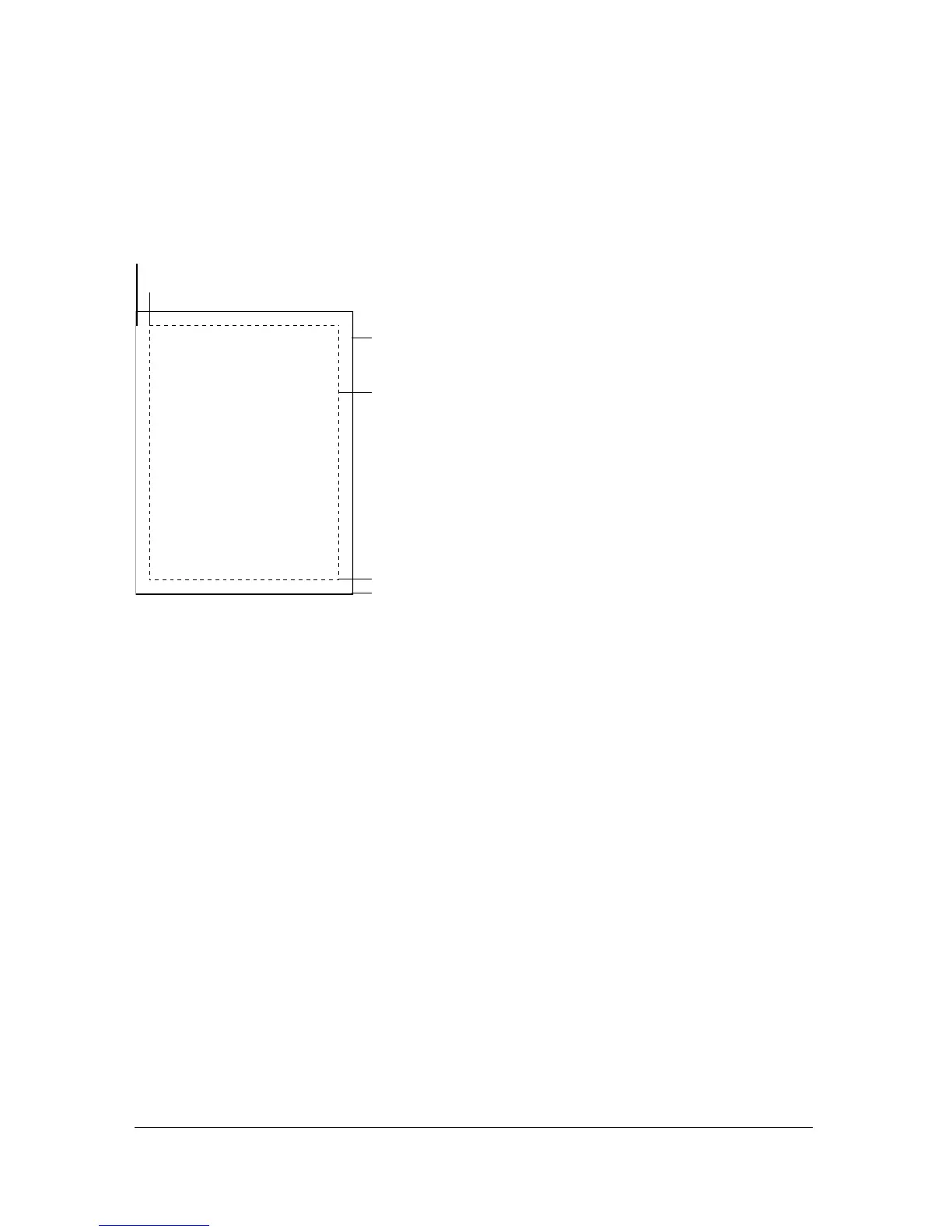
The xMin, xMax, yMin, and yMax values represent screen pixels relative to the target level or
movie clip registration point. The print area orientation is from the upper left corner of the
printable area on the page. If the print area is larger than the printable area on the page, then
the print data that exceeds the right and bottom edge of the page is clipped.
If you don’t specify a print area, or if you specify an invalid print area, the print area defaults
to the Stage area of the root document.
About scaling
A print job using the PrintJob class prints Flash content, by default, without scaling it. For
example, an object that is 144 pixels wide on screen will print as 144 points, or 2 inches wide
(One point equals one pixel. In the authoring tool, 72 pixels equals one inch; on paper, 72
points equals one inch.)
To understand how Flash screen content maps to the printed page, it helps to understand
screen and print units of measure. Pixels are a screen measurement and points are a print
measurement. Both pixels and points equal 1/72 of an inch. A twip is 1/20 of a point
and pixel.
Paper rectangle
Page rectangle
(594,774)
(576,756)
(0,0)
-
,-



 To Next Page