Quattro DC Drive A1 Submenu
46
Parameter Description Units Default Range
Hidden
Item
Run
lock
out
UP TO SPD.
LEVEL
(Up to Speed Level) This parameter sets
the threshold for the up to speed logic
output. This is only used to generate the
up to speed logic output. Units in percent
of contract speed.
% 90.00 0.00 –110.00
Y N
RUN DELAY
TIMER
(Run Recognition Delay Timer)
Allows
the user to delay the drive’s recognition of
the RUN signal therefore allow more time
for the motor contactor to set. This
parameter allows the user to delay the
drive’s recognition of the RUN signal
sec 0.00 0.00 – 0.99
Y Y
AB ZERO SPD
LEV
(Auto Brake Zero Speed Level) Sets the
speed point that will be considered as
zero speed for the auto brake function.
The units are % of contract speed.
In order to use the Auto Brake Function,
a logic output needs to be configured for
AUTO BRAKE (C3), the parameter SPD
COMMAND SRC(C1) = MULTI-STEP,
the parameter SPD REF RELEASE (C1)
= BRAKE PICKED, and the parameter
BRAKE PICK CFRM(C1) = EXTERNAL
TB1.
% 1.00 0.00 – 2.00
Y Y
AB OFF DELAY
(Auto Brake Off Delay)
Determines the
time after zero speed is reached (level
determined by the AB ZERO SPD LEV
(A1) parameter) that the Auto Brake logic
output goes false.
sec 0.00 0.00 – 9.99
Y Y
CONTACTOR
DO DLY
(Contactor Drop-Out Delay)
When the
drive controls the motor contacts via
CLOSE CONTACT logic output, this
parameter allows the user to delay the
drive’s dropout of the motor contactor.
The delay time starts when the speed
regulator release signal goes false.
sec 0.00 0.00 – 5.00
Y Y
TRQ LIM MSG
DLY
(Torque Limit Message Delay) This
parameter determines the amount of time
the drive is in torque limit before the “HIT
TORQUE LIMIT” alarm message is
displayed.
sec 0.50 0.00 – 10.00
Y Y
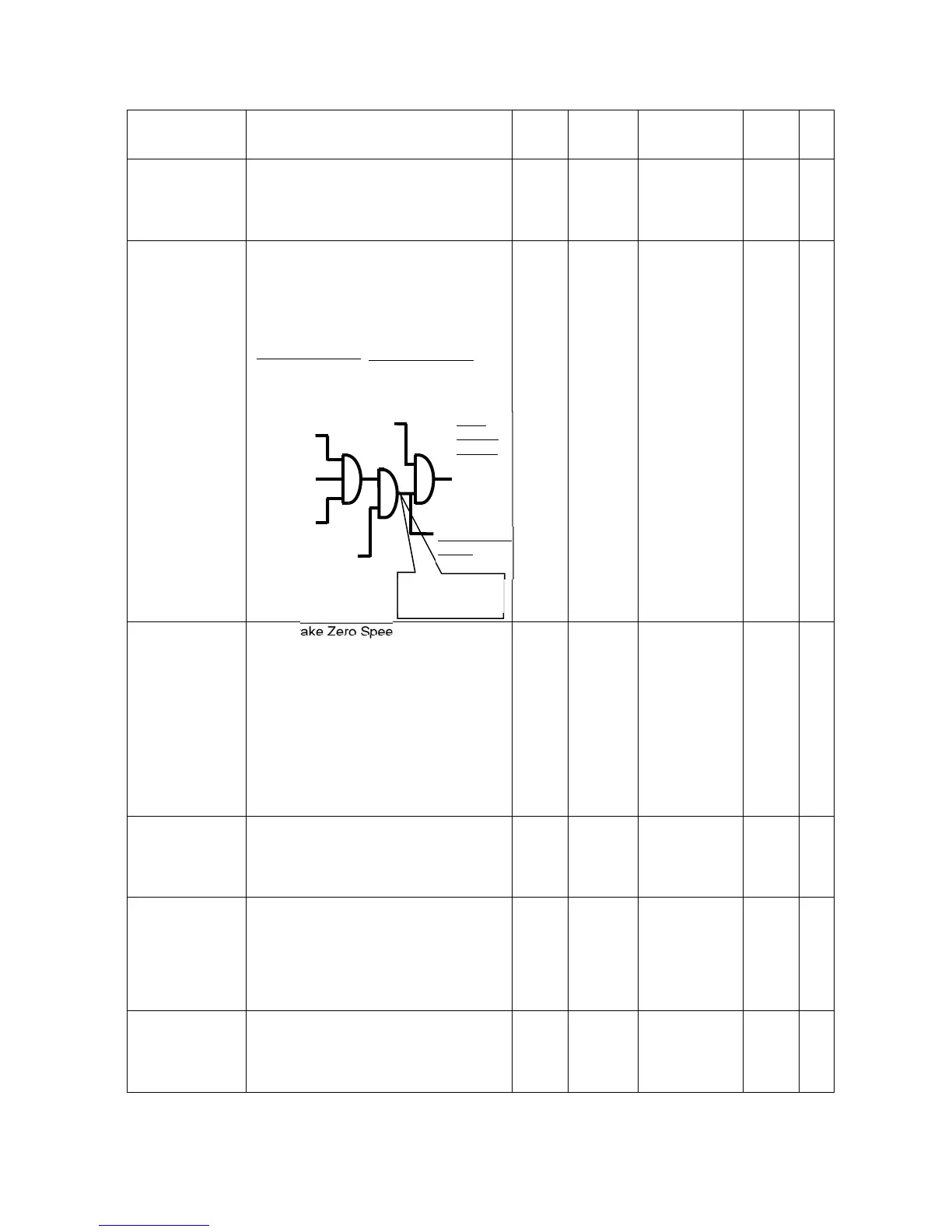
Run recognition
delay
internal connection
READY TO RUN
(logic output)
software ready
no faults
drive boosting
CONTACT
CFIRM
(logic input)
(if used)
RUN or
RUN UP or
RUN
DOWN
DRIVE
ENABLE
(logic
in
ut
internal connection
FLUX CONFIRM
(logic output)
flux level 90%
Drive
Internal
Signals
Speed
Regulator
and
Reference
Release
Drive Internal
Signal
Run Confirm



 To Next Page