Quattro DC Utility U0 Menu
92
Restore Motor Defaults
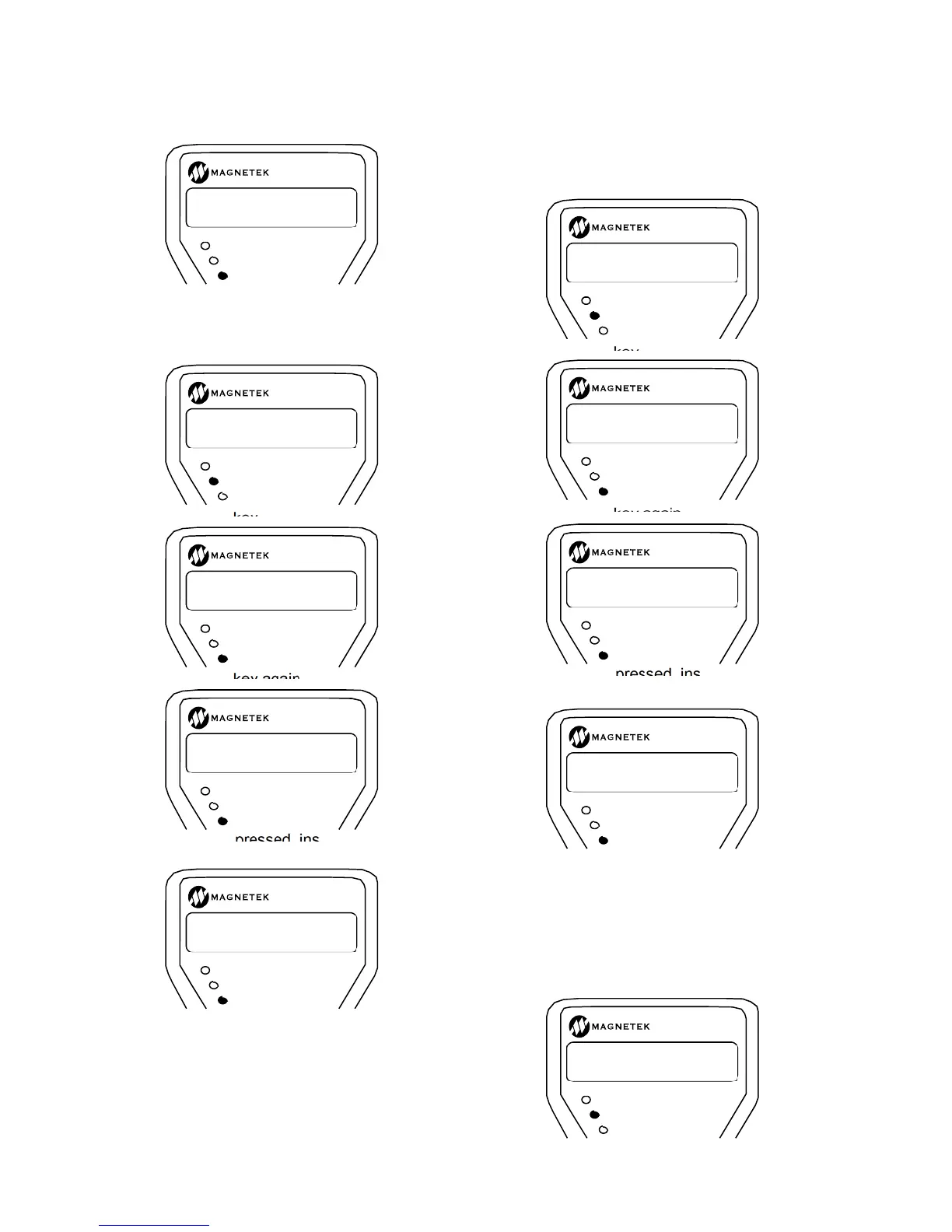
The following shows how to restore the motor
defaults:
Press the enter key
Press the enter key again
If the esc key is pressed, instead the reset
action will be aborted
Restore Utility Defaults
This function resets the parameters in the LS
PWR CONVERT (A5) submenu to the
defaults. The following shows how to restore
the utility defaults:
Press the enter key
Press the enter key again
If the esc key is pressed, instead the reset
action will be aborted
MS DRIVE INFO
(Motor Side Drive Information)
Six different screens are included in this sub-
menu, each display an identification number.
MS TYPE Screen
Shows the type of drive the software is
installed in:
RUN/FAULT
SUB MENU
DATA ENT
NO ACTION TAKEN
PUSH ANY KEY
RUN/FAULT
SUB MENU
DATA ENT
RESTORE MOTOR
U5 DEFAULTS?
RUN/FAULT
SUB MENU
DATA ENT
PRESS ENTER TO
CONFIRM REQUEST
RUN/FAULT
SUB MENU
DATA ENT
DEFAULT RESTORED
PUSH ANY KEY
RUN/FAULT
SUB MENU
DATA ENT
NO ACTION TAKEN
PUSH ANY KEY
RUN/FAULT
SUB MENU
DATA ENT
RESTORE UTILITY
U5 DEFAULTS?
RUN/FAULT
SUB MENU
DATA ENT
PRESS ENTER TO
CONFIRM REQUEST
RUN/FAULT
SUB MENU
DATA ENT
DEFAULT RESTORED
PUSH ANY KEY
RUN/FAULT
SUB MENU
DATA ENT
NO ACTION TAKEN
PUSH ANY KEY
RUN/FAULT
SUB MENU
DATA ENT
MS TYPE
U6 STD. DC Drv.



 To Next Page