EasyManua.ls Logo

Magnetek Elevator Quattro DC - User Manual

Default Icon
178 pages
Print Icon
To Next Page IconTo Next Page
Loading...
Quattro™ DC
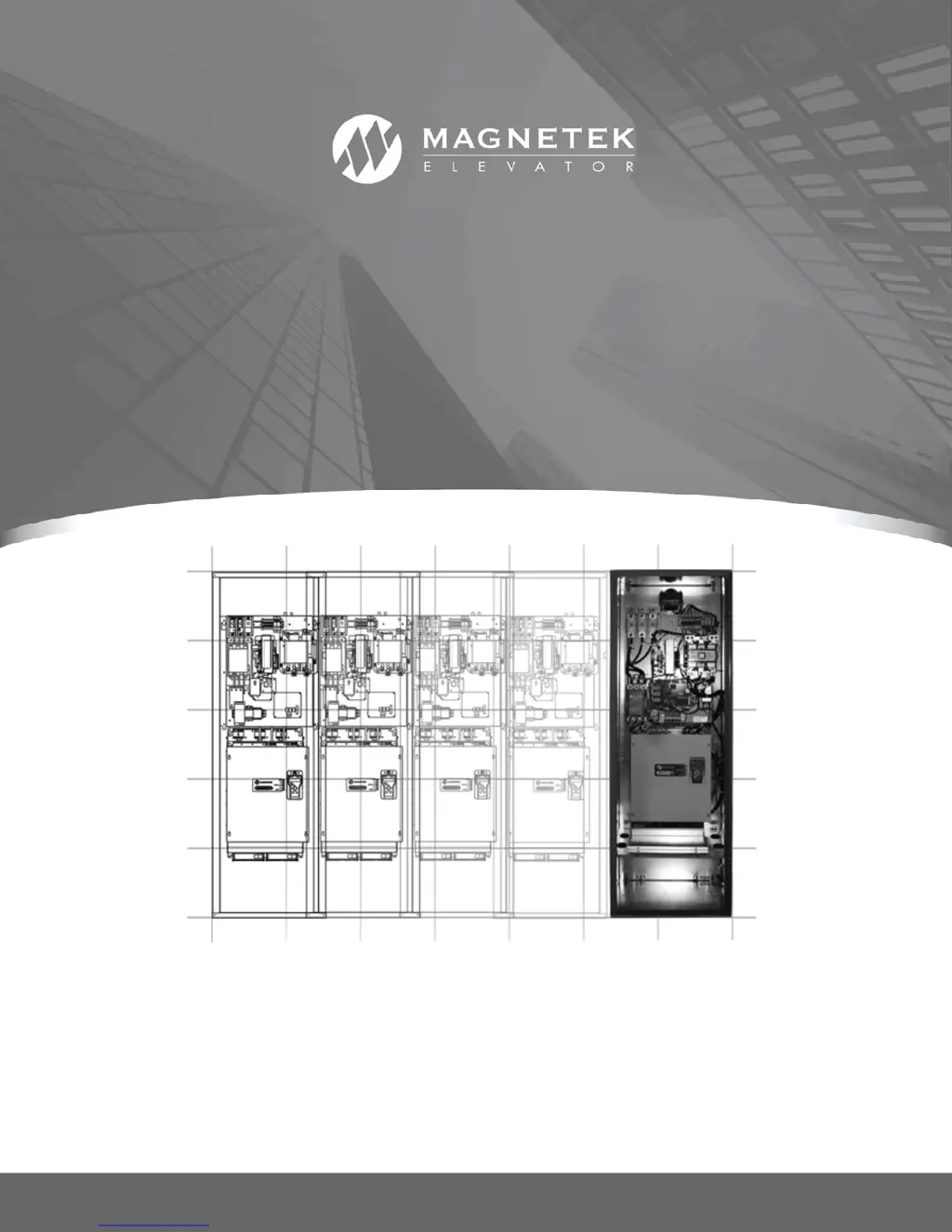
Quattro™ DC Elevator Drive
Technical Manual
To properly use the product, read this manual thoroughly and retain for easy reference, inspection,
and maintenance. Ensure that the end user receives this manual.
TM7337 rev 23
© Magnetek Elevator 2018

Table of Contents

Questions and Answers

  • L
    Lisa HernandezAug 21, 2025
    Why does my Magnetek Elevator Quattro DC show a 'Drive Temp. (fault)' or 'Drive Temp. (alarm)'?
    • M
      Michael WebbAug 21, 2025
      If you are experiencing a 'Drive Temp. (fault)' or 'Drive Temp. (alarm)' with your Magnetek Elevator DC Drives, first verify that the two fans located under the power module are working properly. Also, inspect and clean the air intake filters. Ensure that the ambient temperature is less than 45?C and that the drive is appropriately sized. A defective temperature sensor could also be the cause. In some cases, replacing the motor side product interface board (A4) may resolve the issue if it's a hardware problem related to overtemperature.
  • R
    Rhonda NavarroSep 3, 2025
    What does 'DCU Data Flt' mean on Magnetek Elevator DC Drives, and how can I fix it?
    • R
      Raymond WellsSep 3, 2025
      If your Magnetek Elevator DC Drives shows a 'DCU Data Flt', the parameters might be corrupted. Try checking and re-entering the parameters, then power cycle the drive. If the problem persists, you may need to replace the Drive Control board.
  • D
    Diana AllenSep 1, 2025
    How to resolve a 'Cube ID Fault' on Magnetek Elevator Quattro DC?
    • S
      Sandra AlvarezSep 1, 2025
      If your Magnetek Elevator DC Drives displays a 'Cube ID Fault', try power cycling the drive first. Verify that the Cube ID board is properly connected and fully seated. Check the MS Drive Info in submenu U6 to verify the processor is reading the correct cube id. If the issue re-occurs, the Drive Control board may need to be replaced, indicating a hardware problem.
  • M
    michael89Aug 31, 2025
    Why is my Magnetek Elevator DC Drives displaying 'Comm Fault No Drv Handshake (operator)'?
    • Y
      youngbrianAug 31, 2025
      If you encounter a 'Comm Fault No Drv Handshake (operator)' error on your Magnetek Elevator DC Drives, it is likely due to a bad connector connection. Try removing and re-seating the operator in its cradle. If the issue persists after re-seating the operator, consider that either the operator or the drive’s control board may need to be replaced.
  • M
    Mr. Randy WileyAug 29, 2025
    What to do if Magnetek Elevator Quattro DC show 'Comm Fault Invalid Checksum (operator)'?
    • P
      Paul FisherAug 29, 2025
      If you're getting a 'Comm Fault Invalid Checksum (operator)' error on your Magnetek Elevator DC Drives, the problem could be due to noise or a bad connector connection. Try removing and re-seating the operator in its cradle. If that doesn't work, either the operator or the drive’s control board might need to be replaced.
  • C
    cjohnsonAug 27, 2025
    How do I troubleshoot an 'Encoder Flt' on Magnetek Elevator Quattro DC DC Drives?
    • M
      Mary CopelandAug 27, 2025
      If you're seeing a 'Encoder Flt' error on your Magnetek Elevator DC Drives, it could be due to several reasons. If a 'Reversed Tach Fault' is indicated, the encoder rotation is backwards, so the encoder phasing should match motor rotation. Check the 12 or 5 volt supply on the terminal strip for Encoder Power Supply Loss. Also, make sure the motor nameplate values and the encoder PPR value are entered correctly. Verify that the Tach Volt Sense (A6) and the Tach Speed Sense (A6) are at least set to default. If the problem is due to a high IR drop on the armature, increase the value of Tach Volt Sense (A6).
  • O
    obarnesAug 26, 2025
    What causes 'Curr Reg Flt' in Magnetek Elevator DC Drives and how to resolve it?
    • J
      John SaundersAug 27, 2025
      If your Magnetek Elevator DC Drives displays a 'Curr Reg Flt', verify that the motor contactor is closing and not opening unexpectedly. Check that the reported drive current is zero when the drive is not operating, indicating potentially faulty current feedback signals. Also, ensure the base block jumper is correctly positioned between TB2-7 and TB2-14 to rule out a loss of gate power supply. In addition, check for an incorrect DC Bus Voltage reading and verify that the motor armature does not have an open armature wire.
  • N
    nfordAug 25, 2025
    How to fix 'Bad Srl Chksm (alarm)' on Magnetek Elevator DC Drives?
    • C
      Christopher WilsonAug 25, 2025
      If you get a 'Bad Srl Chksm (alarm)' on your Magnetek Elevator DC Drives, the issue might stem from a bad serial connection. Begin by removing and re-seating the RS-422 serial cable. Inspect the car controller serial driver board and the serial cable connected to the drive’s RS-422 port. If the problem persists, the Customer I/O PCB on the drive may need to be replaced. It could also be a problem with car controller serial communication. Check the grounding between the car controller and drive, or noise on the serial channel caused by the cable.
  • S
    Stephanie AndersonAug 23, 2025
    How to troubleshoot a 'Comm Fault' on Magnetek Elevator Quattro DC DC Drives?
    • M
      matthewandersonAug 23, 2025
      If you're encountering a 'Comm Fault' with your Magnetek Elevator DC Drives, it might be due to a bad serial connection. Try removing and re-seating the RS-422 serial cable. Check the car controller serial driver board and the serial cable connected to the drive’s RS-422 port. The Customer I/O PCB on the drive may need replacement. Also, there might be a problem with car controller serial communication, grounding issues between the car controller and the drive, or noise on the serial channel caused by the cable.

Summary

Warranty and Liability Limitations

Product Warranty Terms

Details the product warranty terms and conditions provided by the company.

Liability Limitations

Outlines limitations on Magnetek's liability for profit loss, consequential, or incidental damages.

Quattro Startup Guide

Initial Inspection and Setup

Instructions for inspecting the drive upon receipt and preparing for installation.

Drive Installation Guidelines

Provides guidelines for the proper installation of the Quattro DC drive.

Motor Evaluation Procedure

Procedures for evaluating existing motors before installation to ensure compatibility.

Initial Adjustments After Power Up

Steps for making initial adjustments after powering the drive.

Drive Parameters and Configuration

Parameter Introduction and Navigation

Describes how to understand, navigate, and use the drive's parameter system.

Adjust A0 Menu Parameters

Details the parameters within the A0 adjustment menu for drive control.

Configure C0 Menu Options

Contains parameters for configuring drive settings, inputs, outputs, and options.

Display D0 Menu for Status

Menu for displaying drive status and operational data.

Utility U0 Menu Functions

Contains utility functions, password management, and unit selection.

Fault F0 Menu for Diagnostics

Menu for examining active faults, fault history, and clearing faults.

Troubleshooting Drive Issues

Understanding Faults and Alarms

Distinguishes between drive faults (severe) and alarms (annunciations).

Fault Clearing Procedures

Details methods for clearing drive faults via operator, logic input, or automatic reset.

Common Faults and Corrective Actions

Lists common faults like Comm Fault, Encoder Fault, and Overload with causes.

Drive Maintenance and Servicing

Maintenance Overview and Factors

Key factors for preventive maintenance: airflow, connections, cleaning.

Drive Servicing Precautions

Precautions and warnings for servicing the drive, emphasizing safety.

Appendix: Procedures and Specifications

Auto Tune Procedure

Detailed steps for running the drive's automatic motor tuning function.

Inertia Calculations

Procedure for calculating elevator system inertia using drive software.

Anti-Rollback (ARB) Setup

Explanation and setup steps for the anti-rollback feature to prevent car movement.

EMC Compliance Guidelines

Guidelines for proper metallic bonding for EMC compliance and emissions standards.

Testpoints Identification

Locations and definitions of test points on various drive boards for diagnostics.

Input Voltage Requirements

Determines the minimum required input line voltage based on motor and drive ratings.

Spare Parts List

A comprehensive list of available spare parts for the Quattro DC Drive.

Magnetek Elevator Quattro DC Specifications

General IconGeneral
FeedbackEncoder, Resolver
SafetySafe Torque Off (STO)
Storage Temperature-20°C to 60°C
Humidity5% to 95% non-condensing
CommunicationModbus
Control MethodMicroprocessor-based
Protection FeaturesOvercurrent, Overvoltage, Undervoltage, Short Circuit
Operating Temperature0°C to 40°C
Control ModesClosed Loop Vector, V/Hz