32
Control unit MGCplus
Parameterising control unit
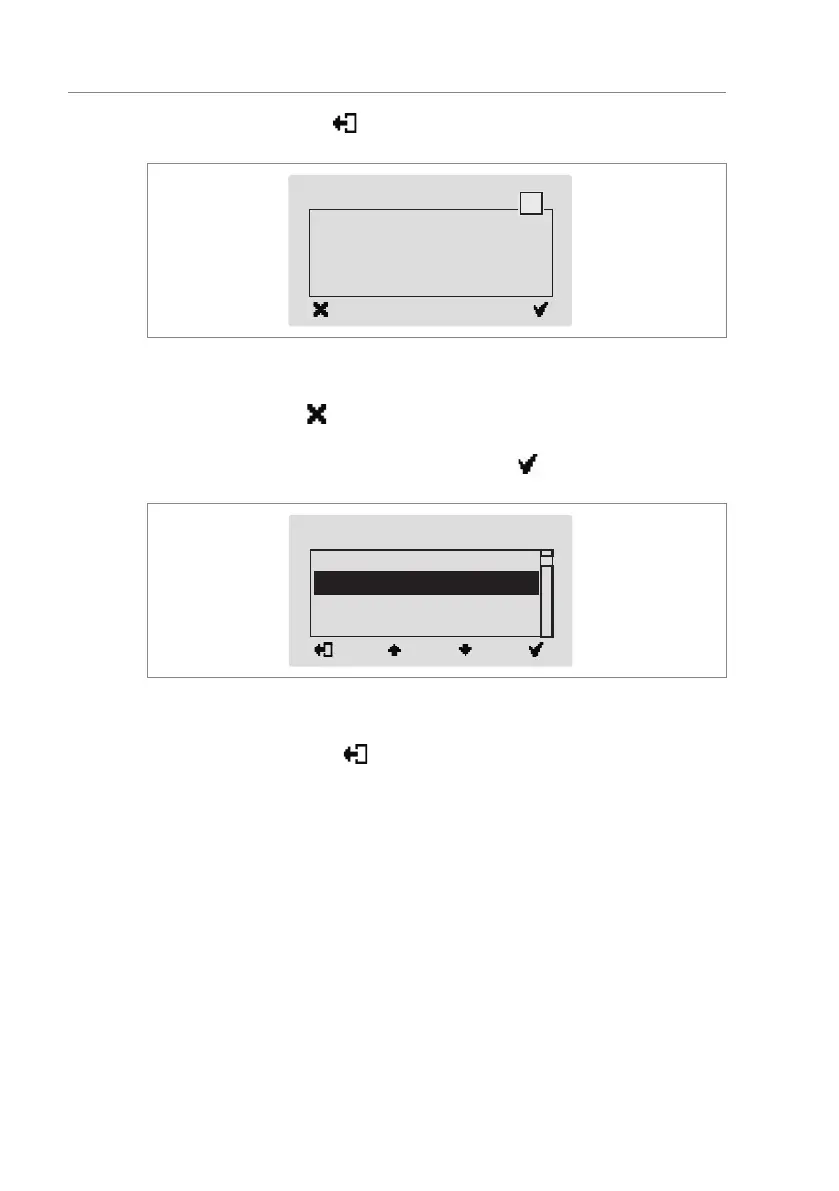
10. Use the left button « » to leave the "Language" menu. The safety
prompt "Save changes?" appears.
Save changes?
Language
?
Fig. 10: View "Safety prompt – Save changes?"
Push the left button « » if you do not want to save the changes. The menu
language "English" remains active.
11. Confirm safety prompt with the right button « ». The new menu lan-
guage "German" is activated. The following view is displayed:
Reboot
Language
System
IP settings
Remote support
Fig. 11: View "System" menu – Menu language "German" is activated
12. Press the left button « » repeatedly until the operational view is dis-
played again. ä Page 11, Fig. 1.


 To Next Page