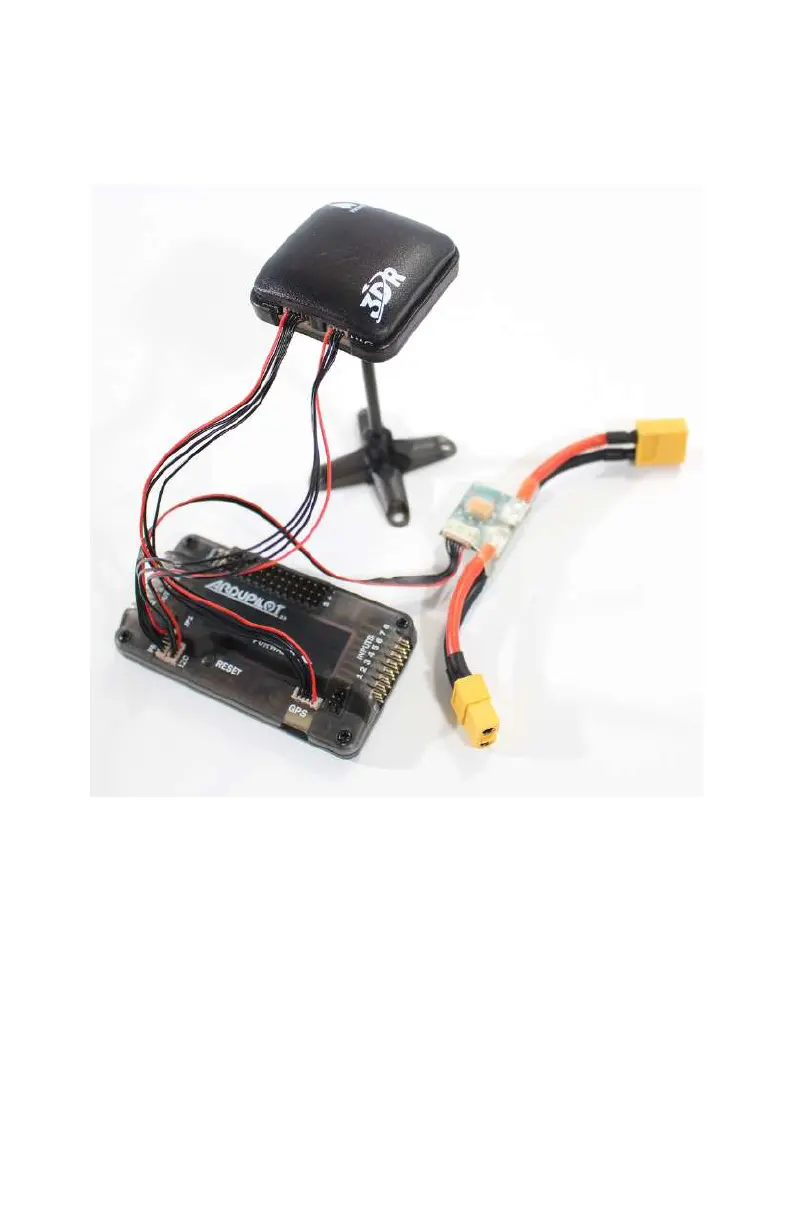
into the PM port on the APM. The flight battery will now plug
into the battery monitor rather than the main power lead com-
ing o the power distribution board. Figure 5-8 shows the bat-
tery monitor plugged in on the bench.
Figure 5-8. Our battery monitor plugged in on the bench, speak-
ing to the APM over a 6-position cable that plugs into the PM
port.
Start
o by plugging the battery monitor into the main battery
lead from the power distribution board (see Figure 5-9). This is
the same lead that you would normally plug your battery into if
you weren’t using a battery monitor.
GPS, Compass, and Battery Monitor 103



 To Next Page