EasyManua.ls Logo

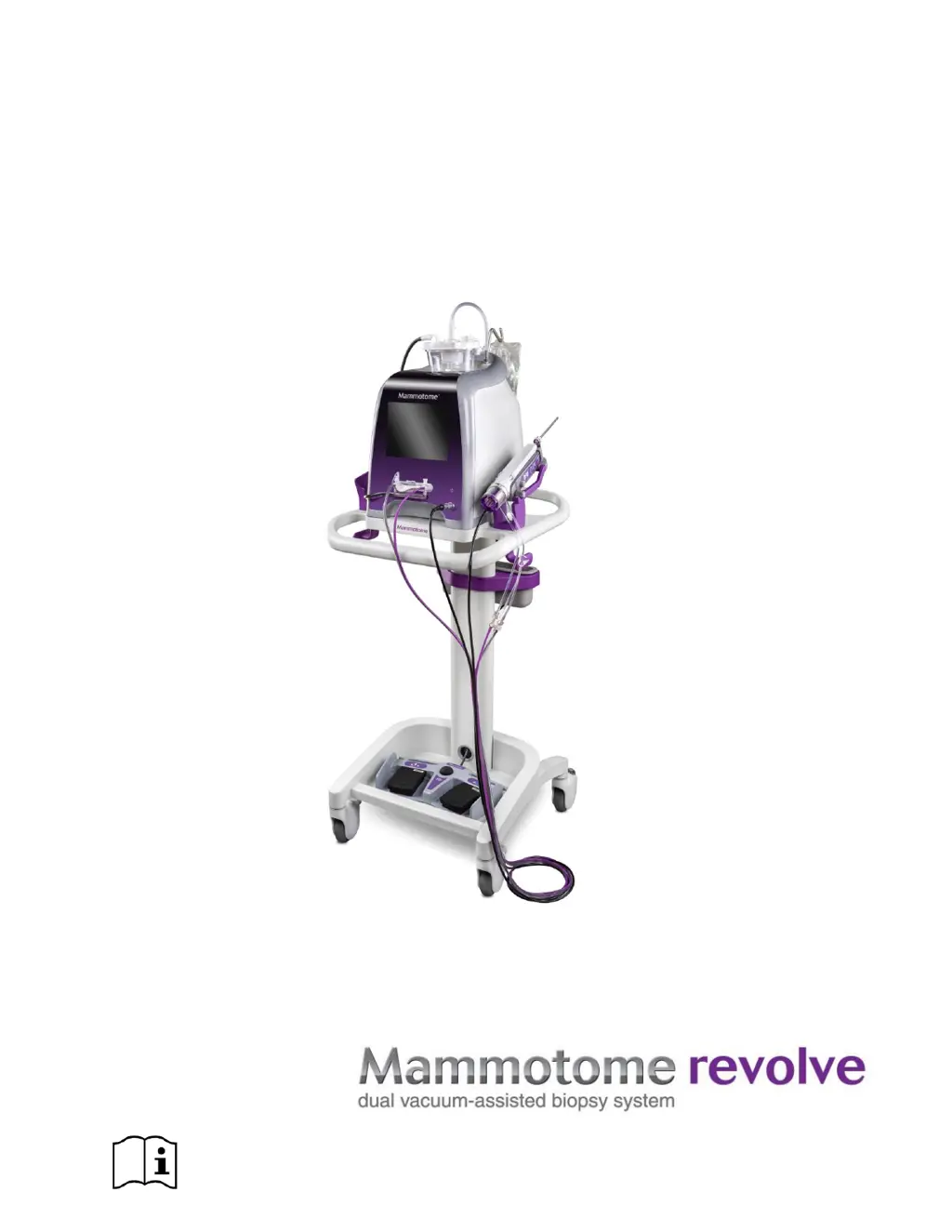
mammotome REVOLVE - User Manual

mammotome REVOLVE
119 pages
Print Icon
To Next Page IconTo Next Page
Loading...
USER INSTRUCTIONS AND
OPERATIONS GUIDE
www.mammotome.com/ifu eIFU number: 001413

Table of Contents

Questions and Answers

  • P
    Philip TaylorSep 5, 2025
    What to do if the function buttons are not responding on mammotome REVOLVE Medical Equipment?
    • T
      Thomas WillisSep 5, 2025
      If the function buttons are not responding on your mammotome Medical Equipment, it could be due to a few reasons: * The system executes a different function than expected when the user presses a button. Be sure to press the buttons for the proper duration for a desired function. Pressing a button for too long (or too quickly) can activate the wrong function. * The system is still executing a previous command. Wait until the previous function has finished before pressing a button for the next function. * The user bumped a feature button on the GUI, and the system is no longer in Ready mode. Determine which feature button was pressed, then set that feature to the desired setting and confirm it. The system will return to Ready mode.
  • M
    Maria BrewerSep 4, 2025
    What to do if fluid does not visibly move in the vacuum tubing when the Vacuum button is pressed and released on my mammotome REVOLVE Medical Equipment?
    • J
      Jessica SinghSep 4, 2025
      If fluid isn't visibly moving in the vacuum tubing when you press and release the Vacuum button on your mammotome Medical Equipment, it could be that the vacuum button is being held too long to trigger Clear/Dry Tap, but not long enough to trigger the Vacuum function. Adjust the length of time the user is pressing the button: faster for Clear/Dry Tap, longer for Vacuum.
  • P
    paul28Sep 3, 2025
    What to do if the sample aperture is not fully closed after initialization of mammotome Medical Equipment?
    • O
      Oscar AbbottSep 3, 2025
      If the sample aperture is not fully closed after initialization of your mammotome Medical Equipment, it is possible that the probe/holster did not initialize correctly. You can disconnect the holster cable from the Control Module, reattach it, and proceed through initialization again. Alternatively, remove the probe from the holster, reattach it, and proceed through initialization again.
  • R
    Ronald MccoySep 2, 2025
    What to do if a sample appears in a different chamber than where it is expected in mammotome Medical Equipment?
    • R
      riverajillSep 2, 2025
      If a sample appears in a different chamber than expected in your mammotome Medical Equipment, it could be because: * The SMS was misaligned before the probe was attached. Note the location of the samples in relation to the expected position. If more samples are desired, remove the probe and install a new one, checking to ensure the new probe’s SMS is properly aligned before it is attached to the holster. * The View Sample function is on, and the user is pressing and holding the Vacuum button. This could transport a specimen. Note that the unexpected sample may be part of the previous sample attempted.
  • J
    jennifermillerSep 1, 2025
    What should I do if the clear/dry tap function does not transport tissue or fluid into the SMS with my mammotome Medical Equipment?
    • E
      Erik HayesSep 1, 2025
      If the Clear/Dry Tap function does not transport tissue or fluid into the SMS in your mammotome Medical Equipment, it could be due to: * The vacuum button was pressed for too long or too quickly. Press the Vacuum button quickly, but long enough to ensure it makes contact. * There is no saline in the system. Check the saline bag for adequate saline and inspect the saline tubing for kinks or damaged/undone connectors.
  • T
    Teresa Wilson DDSAug 31, 2025
    Why does my mammotome REVOLVE vacuum pump create a loud noise when in operation?
    • T
      Tonya SummersAug 31, 2025
      A loud noise from the vacuum pump during operation of the mammotome Medical Equipment could be due to natural pump vibration. To mitigate this, check to ensure the control module is secured to the cart with the mounting thumbscrews (supplied with the cart).
  • E
    Emily NashAug 30, 2025
    Why is there a vacuum leak audible during tissue sampling with mammotome Medical Equipment?
    • K
      Kristen KnappAug 30, 2025
      An audible vacuum leak during tissue sampling with your mammotome Medical Equipment may be because the specimen collection chambers are dislodged from the SMS. Ensure the specimen collection chambers are seated correctly in the SMS and check the vacuum tube set connections.
  • O
    orodriguezAug 29, 2025
    Why is there irregular gear noise during initialization of my mammotome Medical Equipment?
    • M
      Mark LopezAug 29, 2025
      Irregular gear noise during initialization of the mammotome Medical Equipment could be due to the probe not being correctly attached to the holster. Remove the probe and reattach it to the holster. If the noise occurs again, remove the probe and inspect the cutter gear on the probe. If it is not damaged, replace the probe on the holster and proceed through initialization. If the cutter gear is damaged, discard the damaged probe and continue with a new probe.
  • K
    Kirk BradyAug 28, 2025
    What to do if the mammotome Medical Equipment cutter remains stuck in the open aperture position?
    • M
      Michelle MillsAug 28, 2025
      If the cutter remains stuck in the open aperture position on your mammotome Medical Equipment, a homing error may have occurred. Remove the probe from the holster, rotate the cutter gear on the bottom of the probe until the aperture is only 1/3 open, then reattach the probe to the holster and reinitialize the system.
  • K
    kevin97Aug 27, 2025
    What should I do if the mammotome REVOLVE probe attachment is difficult?
    • T
      Tyler MccarthyAug 27, 2025
      If you're finding it difficult to attach the probe to the holster on your mammotome Medical Equipment, it might be because the probe is being loaded onto the holster at an angle. To resolve this, keep the probe parallel to the holster (along the long axis) when attaching it.

Summary

Chapter 1 INTRODUCTION

Warnings and Safety Precautions

Highlights critical safety information, potential hazards, and warnings for safe operation.

General and System Safety Guidelines

Provides general usage precautions and specific safety guidelines related to the system's electrical and operational aspects.

Chapter 2 SYSTEM DESCRIPTION

Probe and Holster Types

Describes the different types of probes (ST, U/S, EX) and their corresponding holsters.

Chapter 3 INITIAL INSTALLATION AND GETTING STARTED

Unpacking and Component Assembly Procedures

Step-by-step instructions for unpacking system components and assembling them for initial use.

System Setup and Configuration

Guides through powering on the system, connecting components, and initial setup processes.

Chapter 4 STEREOTACTIC (ST) INSTRUCTIONS FOR USE

Chapter 5 ULTRASOUND (U;S) INSTRUCTIONS FOR USE

Chapter 6 EX INSTRUCTIONS FOR USE

Preparation and Steps for Tissue Sampling

Detailed instructions on how to prepare the system and perform tissue sampling using EX mode.

Biopsy Function and Operation Details

Explains the biopsy cycle, sample acquisition, and handling of collected tissue specimens.

Chapter 7 CLEANING AND DISINFECTION

Cleaning Control Module, Cart, and Footswitch

Detailed instructions for cleaning the main system components using specified detergents.

Cleaning and Disinfection for Holsters

Procedures for cleaning and disinfecting ST, U/S, and EX holsters using different options.

Chapter 8 SOFTWARE DESCRIPTION

Touchscreen Interface and Button Functions

Overview of the graphic user interface, touchscreens, and button functionalities on the control module.

Chapter 9 SERVICE AND TROUBLESHOOTING

Troubleshooting System Component Issues

Provides solutions for common problems related to system components like holsters and probes.

Troubleshooting Software and Error Codes

Addresses issues related to system software, error messages, and incompatible components.

mammotome REVOLVE Specifications

General IconGeneral
Brandmammotome
ModelREVOLVE
CategoryMedical Equipment
LanguageEnglish