MARV User Manual
12
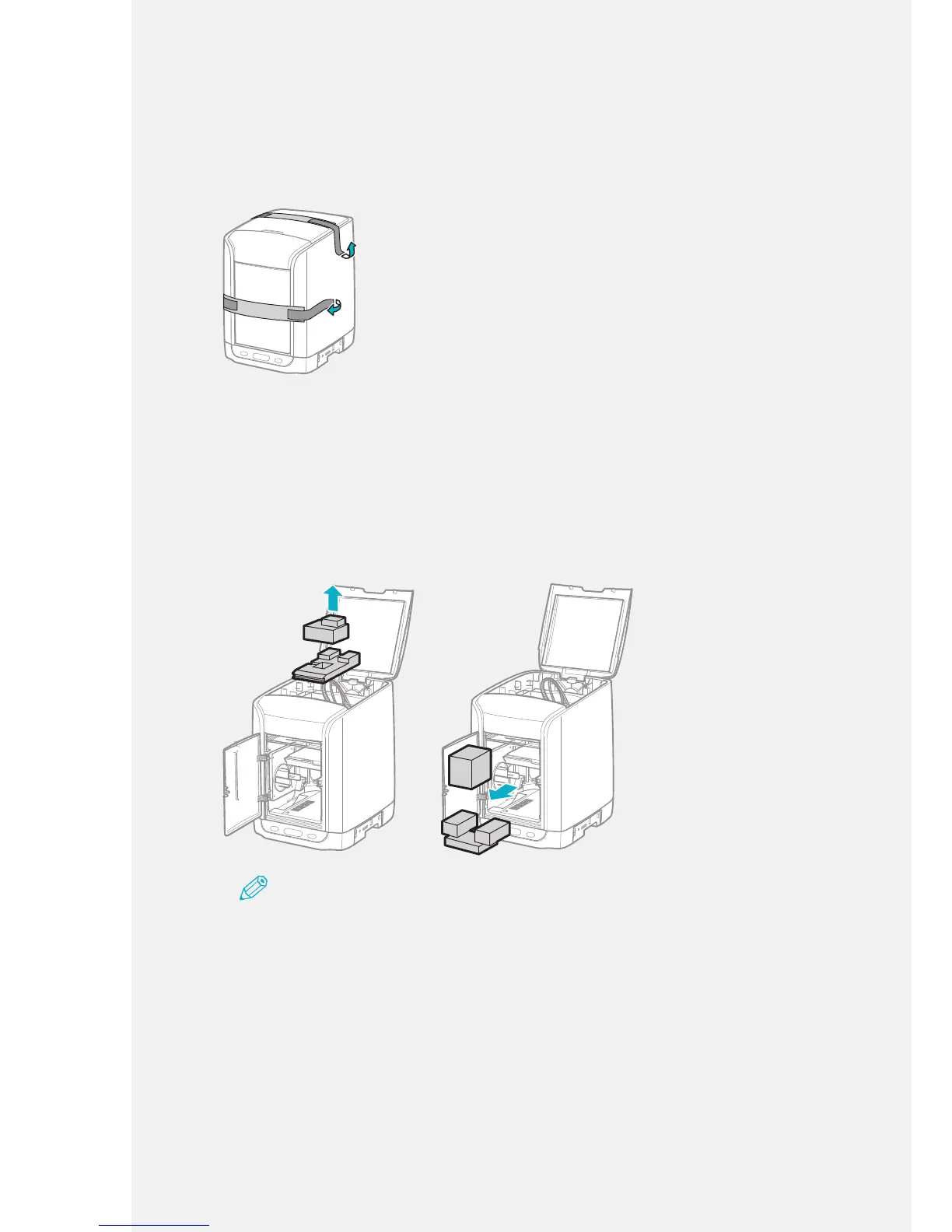
Removing the Packing Materials
1.
Remove the orange adhesive tape. Remove the machine's external packing
material.
2.
Open the top cover.
3.
To open the front cover, press [PUSH] on the right-hand side of the front
cover.
4.
Remove the components and packing materials from the inside of the
machine.
Note
• When disposing the packing material, take care not to accidentally discard any machine
parts.
• When removing components and packing materials,do not move the nozzle unit inside the
machine by force in any means.
It may cause the machine to malfunction or damage sensors.
5.
Close the front cover.
Push the front cover in until you hear a click from the right side.
6.
Close the top cover.
Push the top cover to make sure it is completely closed.



 To Next Page