MARV User Manual
13
Installing the Software and Connecting the USB Cable
The software must be installed to use all MARV functions.
Install the software on your computer using the enclosed CD-ROM.
Note
Supported operating systems
• Windows XP 32 bit SP3
• Windows 7 (32 bit/64 bit)
• Windows 8 (32 bit/64 bit)
• Windows 8.1 (32 bit/64 bit)
1.
Insert the enclosed CD-ROM into the computer.
2.
When the installation software begins, follow the instructions to install the
software.
3.
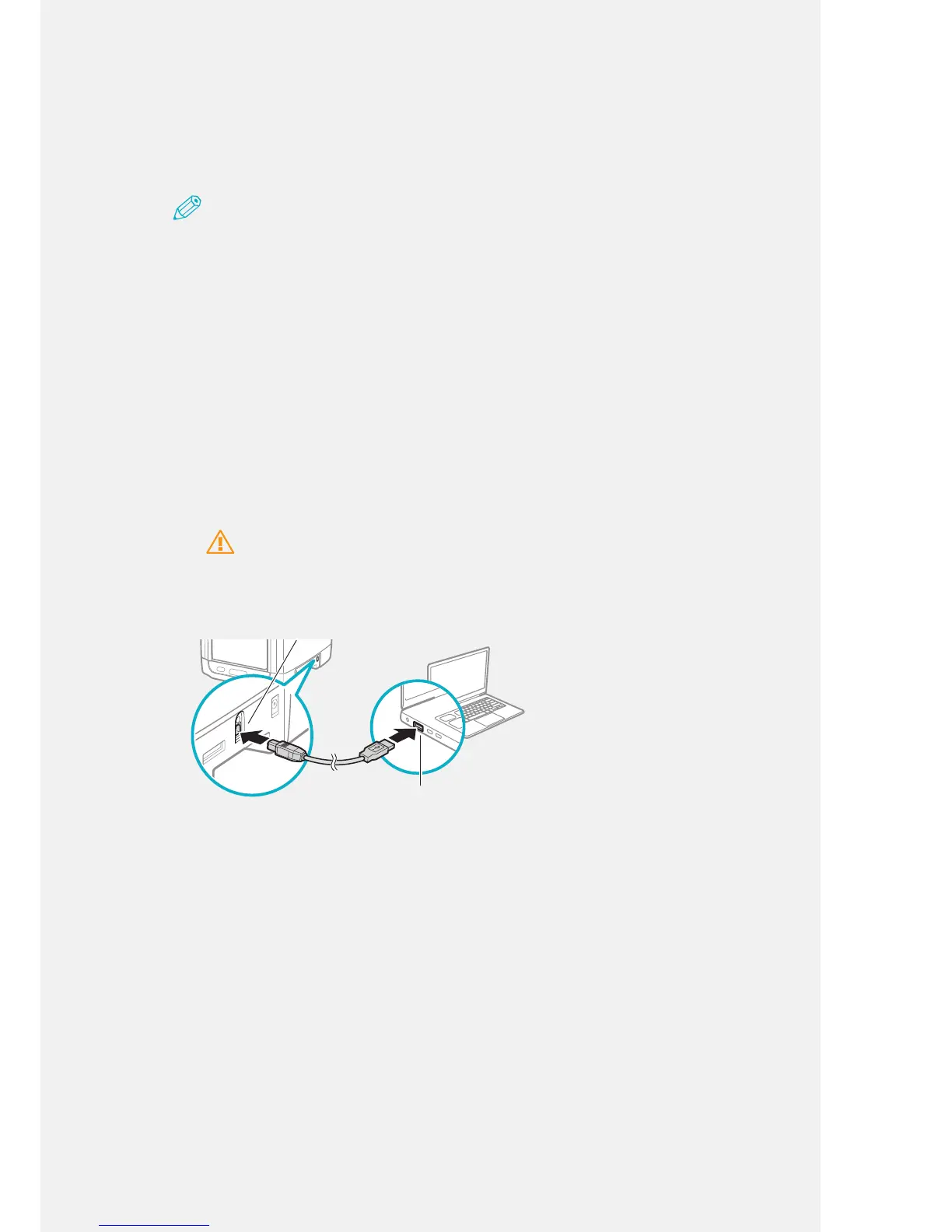
When the software is installed, connect the printer to your computer via the
USB cable.
Caution
You must install the software prior to USB connection.
Flat Connector



 To Next Page