MARV User Manual
32
Cleaning the machine
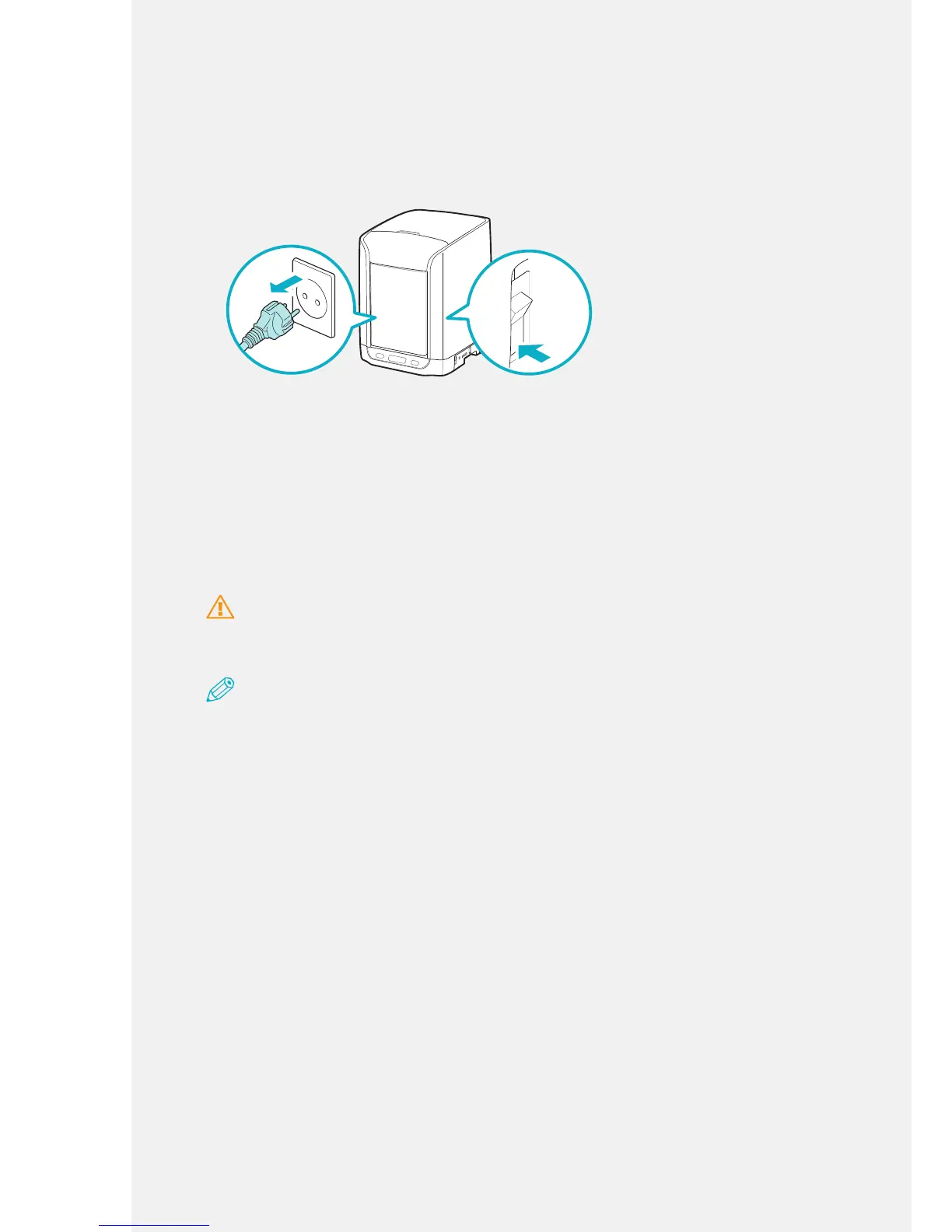
1.
Before you clean the machine, turn off the power switch and unplug the
power cable from the electric socket.
ON
SD CARD
OFF
ON
OFF
2.
Clean the surfaces of the machine with a soft, dry cloth.
Cleaning the Nozzle
Filament residue may remain in the nozzle when the printer is used for extended
periods. Clean excess lament from the nozzle to prevent it from contaminating other
colors used in the object.
Caution
To prevent burns, use gloves and tweezers or nozzle maintenance pins when you remove the
lament from the nozzle unit.
Note
Before you clean the nozzle, connect the machine to an electric socket to enable the nozzle to be
heated.
Cleaning method 1: Cleaning the nozzle via a computer
software.
1.
Turn on the machine.
2.
Open the top cover.
3.
Run the software and click [Unload].
The staging brackets lower, the nozzle is heated, and then the lament inside the
nozzle extrudes automatically. (This method takes approximately 3 minutes.)
4.
After the lament is extruded from the nozzle, remove the lament from the
insertion hole while pressing the insertion lever.



 To Next Page