MARV User Manual
28
[Apply]
Use this button to apply the changed settings.
[MARV Info]
Use this button to display the information for
the MARV software.
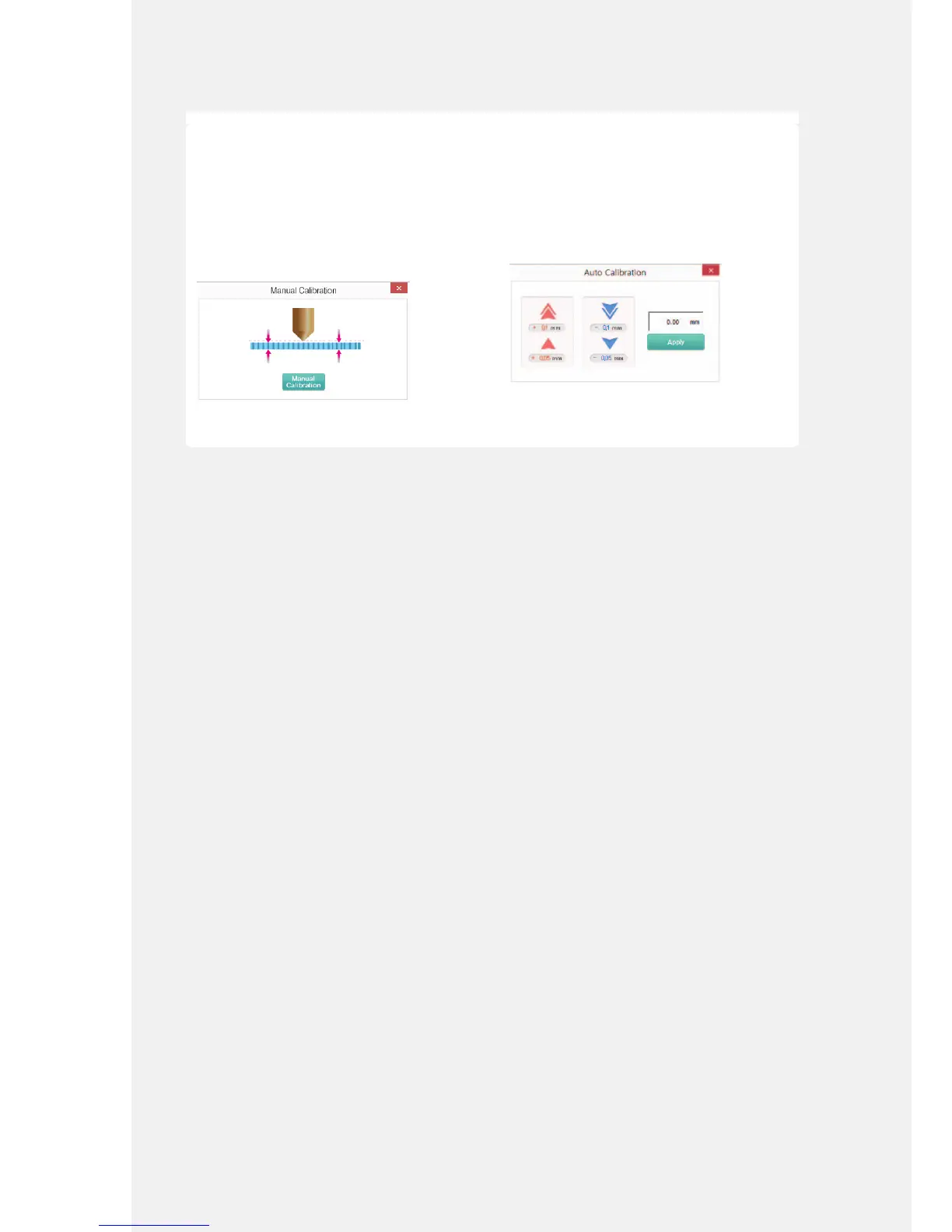
[Manual Calibration]
If the stage is not level, use this feature, use this
feature and manually rotate the bolts to adjust
the stage.
It is not necessary to use this feature if the stage
is already level.
For details about [Manual Calibration], refer to
the following page. (P. 42)
➓ [Auto Calibration]
This feature adjusts the distance between
the stage and the nozzle by using the MARV
software. The applied value is saved and the
next printing job uses the same position.
For details about [Auto Calibration], refer to the
following page. (P. 31)



 To Next Page