MARV User Manual
36
14.
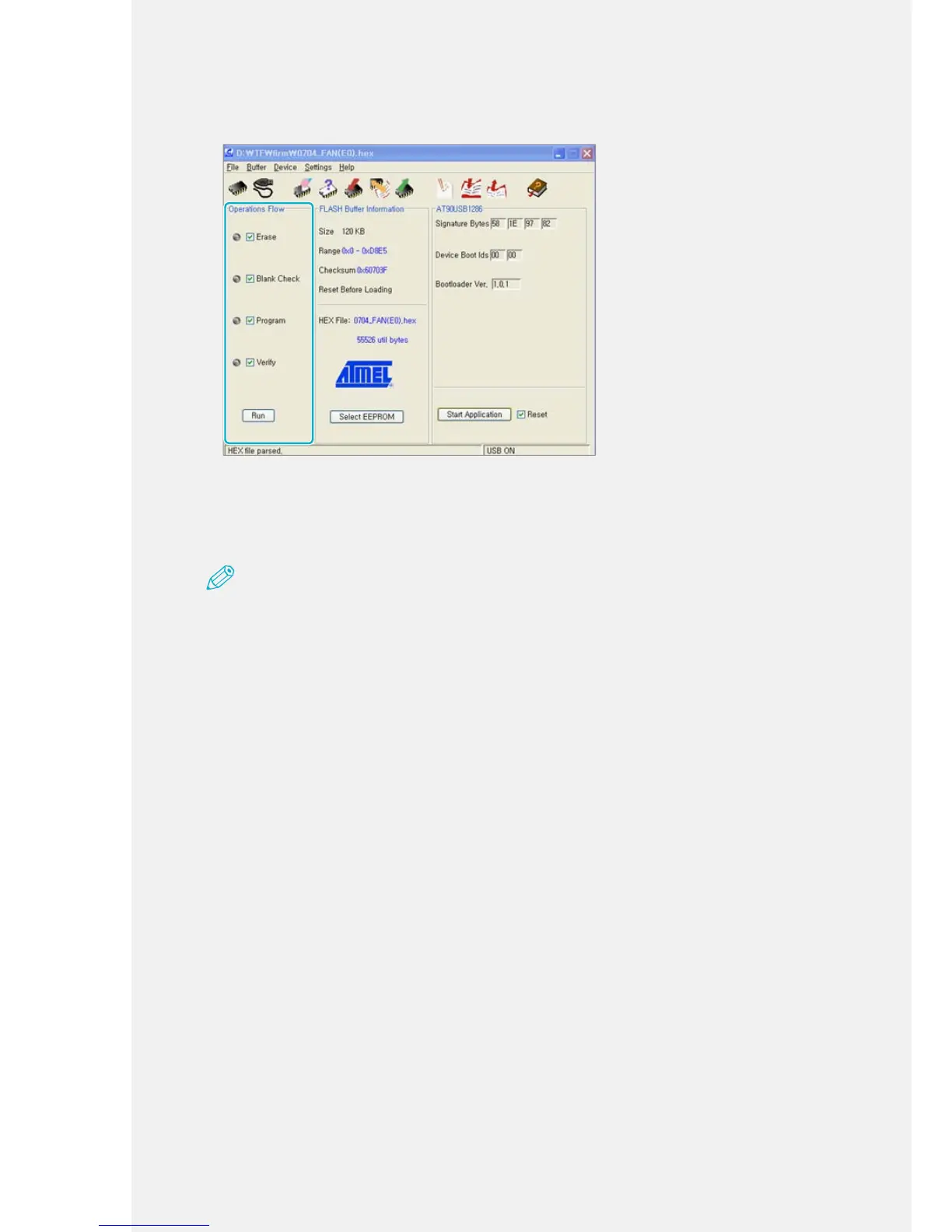
Check all of the boxes listed under Operation Flows and click [Run].
This product includes a software program distributed under the GPL license. The program's source code can be downloaded from this website:
http://www.canon-bs.co.kr/cs/download.aspx
15.
When the update nishes, close the software and slide the 'Firm update
SW' switch to the left. (O ← -)
Note
Slide the 'Firm update SW' switch to the right only while the rmware is updating. When you slide the
switch to the right, the power turns off and the machine cannot be used.



 To Next Page