4-10 Rad-57 Signal Extraction Pulse CO-Oximeter Operator’s Manual
4
operation
Setup Menu
This section gives an overview of the Rad-57 menu selections available. To navigate
through the menus, use the Mode/Enter, Next, Up and Down keys located on the front
panel of the Pulse CO-Oximeter, below the LED display. The following sub sections
describe each menu item in more detail. The Pulse CO-Oximeter has options that allow
user configuration to suit specific needs.
MENU NAVIGATION
The Rad-57 set-up and configuration options are accessed through the menu system. The
Mode/Enter key is used to enter the menu system and to move through the different menu
levels. Within each level of the system, the Next key is used to move from one option to
the next. The Up and Down arrow keys are used to select values within each option. The
parameter is set/selected when either the Mode/Enter or Next keys are pressed.
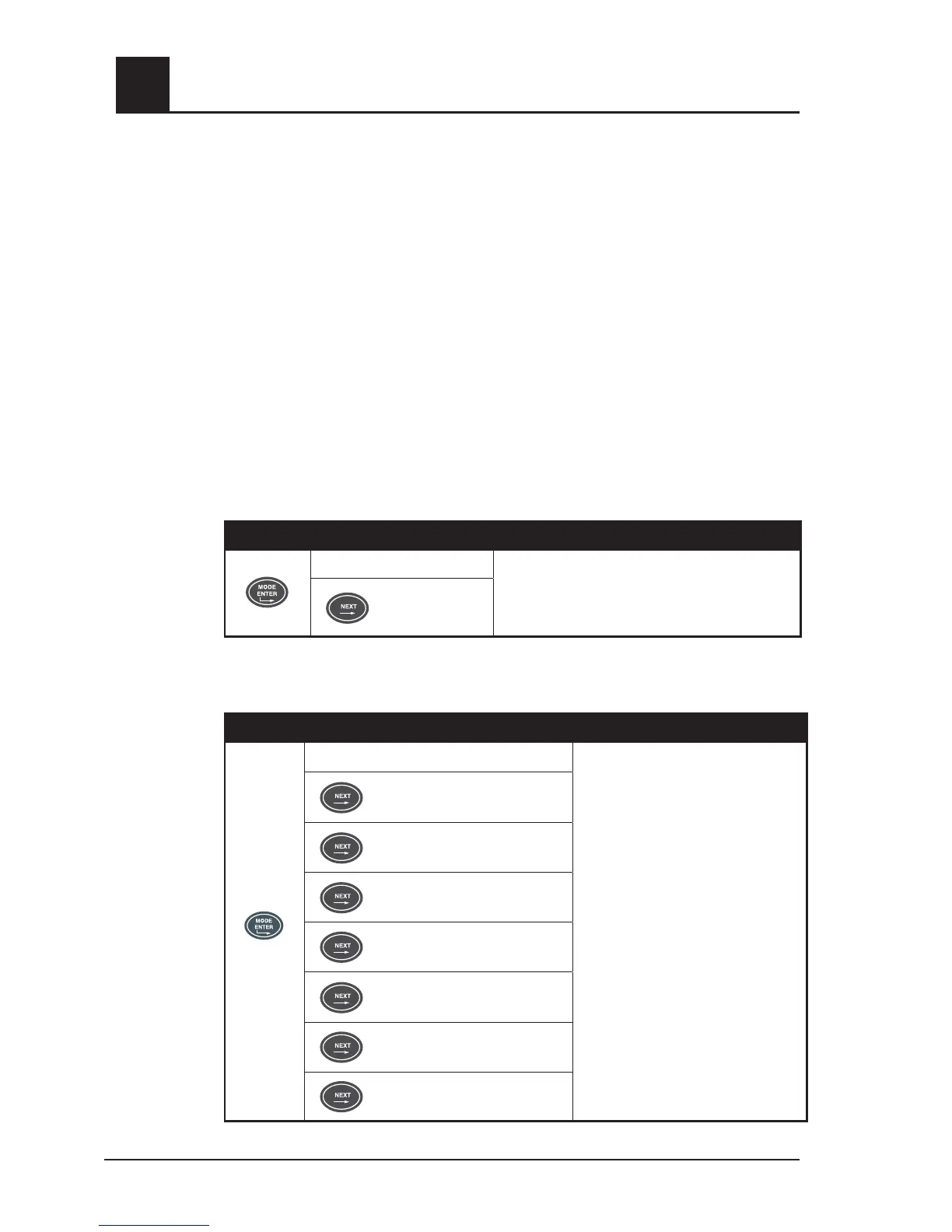
SETUP MENU LEVEL 1 – ALARM VOLUME AND ALARM SILENCE
Push the Mode/Enter button to enter menu level 1.
BUTTON SETTING
Alarm Volume
Use Up or Down Arrow Keys to adjust
parameter to desired setting.
Alarm on/off
SETUP MENU LEVEL 2 – ALARM LIMITS
Push the Mode/Enter button again to enter menu level 2.
BUTTON SETTING
SpO
2
Low Alarm Limit
Use Up or Down Arrow Keys to
adjust parameter to desired setting.
*See Model Summary for applicable
device.
SpO
2
High Alarm Limit
Pulse Rate Low Alarm Limit
Pulse Rate High Alarm Limit
SpCO* Low Alarm Limit
SpCO* High Alarm Limit
SpMet* Low Alarm Limit
SpMet* High Alarm Limit



 To Next Page