Rad-57 Signal Extraction Pulse CO-Oximeter Operator’s Manual 4-11
4
operation
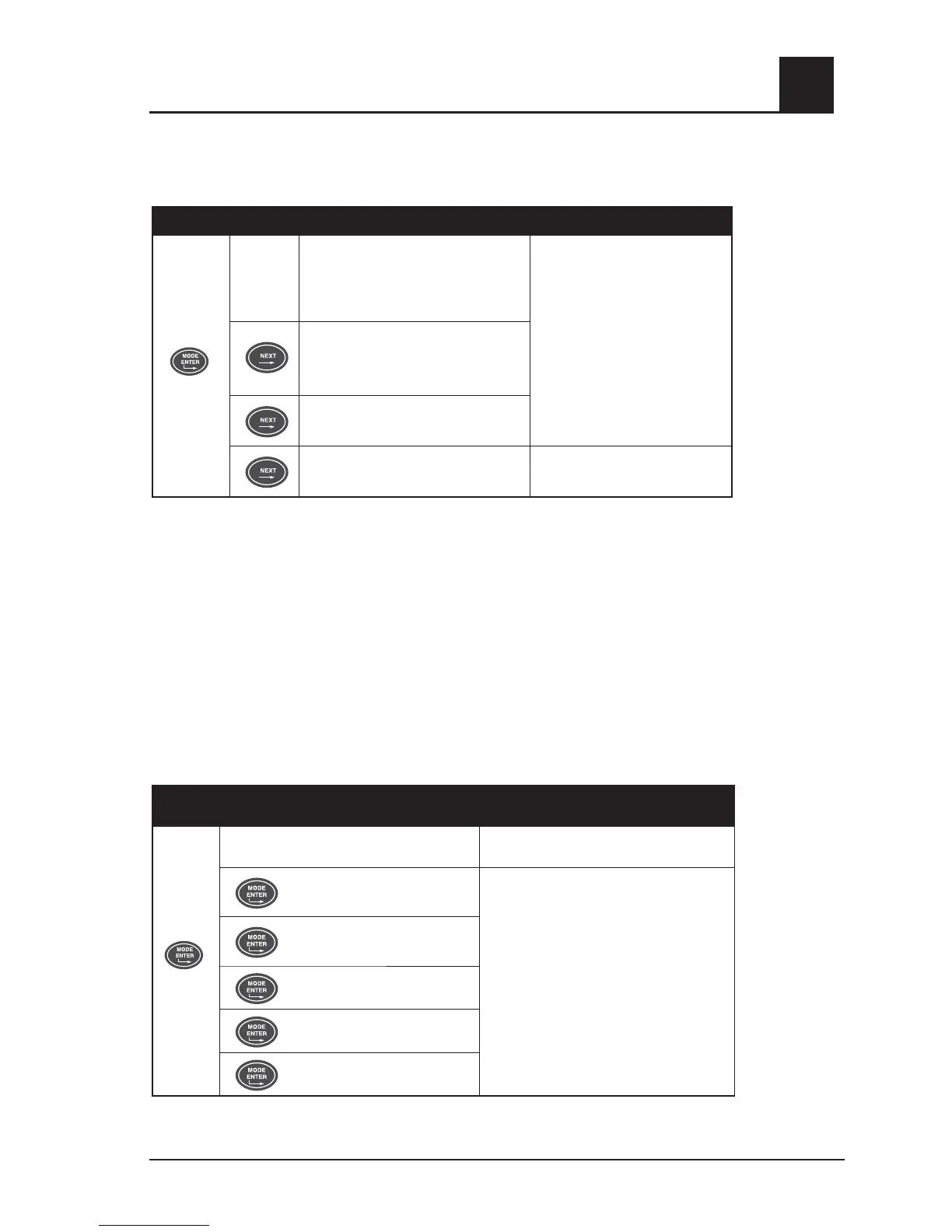
SETUP MENU LEVEL 3 – AVERAGING AND SENSITIVITY
Push the Mode/Enter button again to enter menu level 3.
BUTTON SETTING
Sensitivity.
HI = Maximum
Nor = Normal
APO = APOD
Use Up or Down Arrow Keys
to adjust parameter to desired
setting.
NOTE: These changes affect
SpO
2
monitoring only.
Use the Up Arrow key to turn
on SmartTone.
Averaging. The signal averaging
time of this device can be set to:
2*, 4*, 8, 10, 12, 14 or 16 seconds
FastSat*
On, Off
SmartTone**
On, Off
* Select “Yes” to activate the FasSat algorithm. The FastSat averaging time is dependant on the input
signal. FastSat is automatically enabled in 2 and 4 second averaging.
** The SmartTone feature uses a proprietary algorithm that will provide pulse tones during excessive
motion and low perfusion conditions. The pulse tone is based off of an averaged pulse rate
measurement from the proprietary algorithm and may not identify irregular heart beat patterns
when there is excessive artifact present.
SETUP MENU LEVEL 4 - TREND SETTINGS
Push the Mode/Enter button again to enter menu level 4.
To enable trending of patient data, the trend feature must be enabled (set to ON), and the
current date and time must be set. See Section 4, Trend setup and use.
The current date and time can only be set if the Trend is set to “ON”. The date and time
menu selections are not available if Trend is set to “OFF”.
BUTTON SETTING
Trend ON / OFF
Use Up key to turn trend ON. Use Down
key to turn trend OFF
Set Year
Use Up or Down Arrow Keys to adjust
parameter to desired setting.
Set Month
Set Day
Set Hour
Set Minute
A valid date must be entered. If an invalid date is entered (i.e. February 31), the trend will
not turn on and “tnd off” will be displayed.



 To Next Page