14 Radical Signal Extraction Pulse Oximeter Operator’s Manual
2
SYMBOLS
The following symbols are found on the back of the Radical Docking Station, they are
defined below:
system description
SYMBOLS
RS-232
SatShare interface
Equipotential Ground Terminal
See Instructions for Use
Fuse Replacement
Analog Out Interface
Nurse Call Interface
NOTE: Some of the interfaces and symbols are not available in all versions of the
Docking Station.
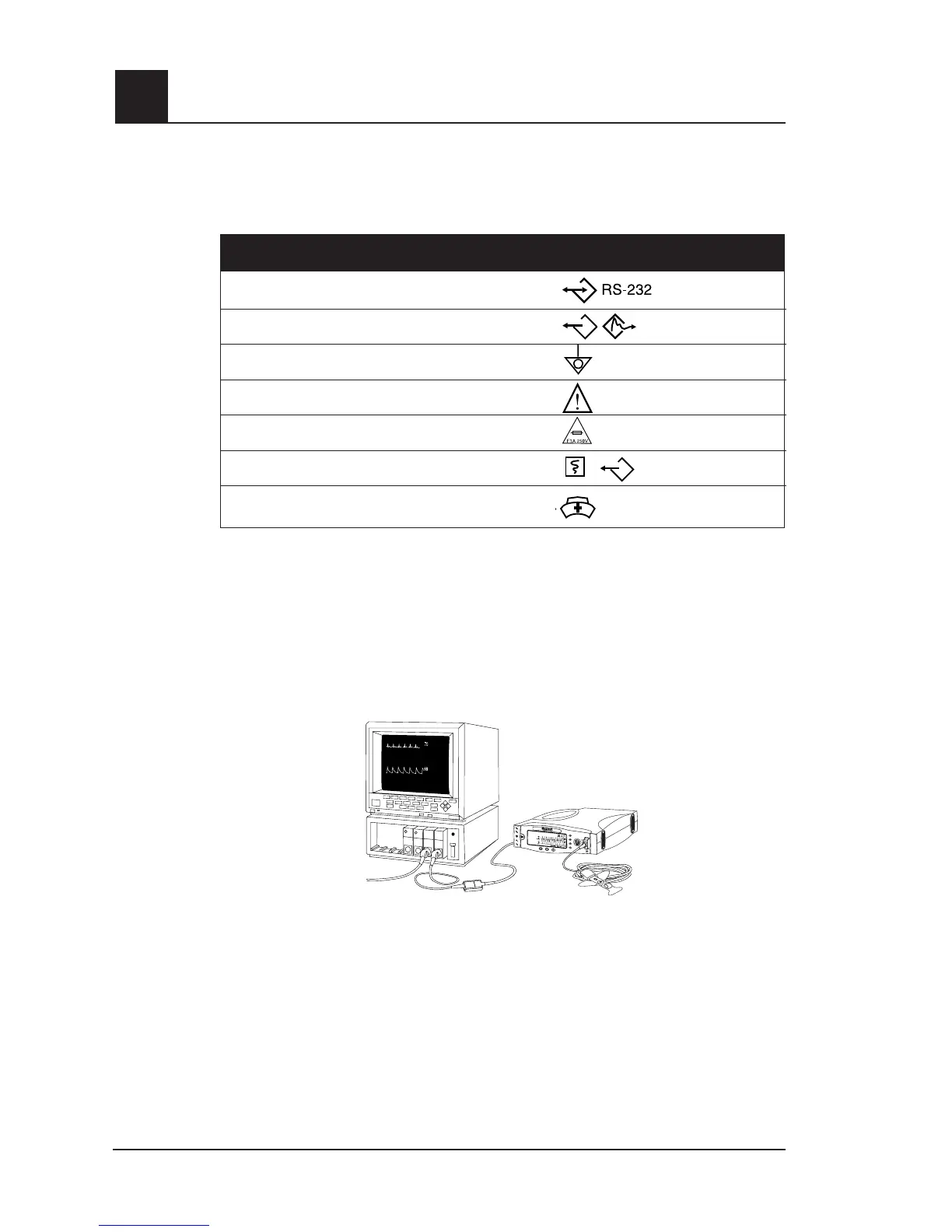
radical monitor interface
In addition to being a full-featured Handheld and Standalone Pulse Oximeter, Radical’s
unique SatShare interface links the Radical to most existing multiparameter patient
monitors through the pulse oximetry patient cable or SpO
2
input connector.
■
Upgrades any approved and validated monitor to Masimo SET performance by
using the calculated SpO
2
and pulse rate determined by Radical to simulate an
ideal waveform, which is sent to the validated multiparameter patient monitor.
■
Connects into the SpO
2
patient cable or SpO
2
input connector of the
multiparameter patient monitor.
CAUTION: THE WAVEFORM DISPLAYED ON THE MULTIPARAMETER PATIENT
MONITOR IS A SIMULATED SIGNAL. REFER TO THE RADICAL DISPLAY FOR THE
PATIENT WAVEFORM.



 To Next Page