16
Calder Brothers Corp
V 1.0
Model: 1860 Paver
SN:
Serial Number Range:
874-S-86TCX5Y2*03874 to _____________
3.7 Active Station
3.7.1 Single Operator Mode
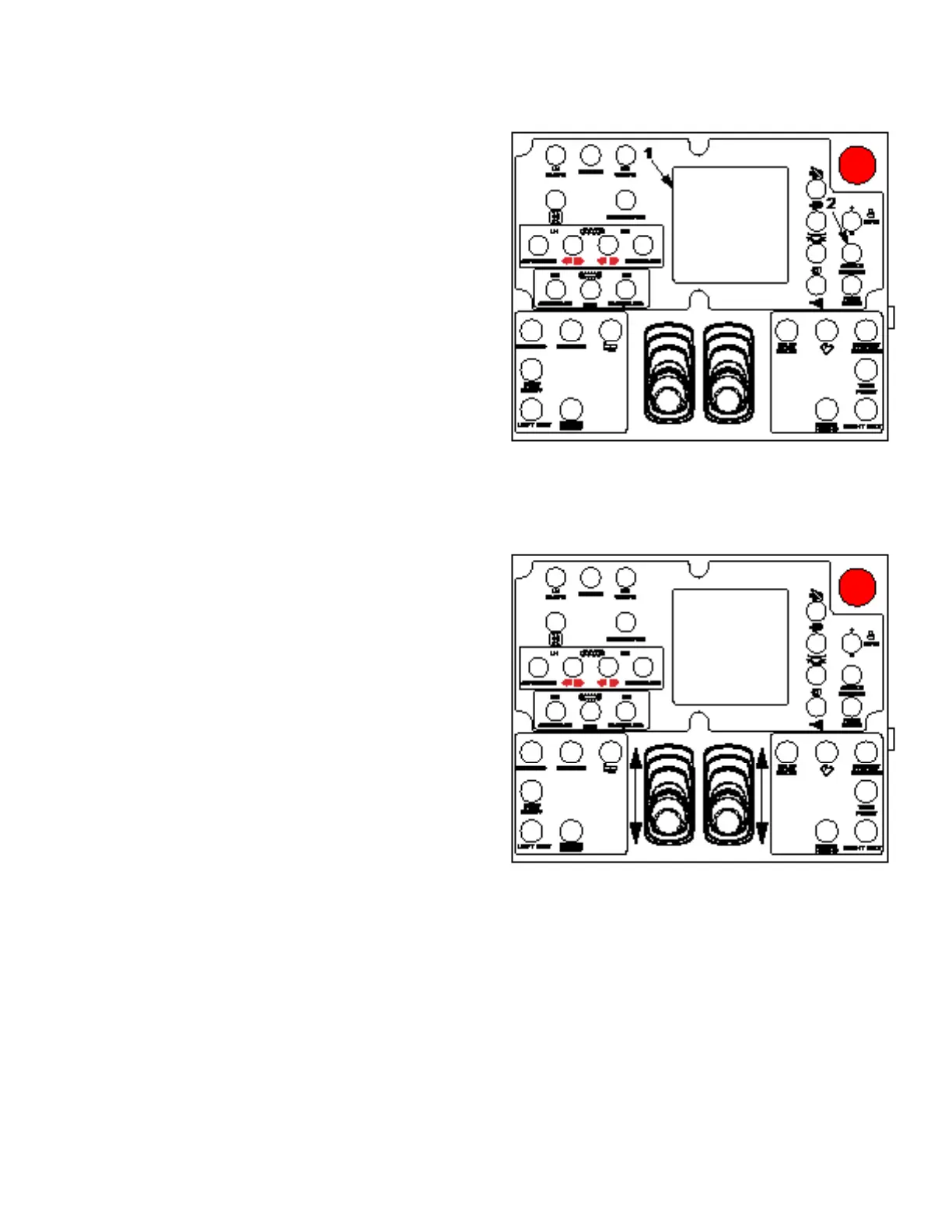
1. Start paver engine or move key switch to on position.
2. Select single mode on digital display (1).
3. Go to desired operator station and toggle active station
switch (2) to select that station. After toggling active
station switch, paver will go into pause mode by default.
Toggle pause/resume switch to resume operation.
3.7.2 Dual Operator Mode
1. Start paver engine or move key switch to on position.
2. Select dual mode on digital display (1).
3. Go to desired operator station and toggle active station
switch (2) to select that station for driving/steering.
4. Driving and steering can only be done at selected
station. All other paver functions can be operated from either station. After toggling active station switch,
paver will go into pause mode by default. Toggle pause/resume switch to resume operation.
3.8 Driving
The paver will move forward by moving track control
levers forward, or will move backward by moving levers
back. Steering a course is accomplished by adjusting
the movement of one lever relative to the other. For best
results, move both levers forward or backward to desired
speed, then use only one lever to ne tune travel direction.
The farther you move the lever in each direction, the faster
that track will move in that direction.
Move levers to the center neutral position to stop movement.
Track control levers must be in the center neutral position
at startup.
When switching operator stations, paver will default to
pause mode. Quickly toggle pause/resume switch to resume paver operation.



 To Next Page