Home
Maxtor
Network Storage Server
Central Axis
Page 83
Maxtor Central Axis - Page 83
122 pages
Manual
Save Page as PDF
To Next Page
To Next Page
To Previous Page
To Previous Page
Loading...
Configuring Drives (Dual Driv
e Units Only)
80
Maxtor Central Axis Admin User Guide
The
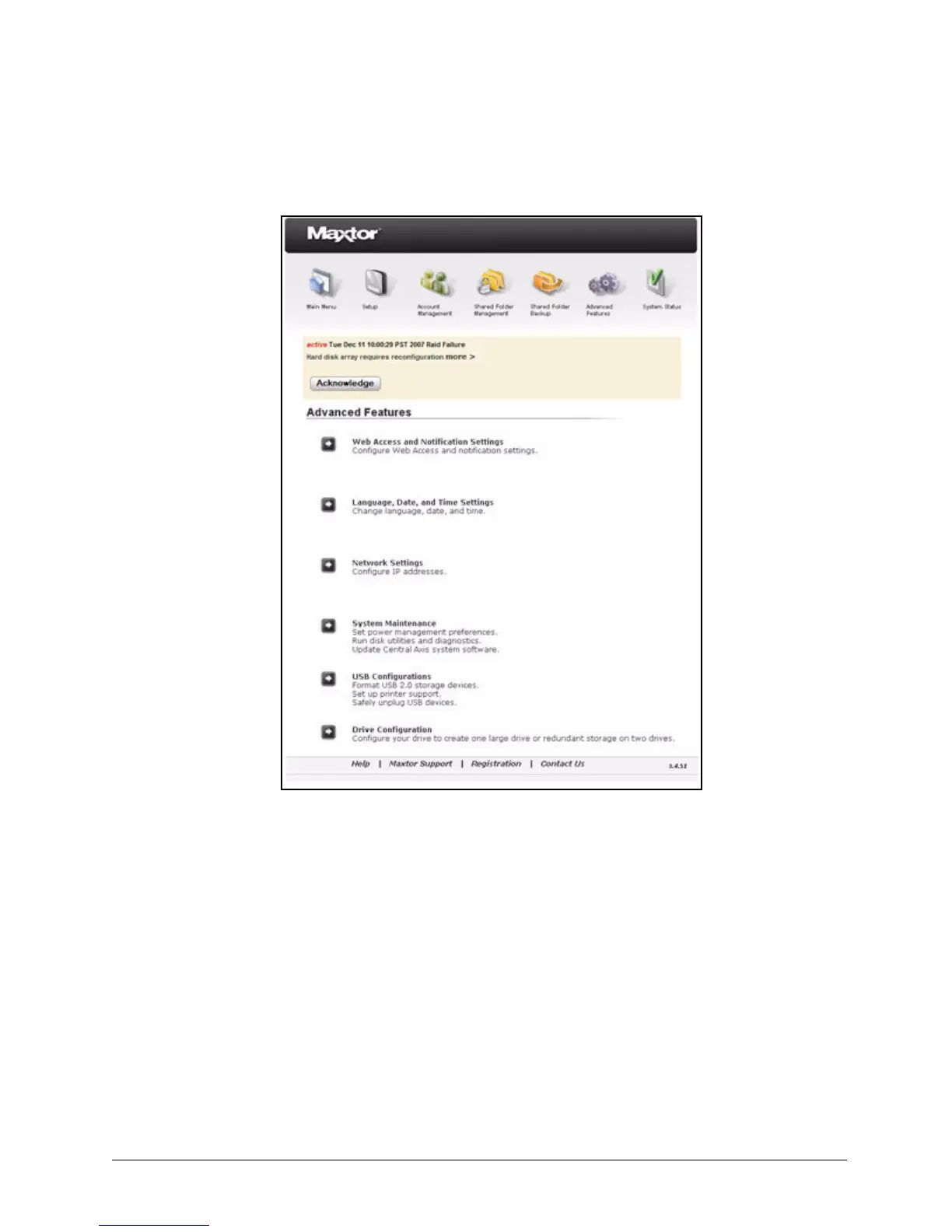
Advanced Features
page op
ens:
Step 2:
Click
Drive Configu
ration
in the
Advan
ced Feature
s
menu.
The
Drive Configuration
pa
ge opens:
Figure 122: Advanced Features
82
84
Table of Contents
Main Page
Default Chapter
2
Table of Contents
2
Admin Web Page Overview
4
Accessing the Web Page
4
Setting up the Central Axis
6
Managing Central Axis User Accounts
11
Creating a New User Account
11
Modifying Account Settings and Sharing Privileges
14
Deleting User Accounts
16
Managing Shared Folders
19
Creating a New Shared Folder
19
Modifying Shared Folder Access Privileges
22
Deleting, Suspending, or Reactivating Shared Folders
24
Managing Digital Content
26
Enabling and Disabling Media Server
26
Using the Clean up Feature
28
Using the Refresh Feature
29
Selecting Shared Folders
30
Backing up Shared Folders
32
Using External USB Drives
32
Connecting an External USB Drive
32
Formatting an External USB Drive
33
Creating a Backup Set
36
Deleting a Backup Set
40
Backing up Now
41
Restoring Backed up Folders
43
Using Advanced Features
47
Managing Web Access and Notification Settings
47
Setting Language, Date, and Time
49
Managing Network Settings
50
Managing System Maintenance
54
Managing Power Settings
54
Running a Diagnostic Test
55
Updating the Central Axis System Software
57
Accessing the System Update Admin Page
59
Installing an Update
62
Setting Central Axis Update Preferences
63
Updating the System Software Manually
64
Setting USB Configurations
66
Formatting a USB Drive
66
Managing Printer Support
69
Safely Removing Devices
71
Configuring Drives (Dual Drive Units Only)
72
Changing Drive Configuration
73
MSS II Owners
73
Central Axis Owners
76
Replacing a Failed Drive (Central Axis Only)
81
Identifying a Failed Drive
81
Replacing a Drive
85
Configuring the New Drive
93
Linear Configuration
95
Mirror Configuration
99
Checking System Status
102
System Status Summary
103
Using External USB Drives with the Central Axis
103
Using USB Printers with the Central Axis
103
System Status Links
103
Checking Account and Share Status
103
Checking System Notification Status
105
Checking Web Access and Sharing Status
110
Checking the Administrator's Event Log
111
Reading the LED Status Indicators
112
Maxtor Central Axis
112
Mss II
116
Index
119
Other manuals for Maxtor Central Axis
User Guide
78 pages
Quick Start Guide
25 pages



 To Next Page