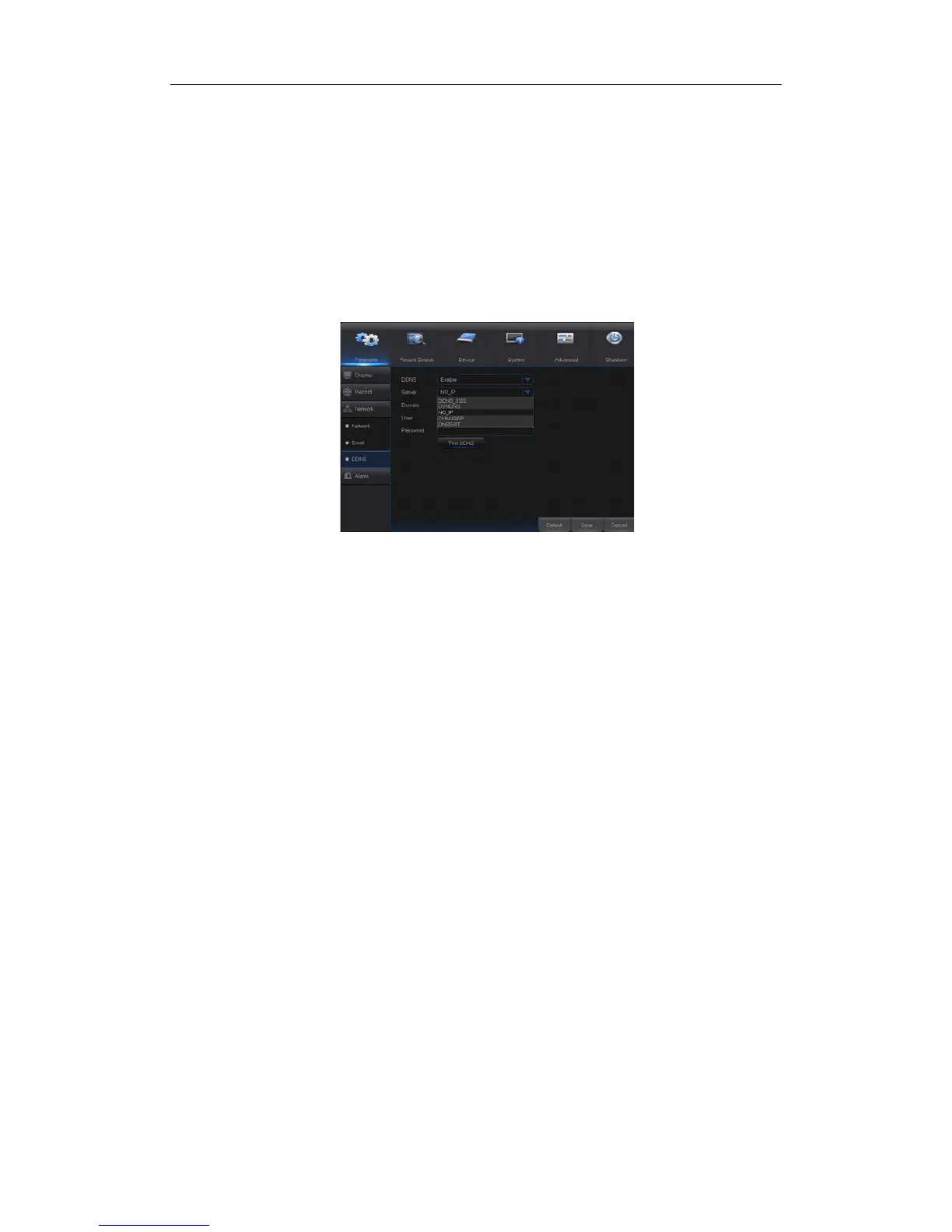
4.2.1.3.3 DDNS
Go to “Main Menu” → “Parameter” → “Network” → “DDNS” to enter into the menu interface.
User may set DDNS in any one of the above network connection after applying dynamic
domain service. User may remotely access NVR through domain by using browser in the
form of http://applied domain: mapped Web port number. When using DDNS domain name
to access NVR, user shall confirm that the port can be normally connected to current IP on
the public network and the settings for server address/host name/user/password/setting
should be consistent with NVR local setting. See Picture 4-15.
Picture 4-15


 To Next Page