4.2.1.4 Alarm
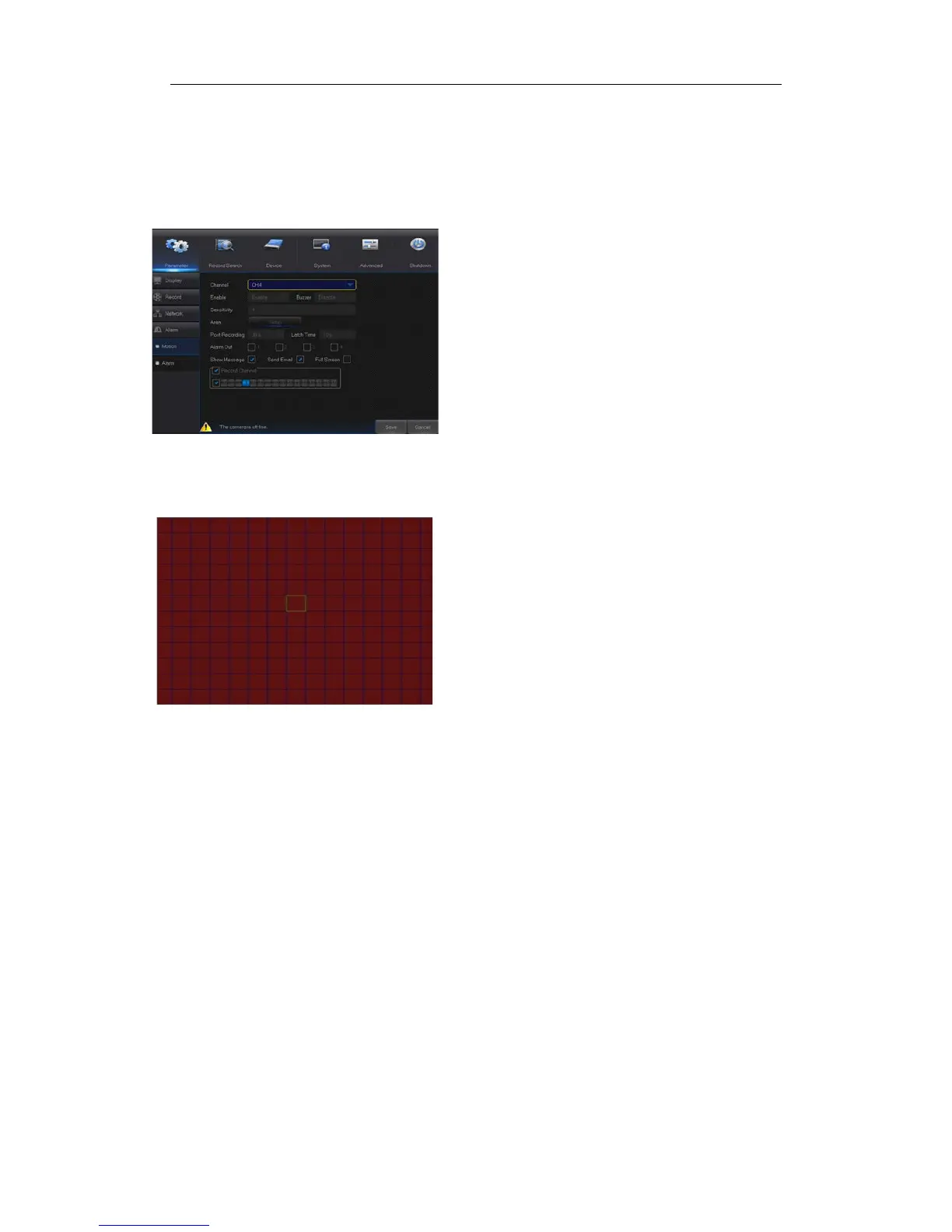
Go to “Main Menu” → “Parameter“ → “Alarm” → “Motion” to enter into the interface shown
as picture 4-16-1.
Picture 4-16-1
4.2.1.4.1 Motion
Picture 4-16-2
Area
:Click it to enter into the interface shown as Picture 4-16-2 to set the motion
detection area to be monitored intensively.
A single channel is divided into 15 x 12(PAL)or 15 x 10(NTSC)configurable
grids. The red grids indicate that the motion detection in the area is enabled, white
semitransparent ones indicates that the motion detection in the area is disabled.
After setting is completed, right click the mouse button to return and click Save to
make the parameter setting effective.
Record Channel
:When object motion is detected, the record channel setting will
be activated.
Channel: Enable or disable Motion function.
Sensitivity: Support 1-8 level, 8 is the highest level.
Buzzer:
When detecting object moving, buzzer
makes alarms (disable, 10 seconds, 20 seconds, 40
seconds and 60 seconds).
Alarm Out: Connect to the alarm switch of the alarm
apparatus.
Show Message: Messages will be displayed on the
screen when moving object is detected and alarms
are made.
Send Email: When moving object is detected, send
Email to the specified Email address.
Full Screen:
When moving object is detected,
messages will be displayed in full screen.
Latch Time: When moving object is detected, the
alarm time can be set as 10 seconds, 20 seconds,
40 seconds and 60 seconds.
Post Recording:
After the alarm finishes, the
duration time of the alarm recording can be set as 30
seconds, 1 minute, 2 minutes and 5 minutes.


 To Next Page