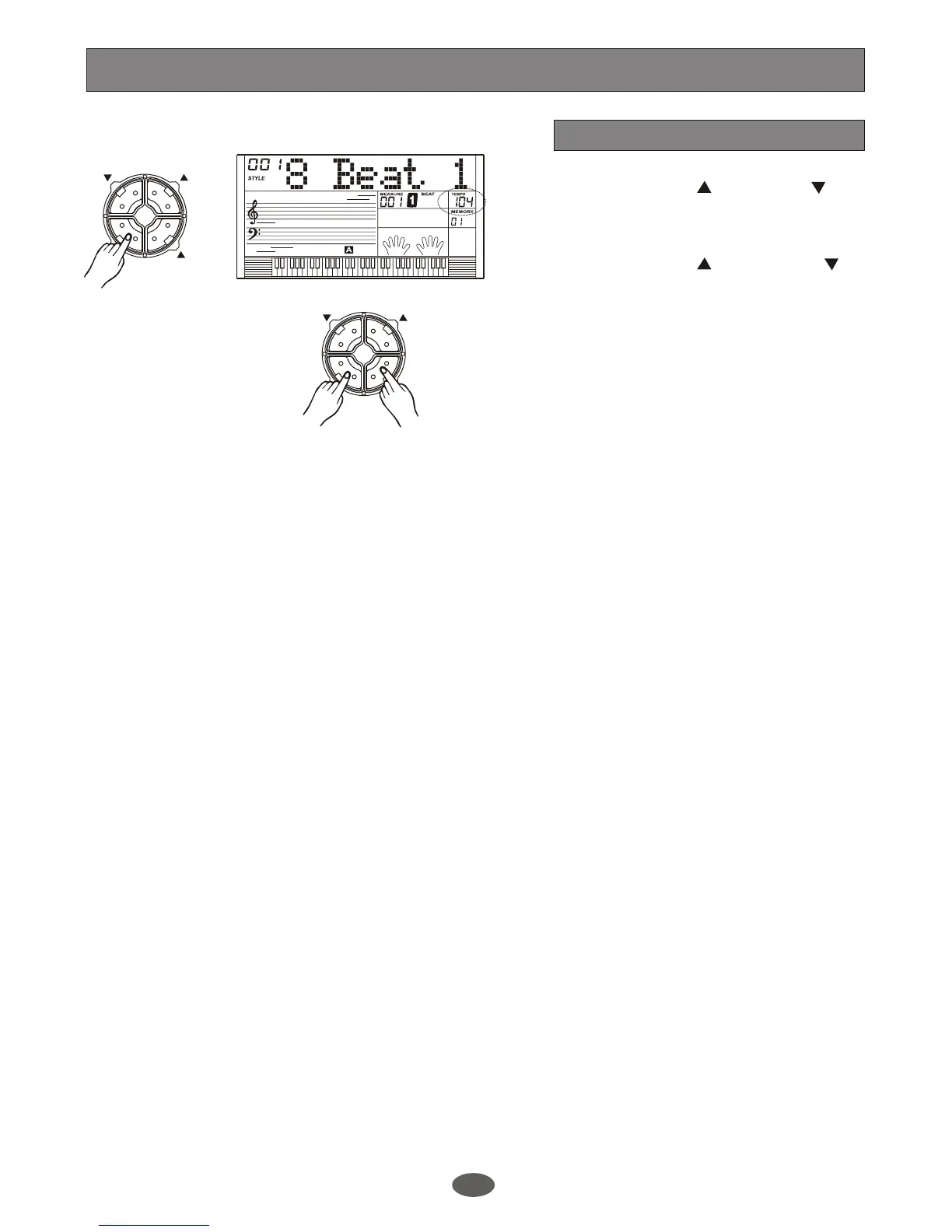
1.
Press the [TEMPO ] or [TEMPO ]
button to change the tempo, the DIAL can
also be used to change the tempo .
2.
Press the [TEMPO ] and [TEMPO ]
simultaneously can set the tempo value
back to the default one.
Tempo
ACC VOLUME
TEMPO
ACC VOLUME
TEMPO
A.B.C.
DUAL
EDIT
LOWER
SYNC STOP
SUSTAIN
MELODY 2
MELODY 3
ACCOMP
MELODY 1
MELODY 4
MELODY 5
3.
Selecting the style when it stops, the tempo
will change with the style automatically to
the default one. When style is playing, the
tempo will not change with the style you
select.
Style Control
14


 To Next Page