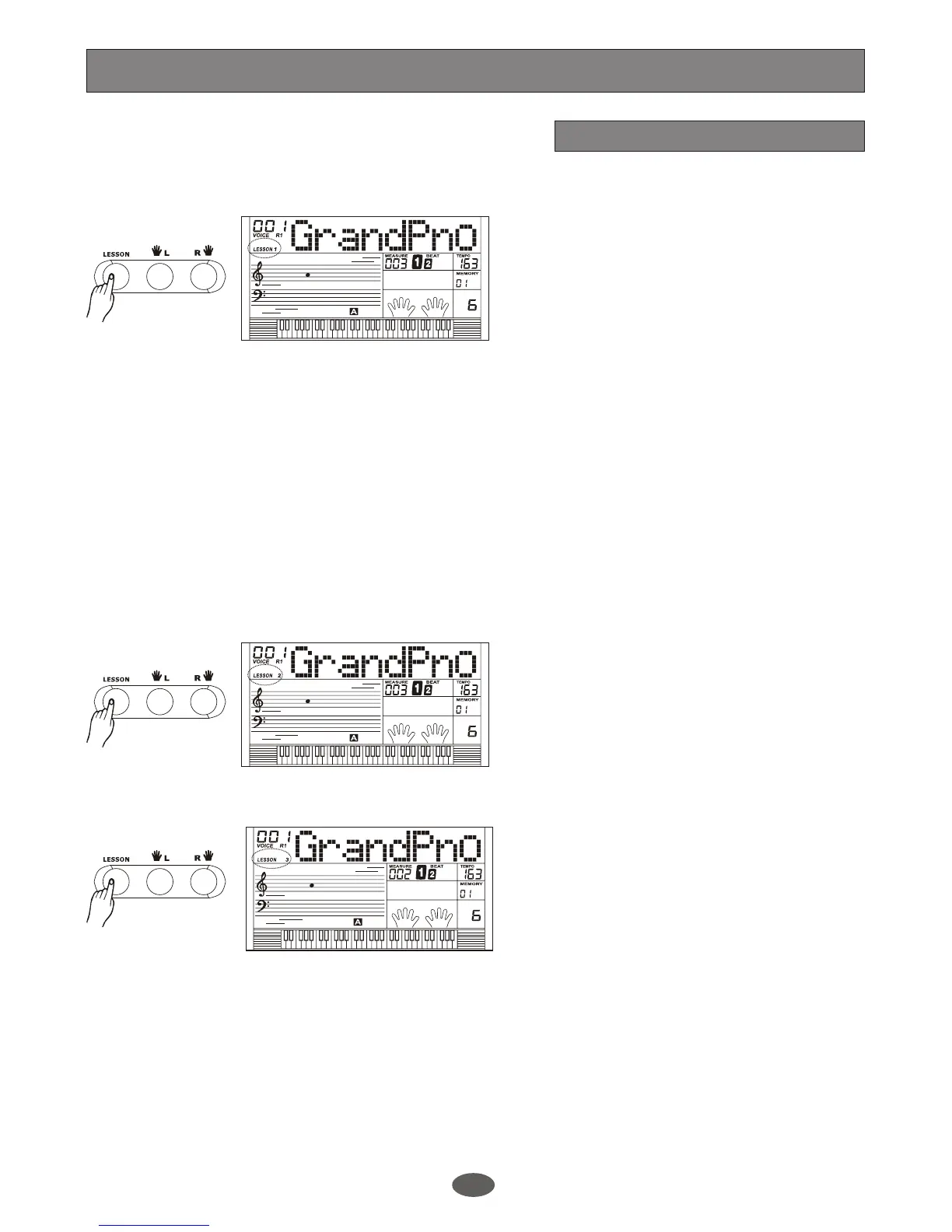
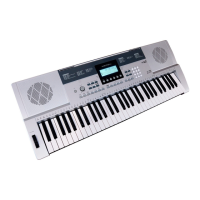
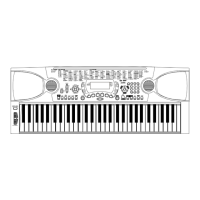
There are 3 ways to learn the
user song.
a. LESSON 1
The keyboard only grades the time value
of your performance and ignores the wrong
note.
b. LESSON 2
The keyboard only grades the note value.
Once you play the correct notes, the song
will continue to next note.
c. LESSON 3
Press [LESSON] button in LESSON 2 to
enter the LESSON 3 mode. You can
practise the time and note in this mode,
and graded by the correction of the note
and time value.
You can not change the lesson level when
learning is in process. The keyboard will
grade your performance after you finish
playing the whole song.
Note:
The grade level includes: Excellent, Very
Good, Good, Ok and Try Again.
Note:
User song lesson
In lesson mode LCD does not display
the fingering.
The user song has the LESSON function.
Press [LESSON] button to enter the
LESSON mode.
You can choose the track to learn the user
song. In the left hand mode you can study
the ACCOMP track. In the right hand mode
you can study the MELODY track.
In LESSON mode, it will mute the sound
of the current track learned.
Record
27


 To Next Page