Demo
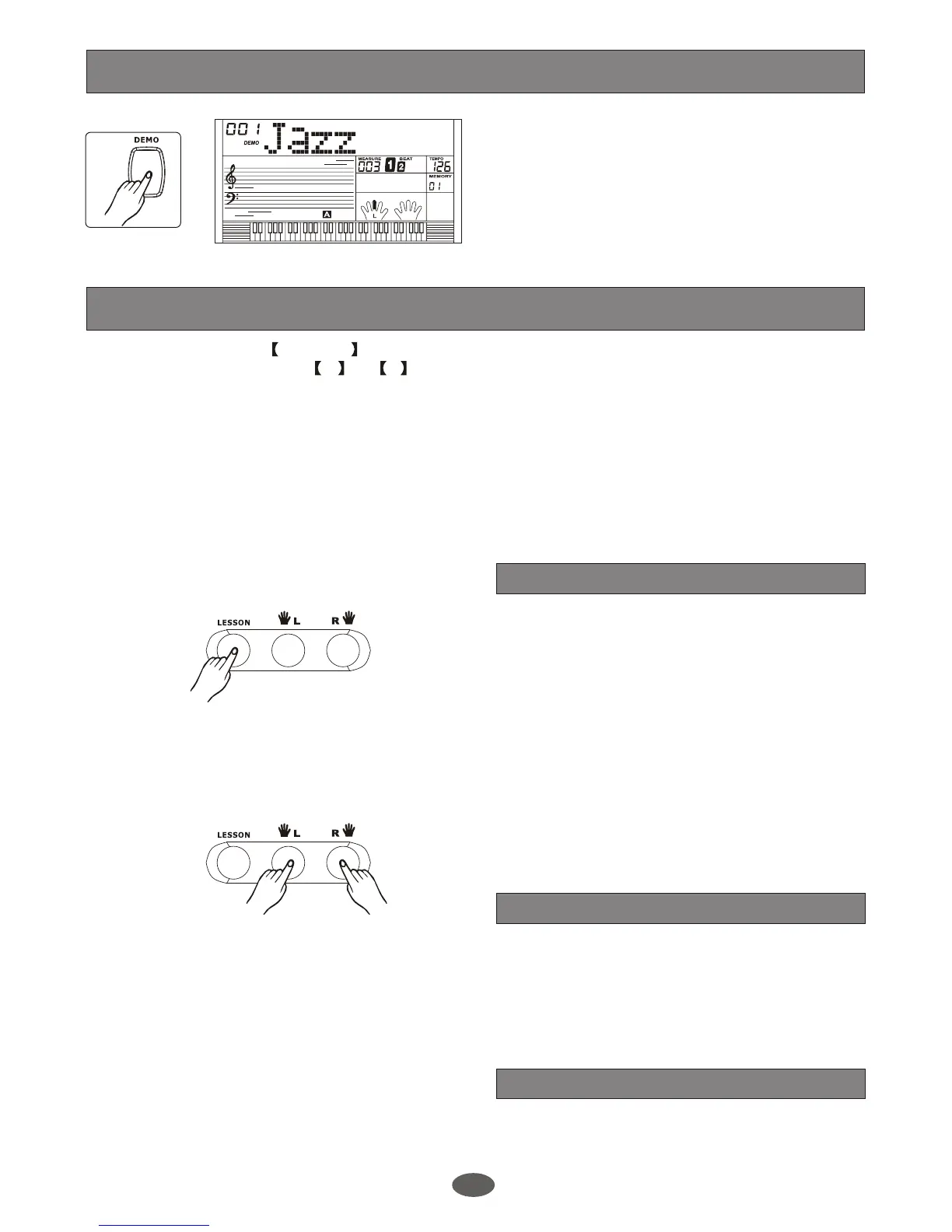
Press [DEMO] button to enter the DEMO mode.
There are 2 classic demo songs at all.
The keyboard plays the demo song by turns from
1st song.
To exit demo mode, press [ DEMO] button again.
Lesson
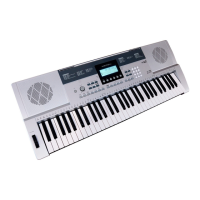
In song mode, press LESSON button to enter the lesson mode. There are 3 levels to score your
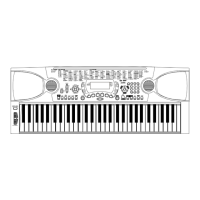
performance. You can use R or L to select which hand to practise.
Note:
According to the type of the song, The content of your practice by left hand is not the same. You can
practise the chord by left hand or pratise the melody by right hand.
When the song is playing, the staff and the keyboard displayed on the LCD indicating the melody and
chord position, The numbered musical notation displayed on LCD shows the last note played by RIGHT
track, and it will be convenient for you to practise .
The three levels of the lesson are as follows:
Press button to enter the lesson mode, [LESSON]
the lesson flag is lightened on LCD. In this mode,
the keyboard only grades the time value of your
performance and ignores the wrong note.
To practise the melody, press button and it will
mute the melody.
[ R ]
To practise the chord, press button and it will
mute the chord.
[ L ]
To practise the song, press and button.
Melody and chord will be muted. The song will
continue to play
[ L ] [ R ]
if you play the song following the
current tempo.
Press button again to enter the lesson
2 mode. In this mode, the keyboard only grades
your performance of note playing and ignores time
value mistakes.
[LESSON]
In this mode, it will score your practice by the
correction of the time value and note.
1.
2.
LESSON 1
LESSON 2
LESSON 3
29


 To Next Page