PEDAL SOFT
If pedal assign is set as pedal soft , all
notes played on the keyboard have a soft
effect when you step on the pedal and the
volume is recorded slightly.
2.
3.
PEDAL START/STOP
If pedal assign is set as pedal ST/S ,
the pedal will have the same function as
[START/STOP] button.
PEDAL MEMORY SELECT
If pedal assign is set as pedal mem , it
will load the next memory parameter when
you step the pedal.
4.
31
Pedal
Foot switch
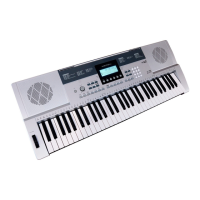
The keyboard can assign the pedal in
function menu. See FUNCTION.
PEDAL SUSTAIN
1.
If pedal assign is set as pedal sustain ,
all notes played on the keyboard have a
lingering effect when you step on the pedal.
Volume pedal
You can step the volume pedal to control
the volume.
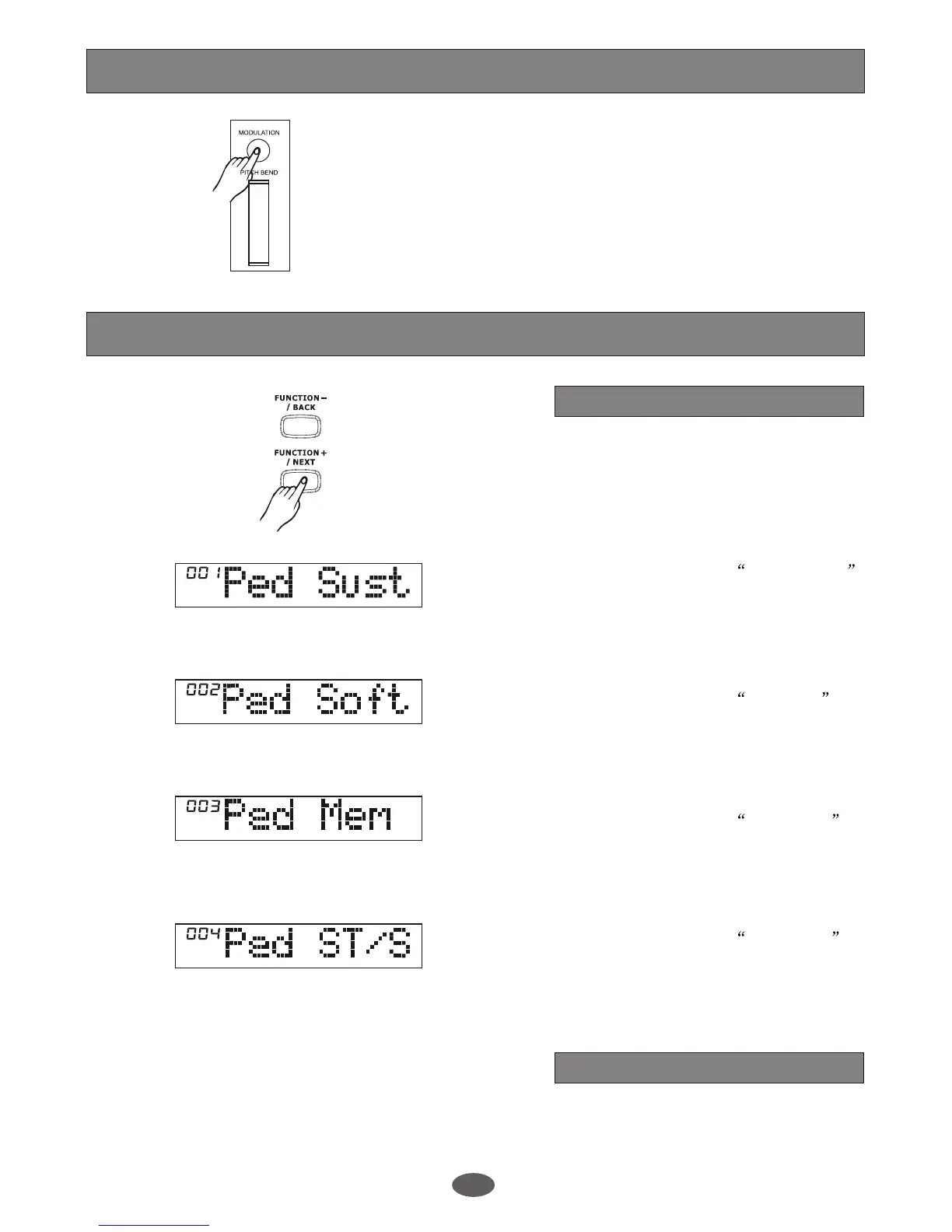
Modulation
Press and hold the [MODULATION] button
when you play the keyboard. The keyboard
will have a vibration effect. Release the
[MODULATION] button to back to normal
status.


 To Next Page