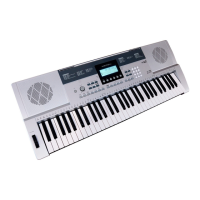
You can set the channel of MIDI IN by
RECEIVE. The default setting is all ,
channel 1~16 can also be selected. Use
[+/YES]/[-/NO] button or the DIAL to select
the channel.
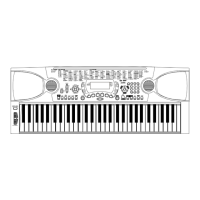
You can set the channel of MIDI OUT by
TRANSMIT. The default setting is 001 ,
channel 2~16 can also be selected. Use
[+/YES]/[-/NO] button or the DIAL to
select the channel.
1.
2.
Reverb Type
MIDI setting
Function Menu
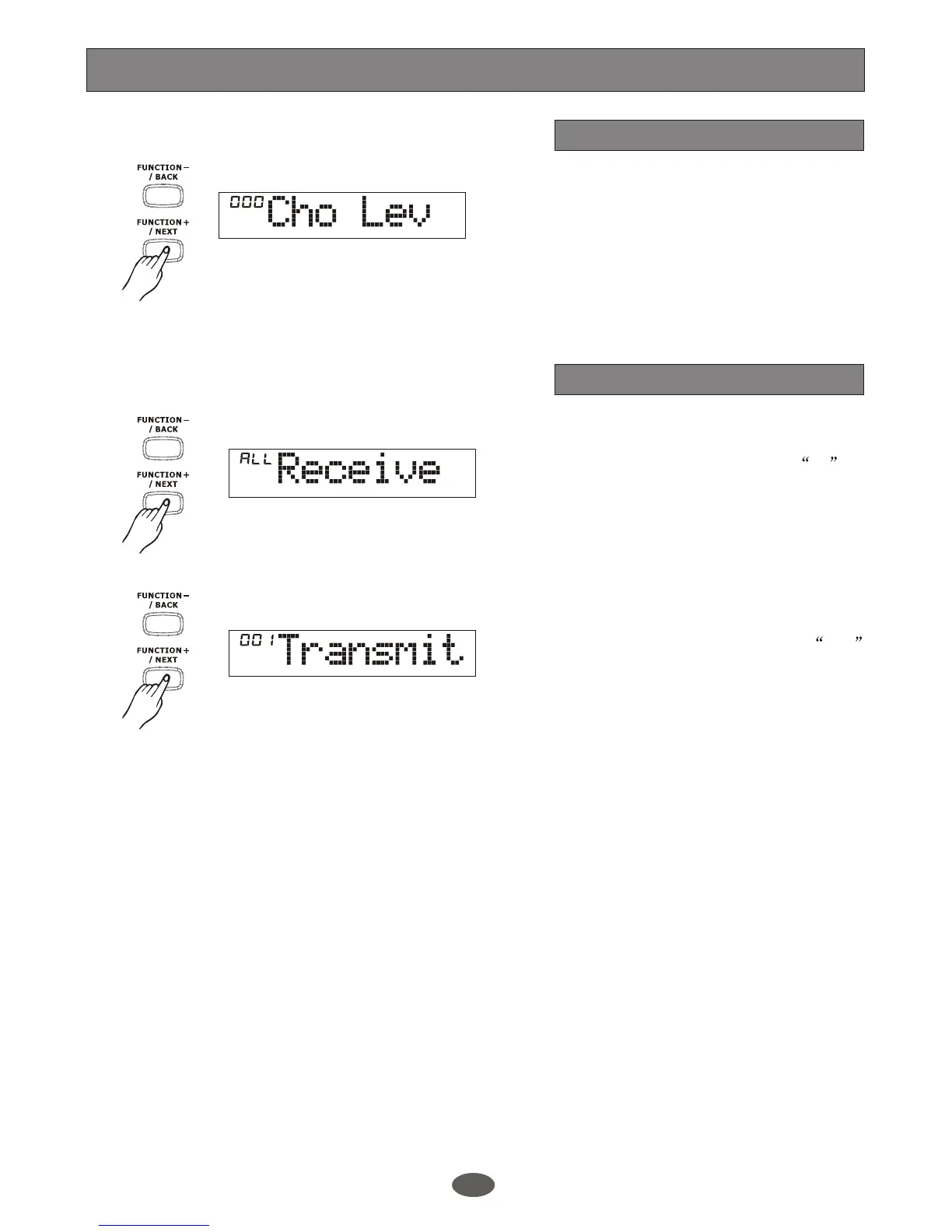
The LCD displays the chorus level. Use
[+/YES]/[-/NO] or DIAL to change the
chorus level.
The level ranges from 0 to 127. The
default level is 0
Chorus level
1618


 To Next Page