Ocatve
Beat
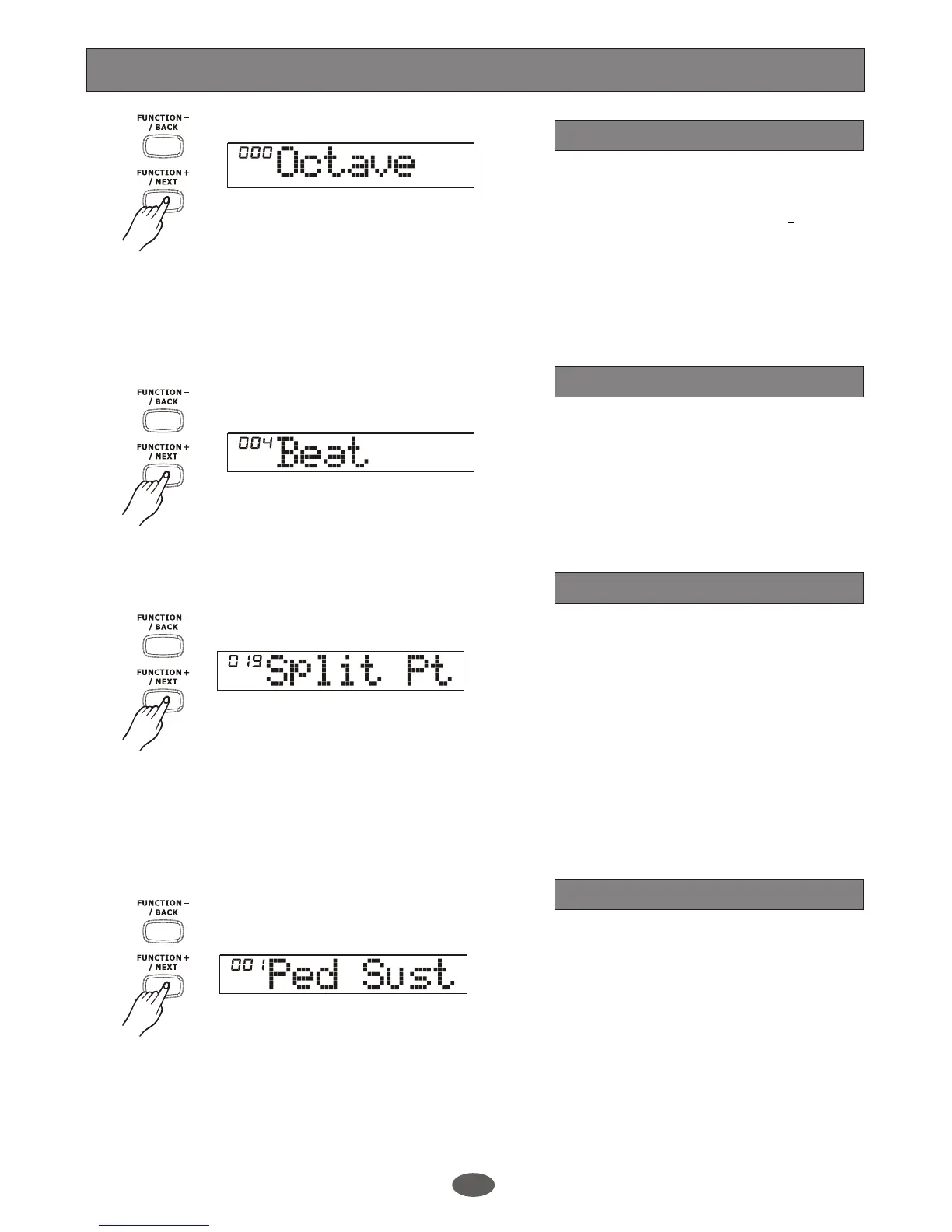
The LCD displays the octave value. Use
[+/YES]/[-/NO] or DIAL to change the
octave value. Its range is from 2 to 2
octaves only by the right area of keyboard.
Press [+/YES] and [-/NO] together will set
the OCTAVE value to its default one.
The LCD displays the beat value. Use
[+/YES]/[-/NO] or DIAL to set the time
signature for the song you play.
There are up to 9 types of time signature
for you to select, 0, 2~9, 9
Function Menu
The LCD displays the split point value.
Use [+/YES]/[-/NO] or DIAL to change the
split point. The keyboard can also be used
to change the split point.
The part below the split point is the part of
the CHORD area. To experience the effect ,
press [LOWER] button to enter lower voice,
You can hear one voice in the left-hand
area of keyboard and another voice in the
right-hand area.
Split point
The LCD displays the type of pedal. Use
[+/YES]/[-/NO] or DIAL to change the
pedal assign. The pedal can be set as
sustain pedal, soft pedal, start/stop pedal
or memory select pedal.
The default pedal type is the sustain pedal.
Pedal assign
16


 To Next Page