Memory
There are 8 banks at all; each bank has 6
memories (M1~M6).
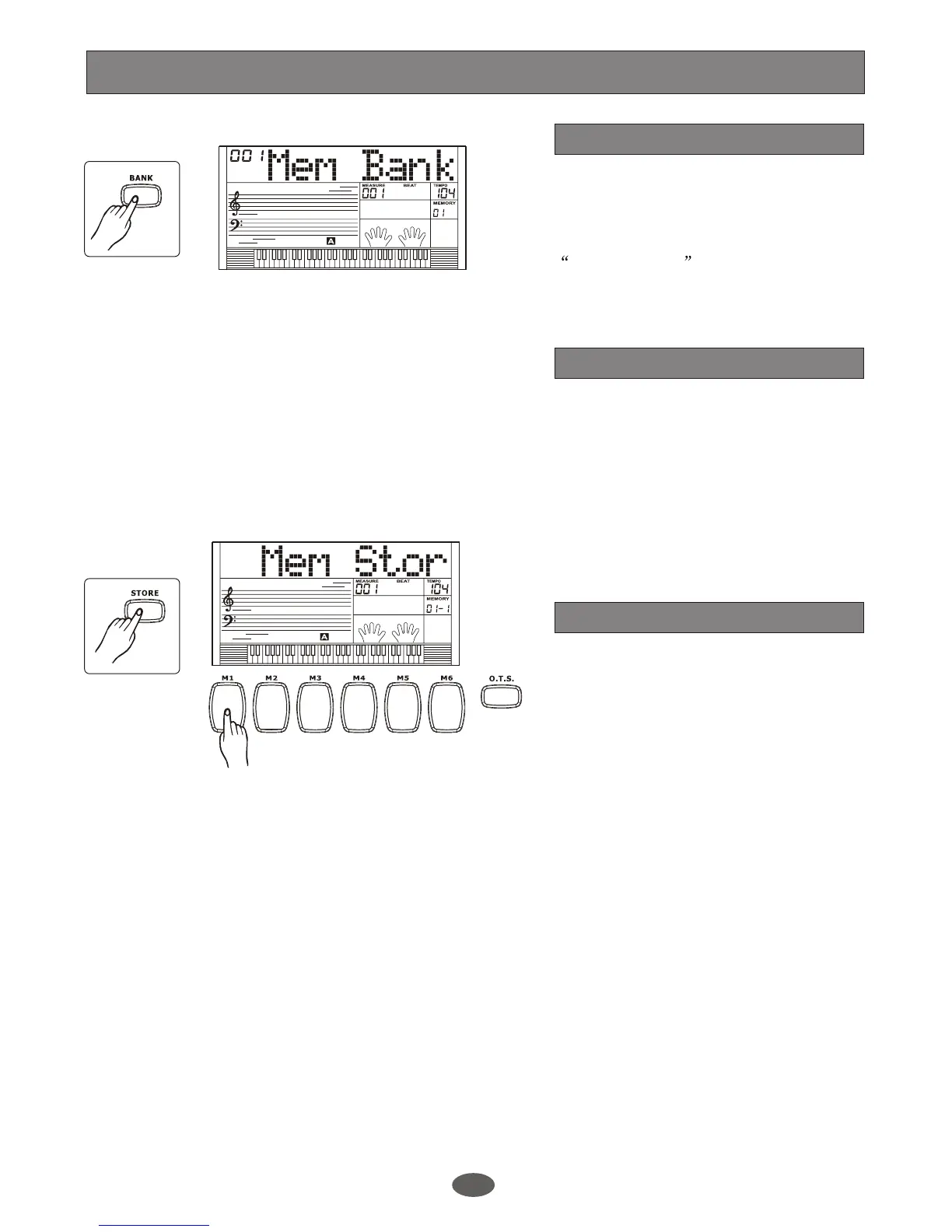
Press [BANK] button. The LCD displays
00x Mem Bank . Use [+/YES]/[-/NO]
button or DIAL to select the bank.
Bank
Store and load
Data store memory
1.
2.
Press and hold Press M1(or
M2~M6) meanwhile. The data will be
stored to the M1 (M2~M6).
Press and together while
power the keyboard , the memory data will
be saved and set as the default value.
Please note that it will clear the recorded
data.
[STORE].
[STORE] [M1]
The data can be stored to the memory is
as follows:
Voice Right 1, Voice Right 2, Voice Left,
Sustain, Style, Tempo, Function parameter,
Mixer parameter, ACCOMP volume and
the Octave.
If current data is not the same as the
current memory data, the corresponding
memory flag on LCD will be erased.
Note:
20


 To Next Page