Mixer Menu
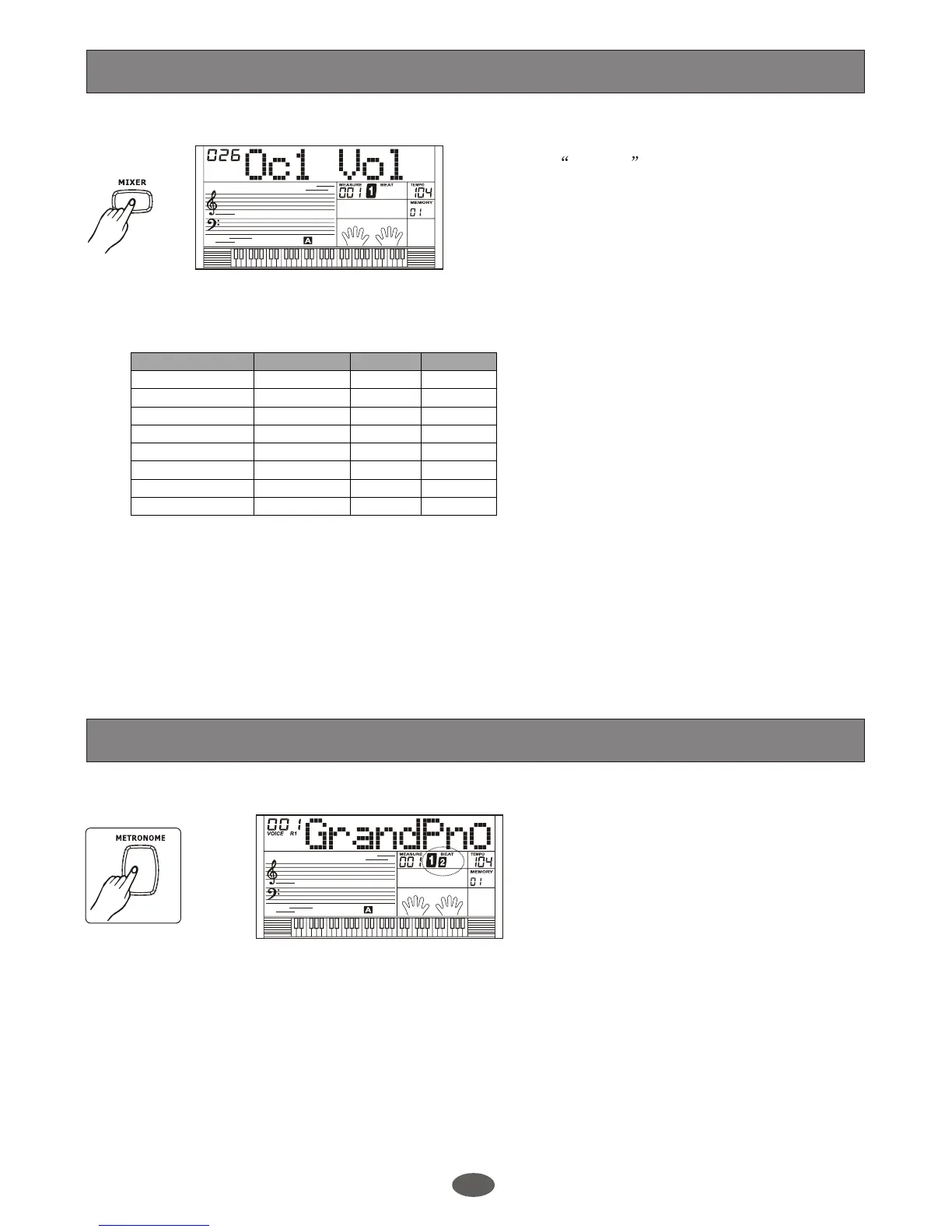
Press [MIXER] button to enter the menu of
MIXER. The default option of the menu is
Oc1 Vol , When you enter this menu
next time, you will find the option is the
same as last time. Press [MIXER] button,
select the option you want to set. Use
[+/YES]/[-/NO] or the DIAL to set the
parameter.
Option LCD Display Range Default
26
26
26
28
20
12
26
Oc1 volume
Oc2 volume
Oc3 volume
Voice R1 volume
Voice R2 volume
Voice left volume
Drum volume
Bass volume
XXX Oc1 Vol
XXX Oc2 Vol
XXX Oc3 Vol
XXX Voice R1
XXX Voice R2
XXX Voice L
XXX Drum Vol
XXX Bass Vol
0-31
0-31
0-31
0-31
0-31
0-31
0-31
0-31 26
If you do not press any button for 5 seconds
after entering the MIXER menu, it will quit
this menu automatically.
Note:
To experience the effect, choose a style to
play and set your desired mixer parameter.
The option and the parameters are as the
follows:
Metronome
Metronome can be played in tempo with
the accompaniment whenever you turn on
the style.
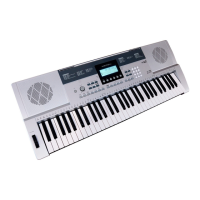
Press [METRONOME] button to turn on
the metronome.
Press [METRONOME] button again to turn
off the metronome.
1.
2.
Note:
19
This function assists you to count the beat
easily when playing the keyboard.


 To Next Page