Record play
Press [START/STOP] button when user
song is playing to stop playing the song.
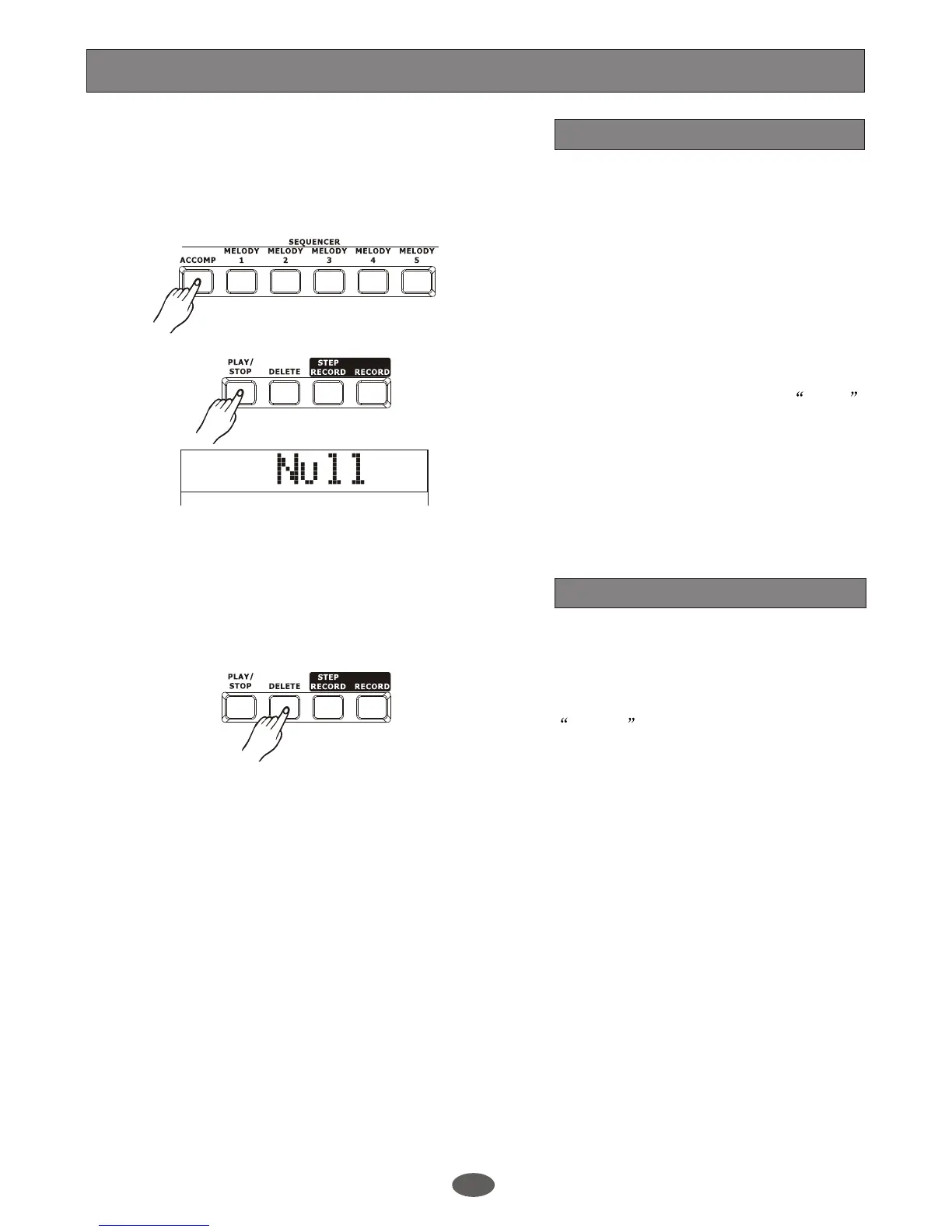
Press [PLAY/STOP] to playback the user
song.
You can use[ACCOMP], [MELODY1] and
[MELODY 5] button to turn on or off the
relative track.
1.
2.
3.
Note:
If there is no user song when you press
[PLAY/STOP], LCD will display NULL
temporarily.
Delete user song
Note:
The user song cannot be recovered when
it has been deleted.
Record
26
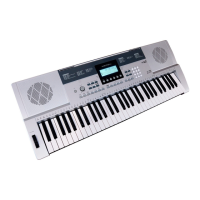
Press and hold the [ DELETE] and choose
one of the track ( [ACCOMP] or
[MELODY1] ~ [MELODY 5]).
SURE? is displayed on LCD, Press
[+/YES] to confirm and the record data in
this track will be erased. Press [-/NO] to
quit this step.


 To Next Page