Digital Color Doppler Ultrasound System
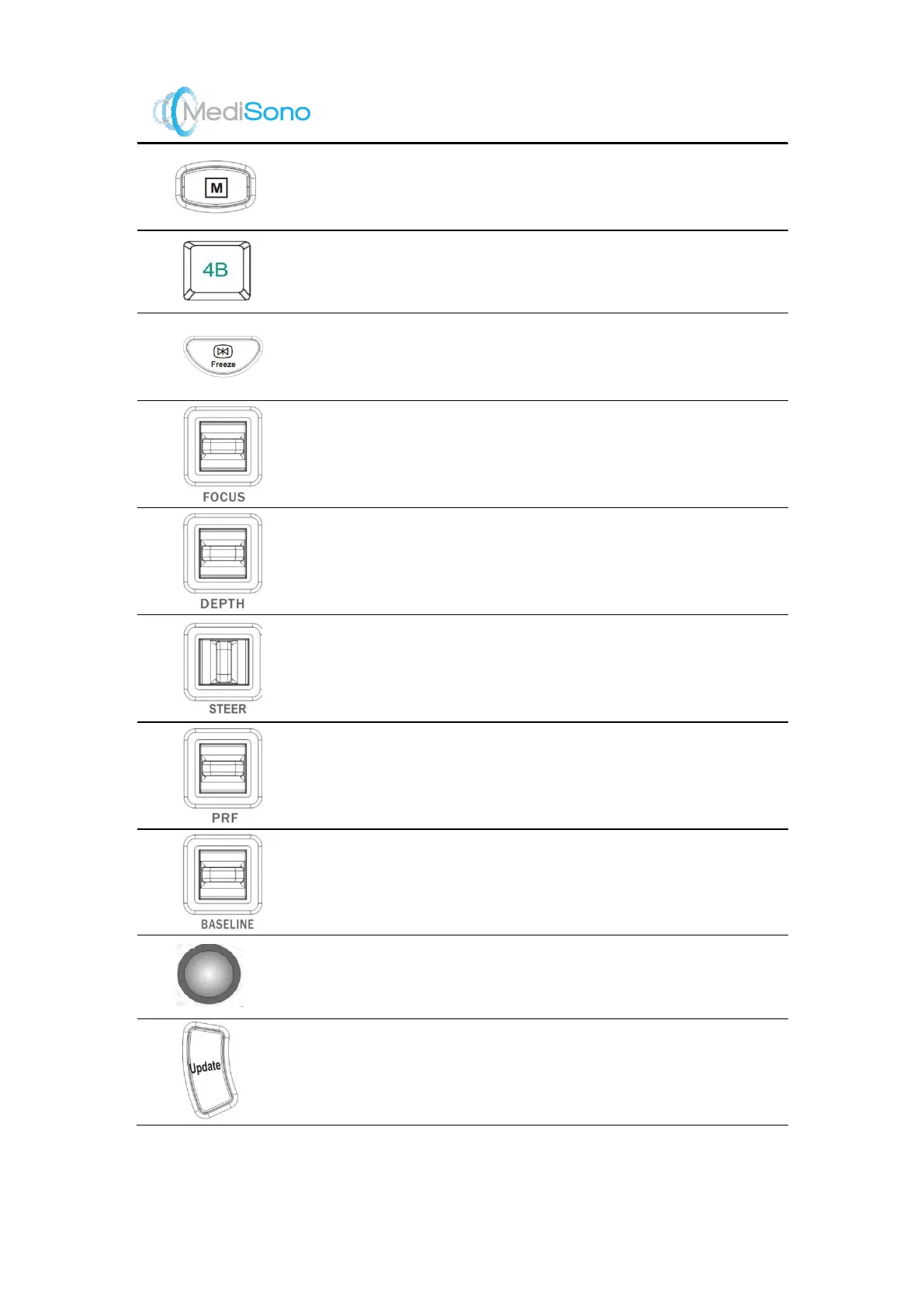
M key
Press it and then press the
Update
key to activate the
M mode.
Quad key
Press it to activate the quad display format.
Freeze key
Press it to freeze an image in the real time scan. Press it
again to restore to the real time scan.
FOCUS switch
Flip it up or down to adjust the position of the focus. .
DEPTH switch
Flip it up or down to adjust the scan depth.
STEER switch
Flip it to left or right to adjust the angle of the sampling
line.
PRF switch
Flip it to up or down to adjust the velocity range of the
image.
BASELINE switch
Flip it to up or down to adjust the position of the
baseline.
Trackball
Use it to move the cursor.
Update key
Press this key to start/stop traces in the PW/CW/M
mode.


 To Next Page
 Loading...

