40 Medit T-series User Guide
Maxilla and Mandible
Scanning using Flexible multi-die
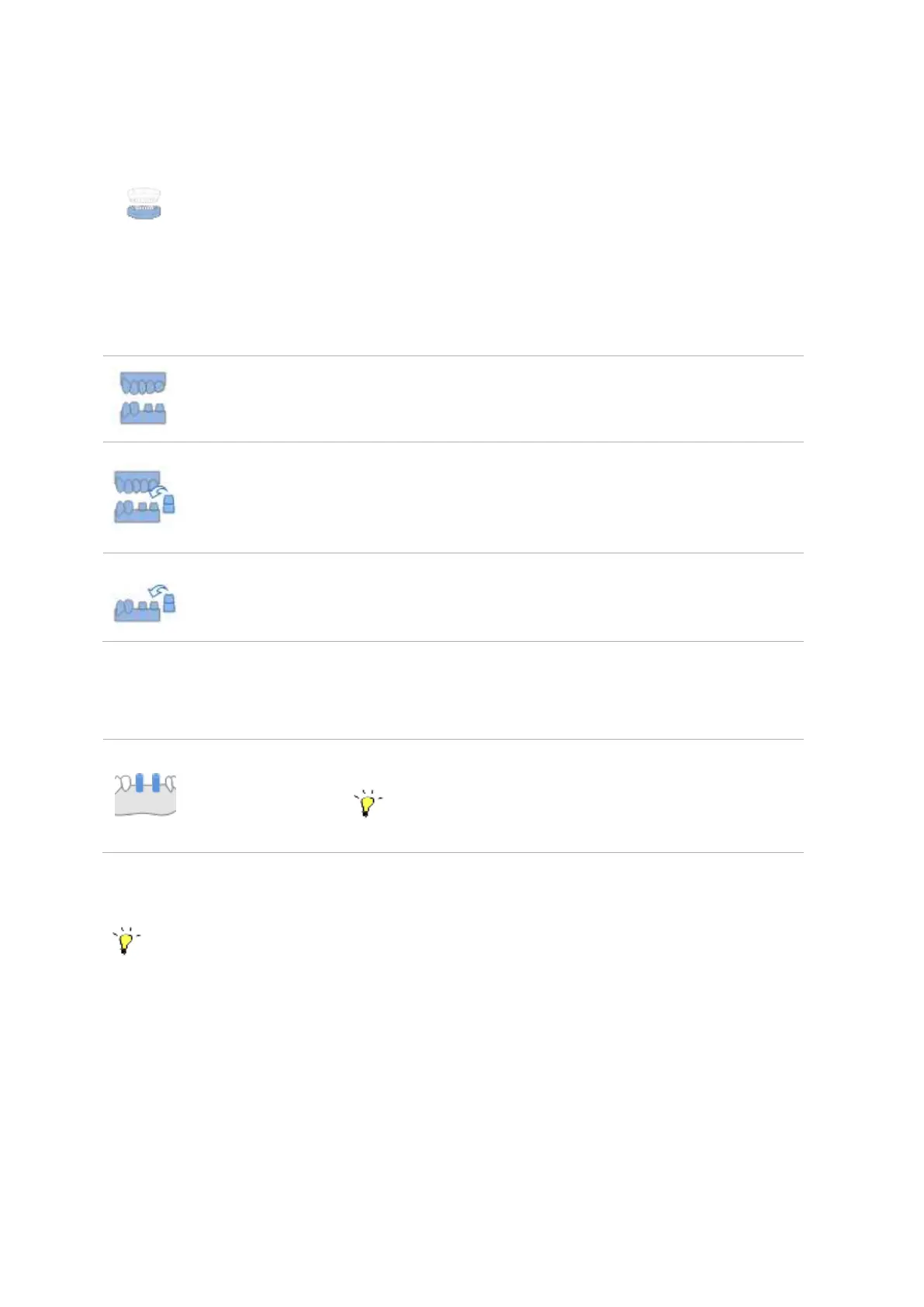
Alignment: Select how prepared teeth are aligned with the base.
Select this option to scan prepared teeth inside the base.
Select this option to scan the prepared teeth outside of the base
on the flexible multi-die. Put them back on to the base when
scanning occlusion for alignment.
Select this option to scan the prepared teeth both separately at
Prepared Teeth step, and on the base while scanning the arch.
Align the data at the Align stage.
Scanbody: Select the scanning strategy for the scanbodies.
Select this option to scan scanbodies together with the base.
When using flexible multi-die, choose the ‘Model’ scan type
if you want to scan scanbodies by groups.
If you choose to use flexible multi-die, only ‘All’ optio will be available.
To get more reliable data for the cases where there are multiple scanbodies in the row, the
program will automatically separate them into groups.
Gingiva: Select to perform the scan with or without gingiva.



 To Next Page