41 Medit T-series User Guide
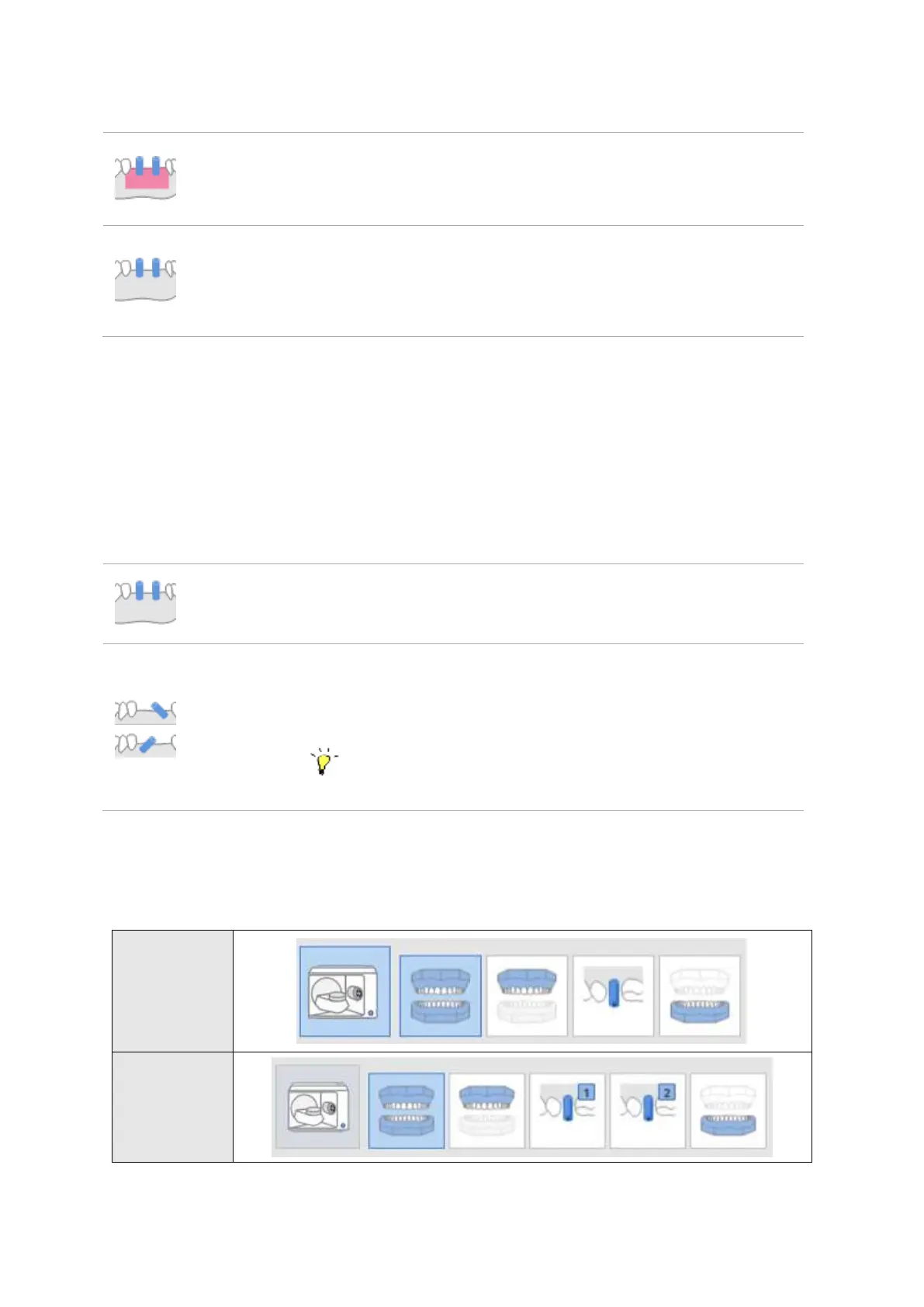
Select this option to scan and align gingiva separately.
In cases where gingiva is absent, there is no separate alignment
process for gingiva.
Model
Scanbody Alignment: Select the scanning strategy for scanbodies.
Merges and aligns the data from scanbody and base simultaneously.
Select this option to divide the scanning process into three stages:
Scanbody without base, Scanbody Group 1, Scanbody Group 2. Scan
them separately by category and align them at Align Data step.
This option can be selected when scanbodies are overlapped or
when base data is needed for the missing part of scanbody.
▷ [Example] Scanning Process



 To Next Page