EasyManua.ls Logo

Medit T310 - Page 42

Default Icon
90 pages
Print Icon
To Next Page IconTo Next Page
To Previous Page IconTo Previous Page
Loading...
42 Medit T-series User Guide
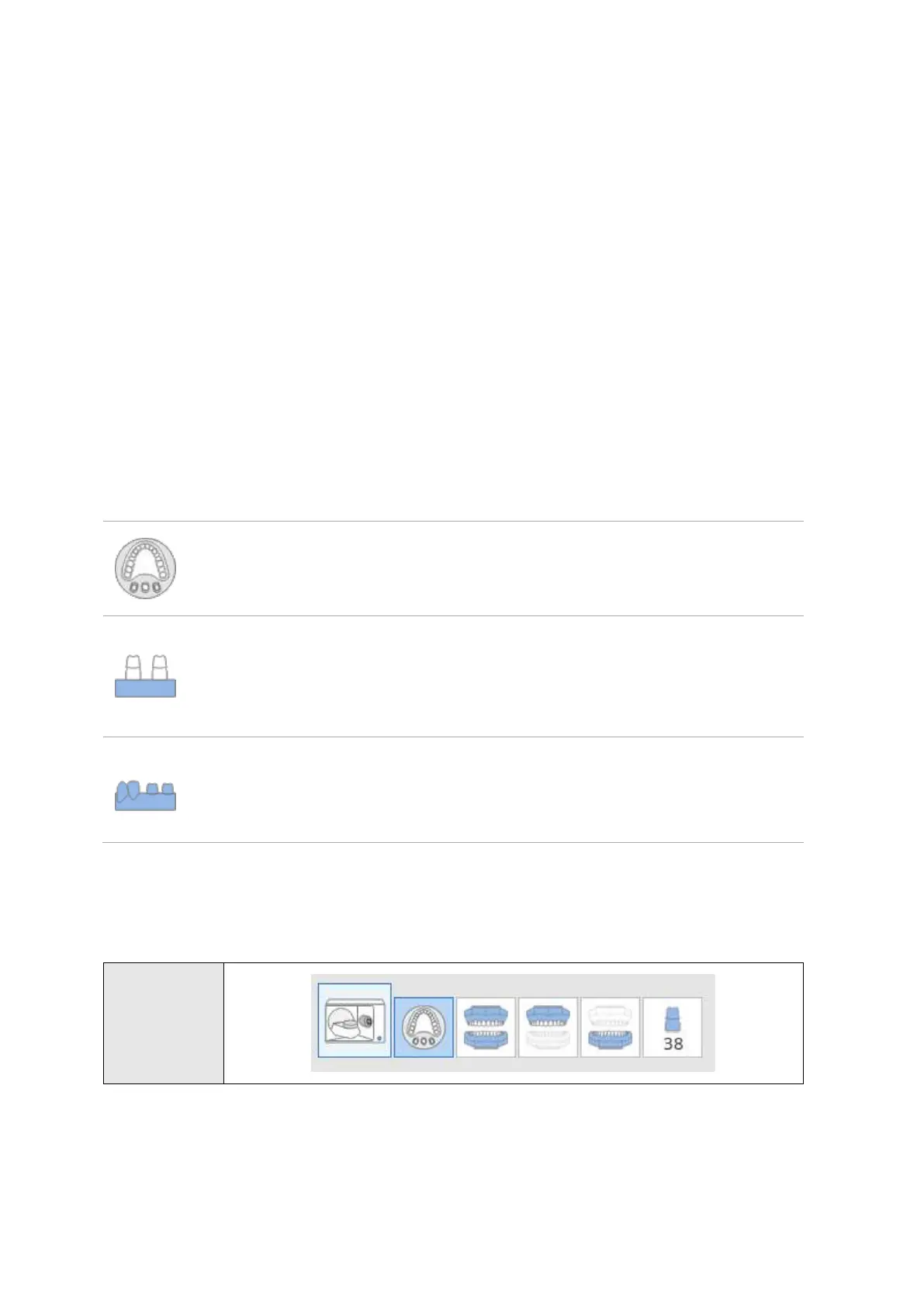
Prepared Teeth: Select the data to be aligned with preparation tooth scan data.
Flexible
Multi-die
Select this option to scan the prepared teeth all together using
Flexible Multi-die.
Base
Select this option to scan the preparation tooth in the base.
Remove all the adjacent teeth from the base and perform the
scan by dividing preparation teeth into Group 1 and Group 2.
Solid
Select this option when the prepared tooth cannot be detached
from the solid model. There is no separate scan stage for
prepared tooth, but the scanning can be done using many cuts.
[Example] Scanning Process
Flexible Multi-
die

Other manuals for Medit T310

Related product manuals